Twilio
Integrate Twilio with Sngine in a few easy steps for video and audio calls.
-
Go to https://console.twilio.com/ and sign in with your Twilio account
-
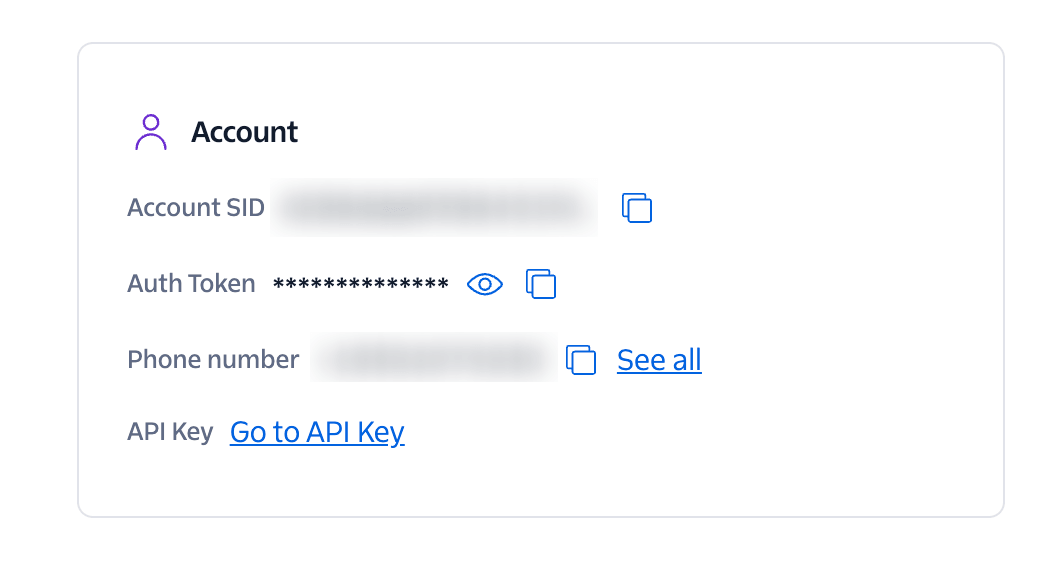
Copy ACCOUNT SID
-
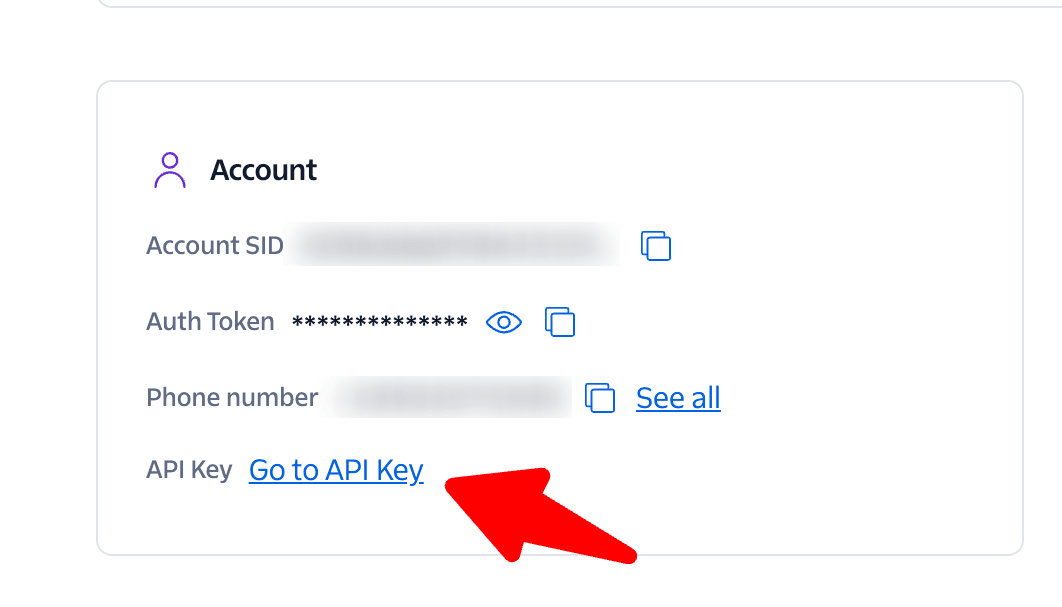
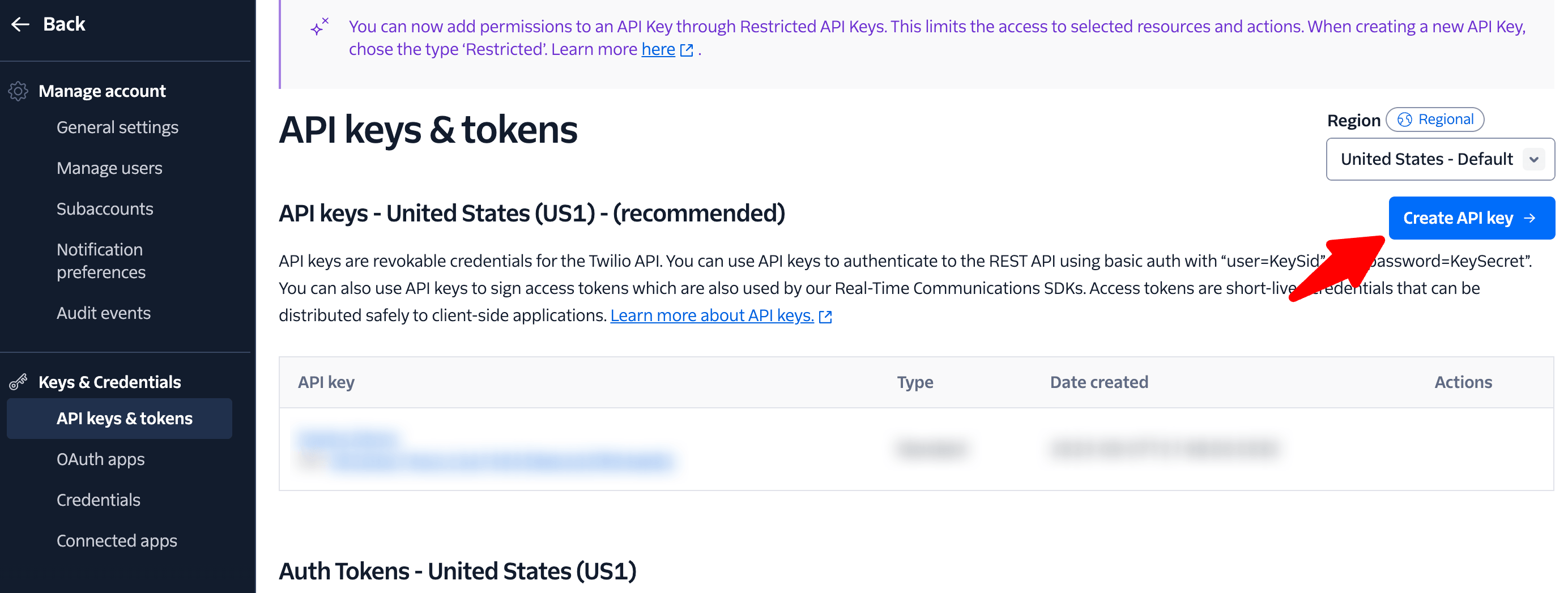
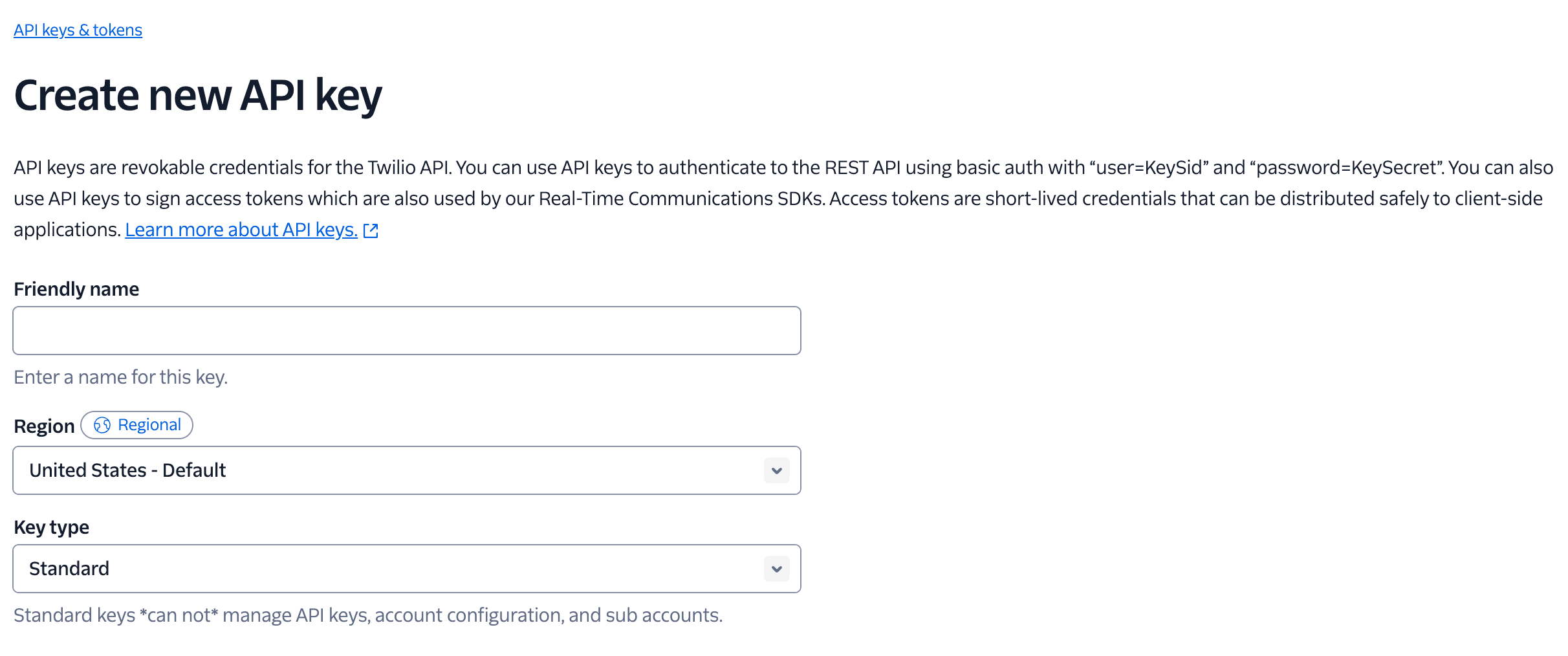
Go to Account then select APIs keys & tokens
-
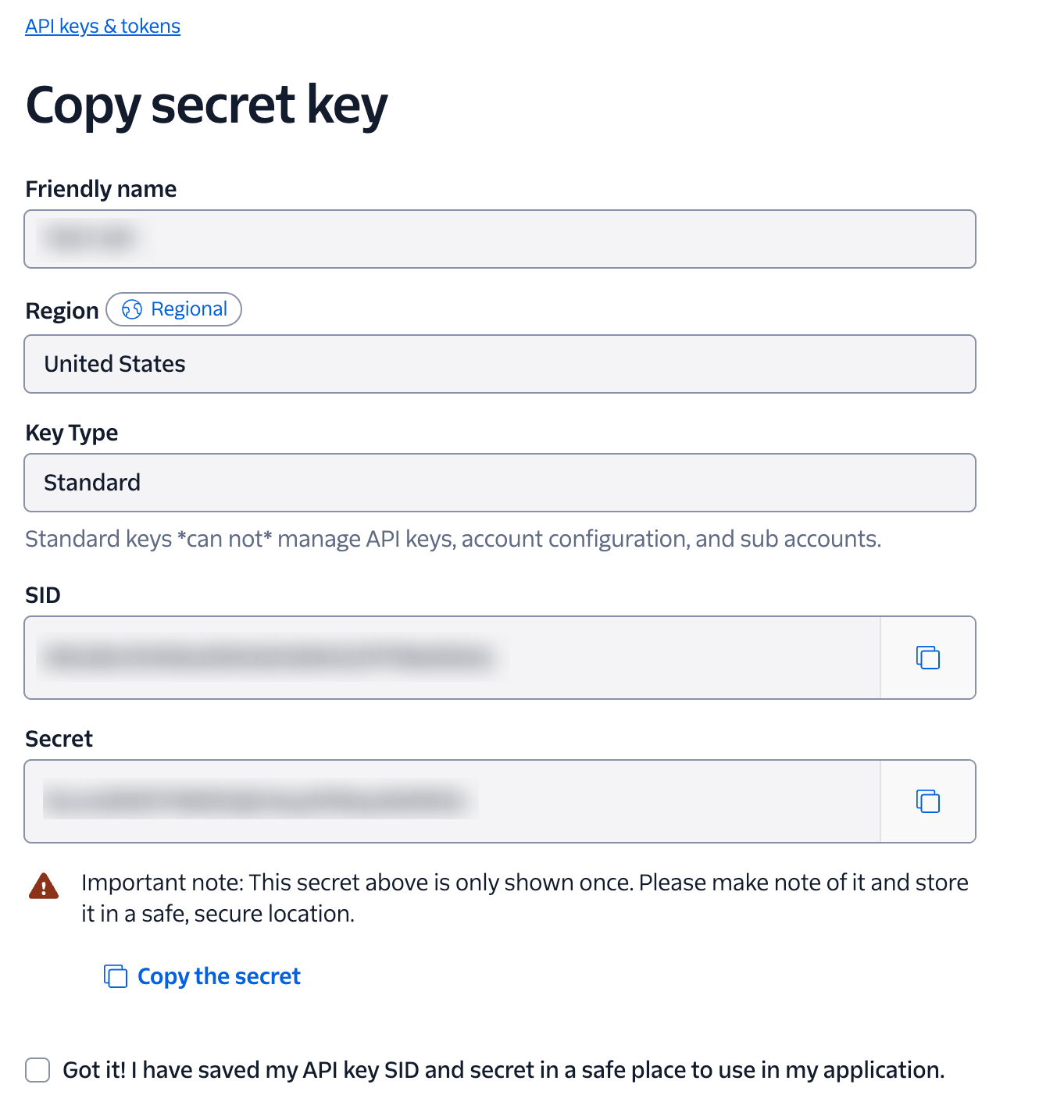
After adding your API name, click Create new API Key and then copy your API SID and API SECRET
-
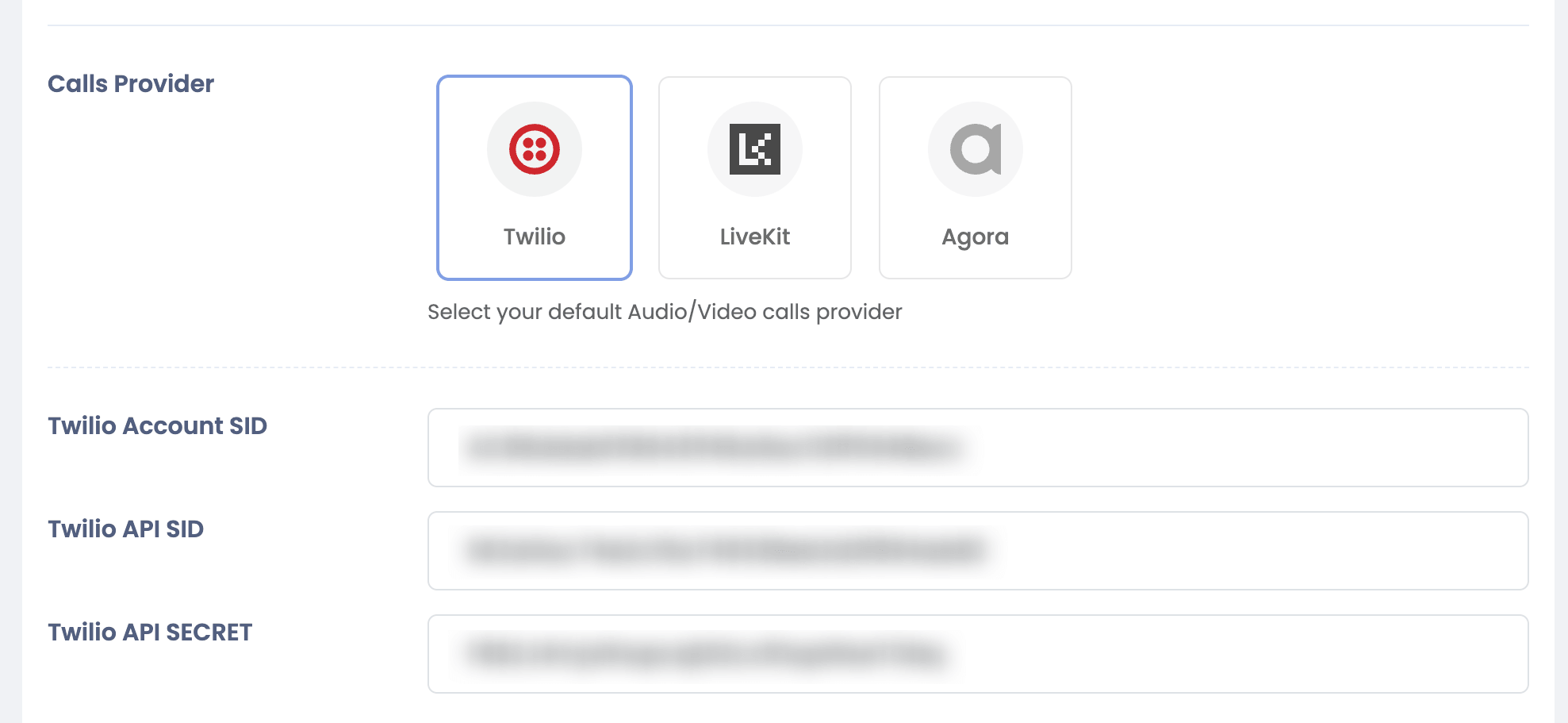
Copy both and Go to Sngine Admin Panel → Settings → Chat Settings and paste ACCOUNT SID and API SID and API SECRET as shown