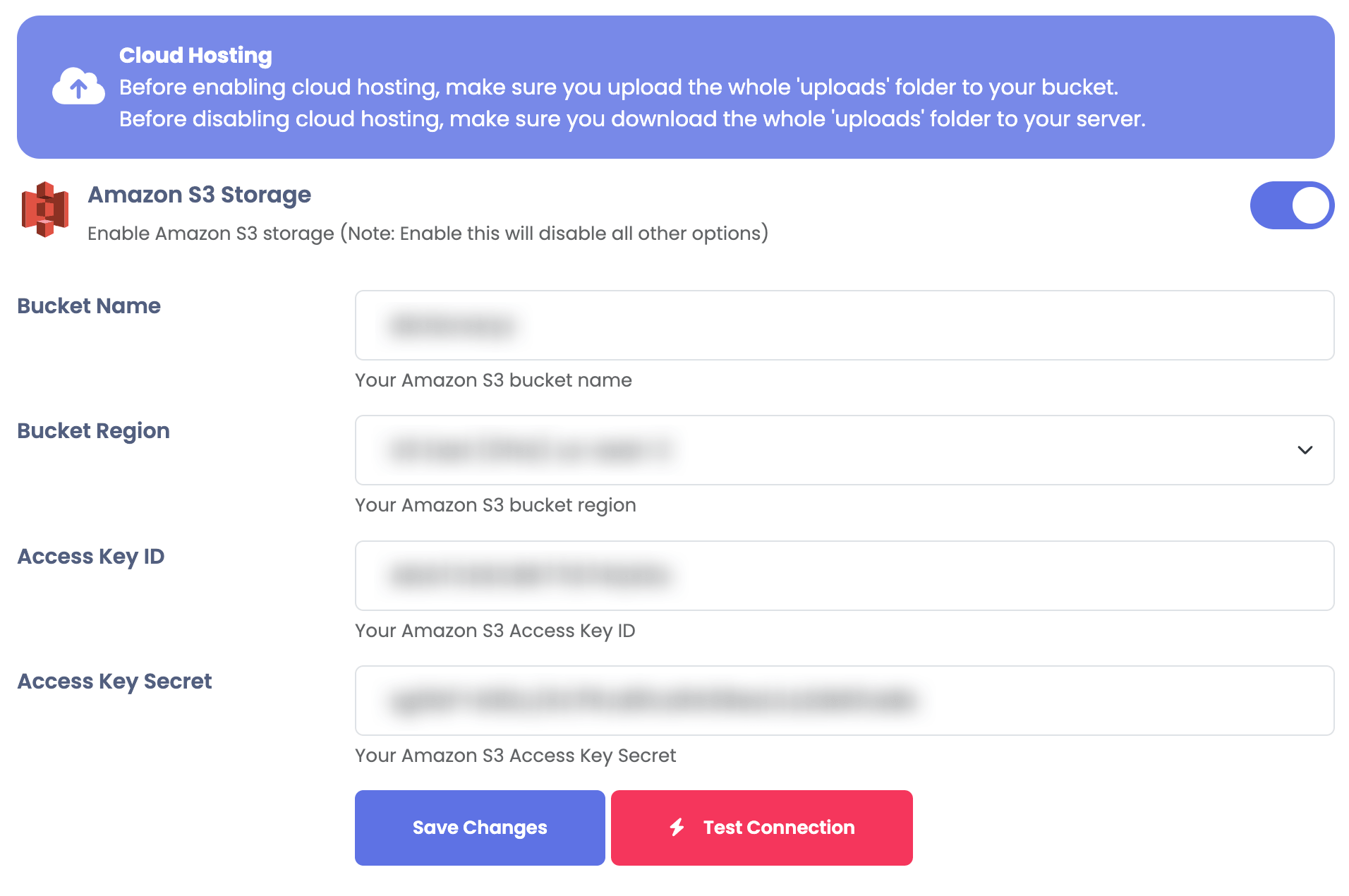
Amazon S3
Integrate Amazon S3 with Sngine in a few easy steps.
Create the bucket
-
Go to https://console.aws.amazon.com/console/home and sign in with your Amazon account
-
Click Services and select IAM under Security, Identity & Compliance and create a new user as the followings
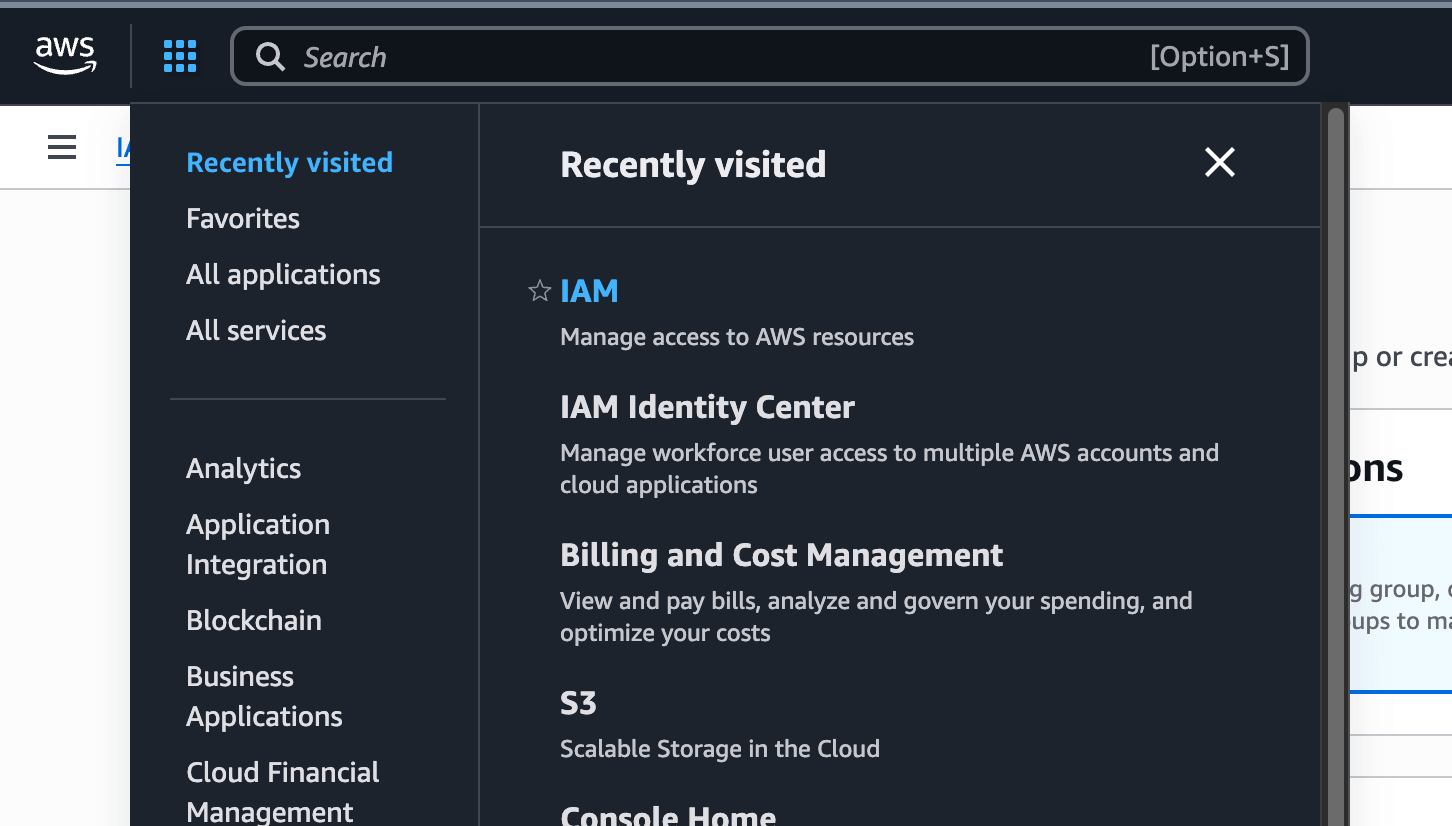
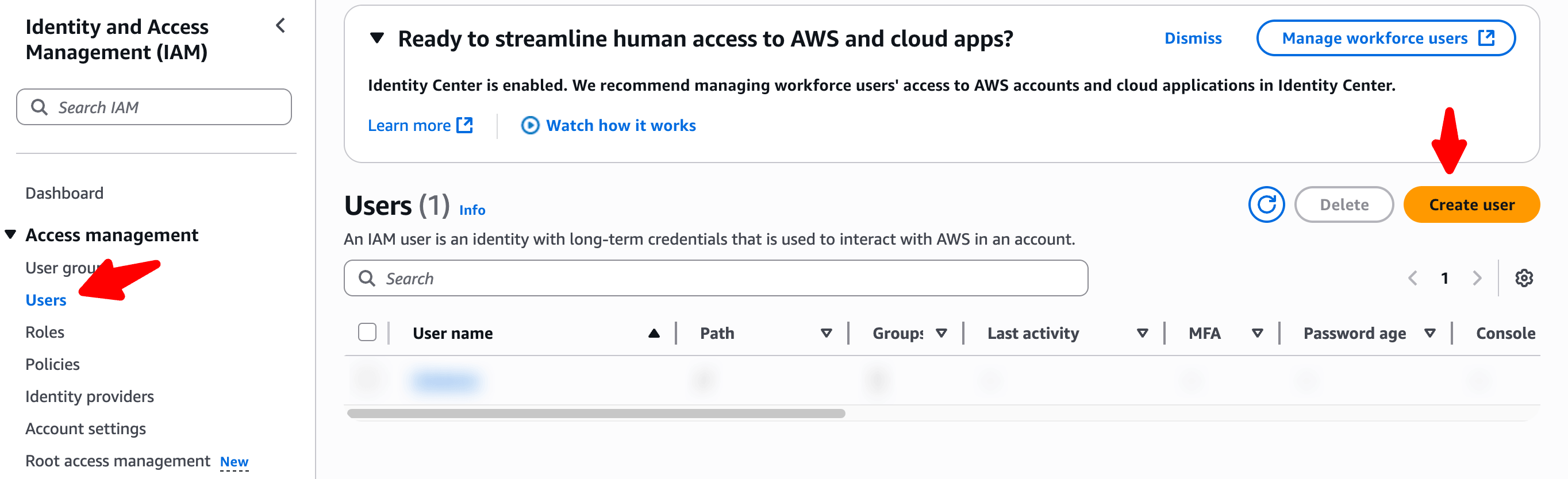
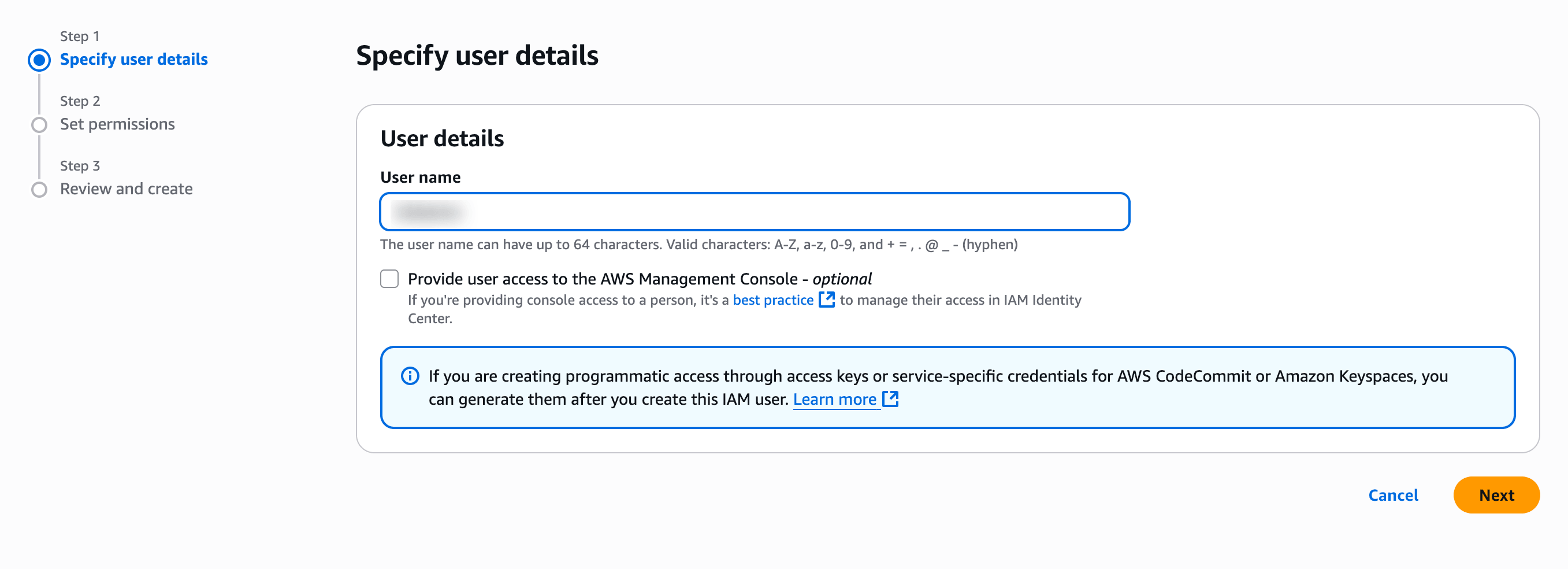
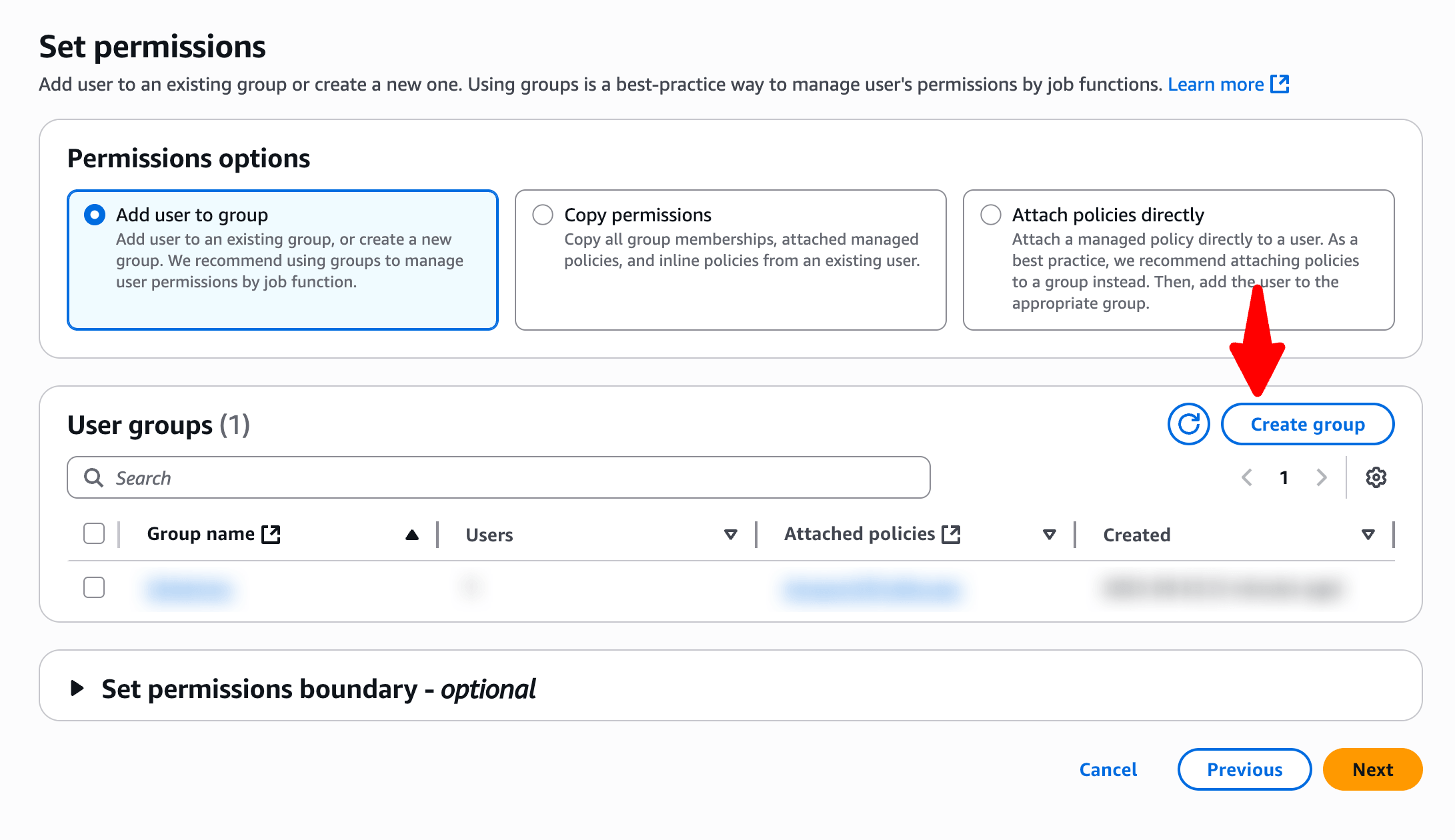
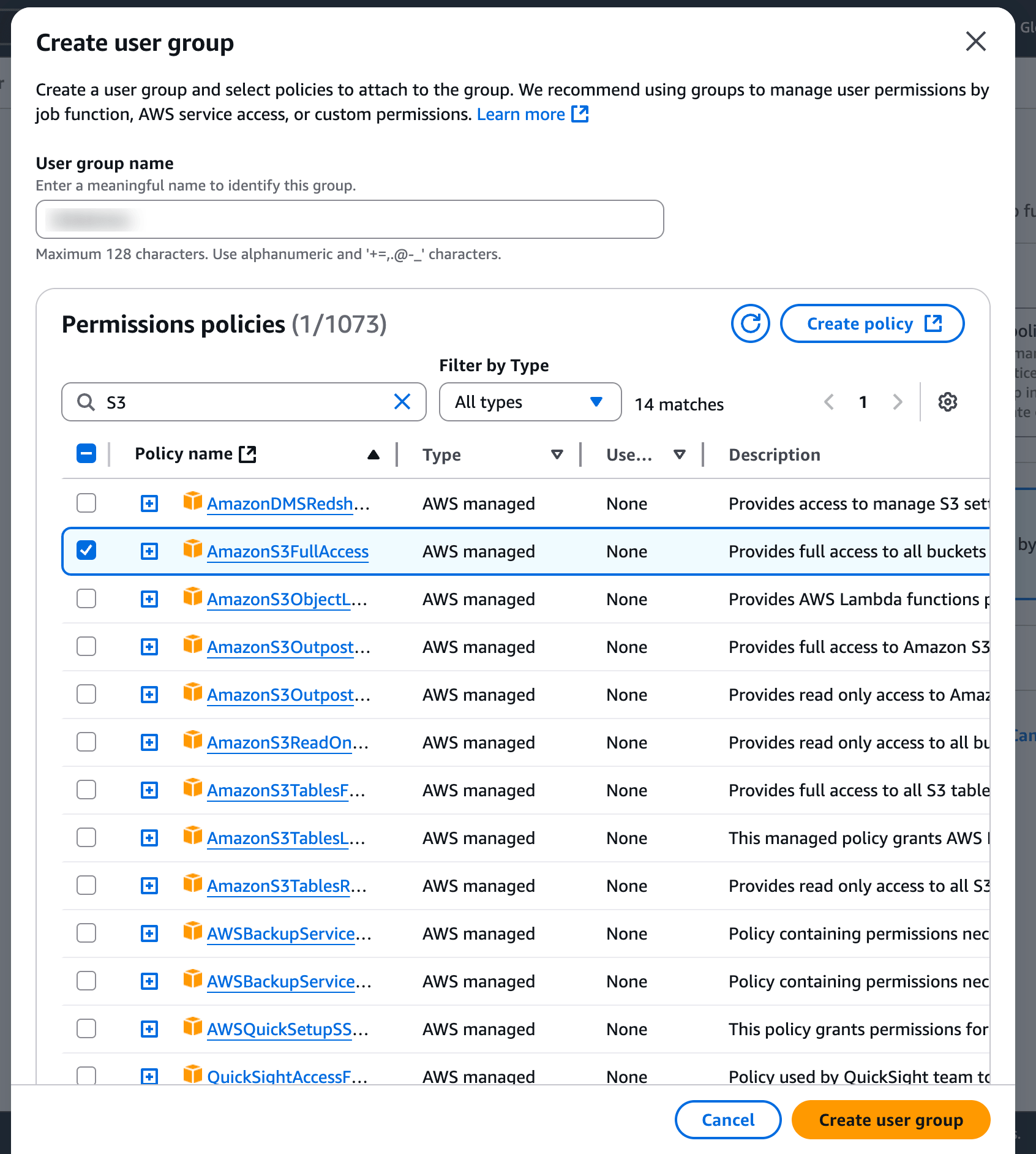
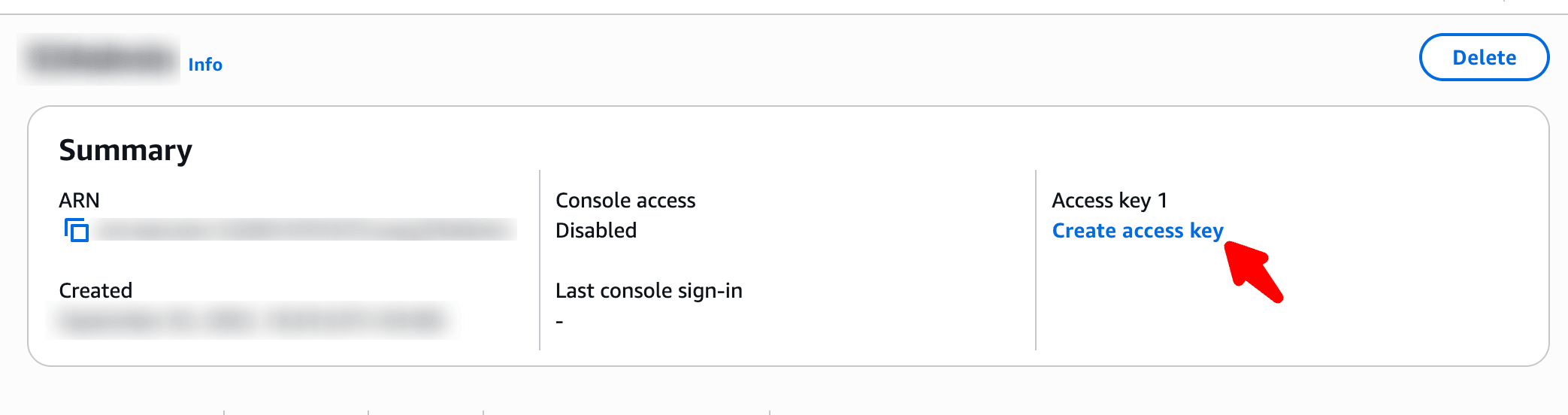
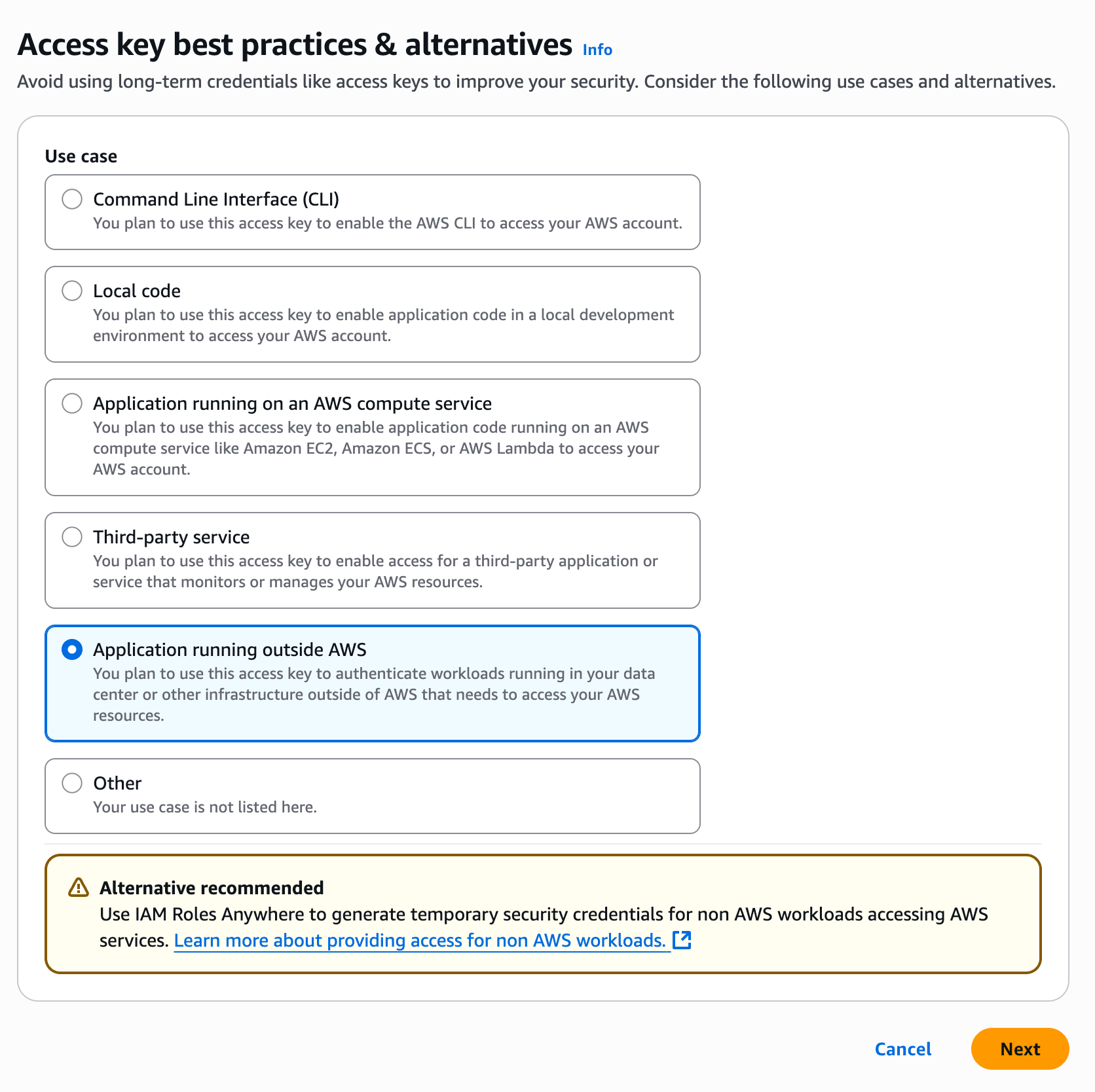
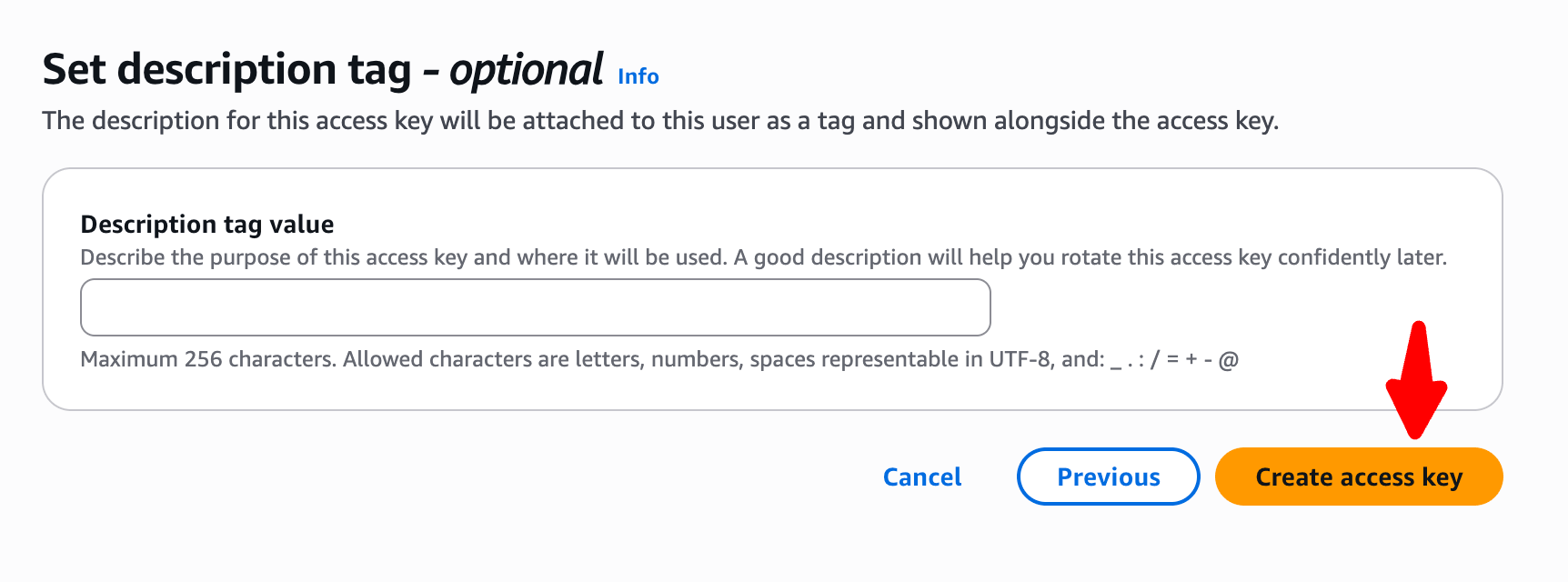
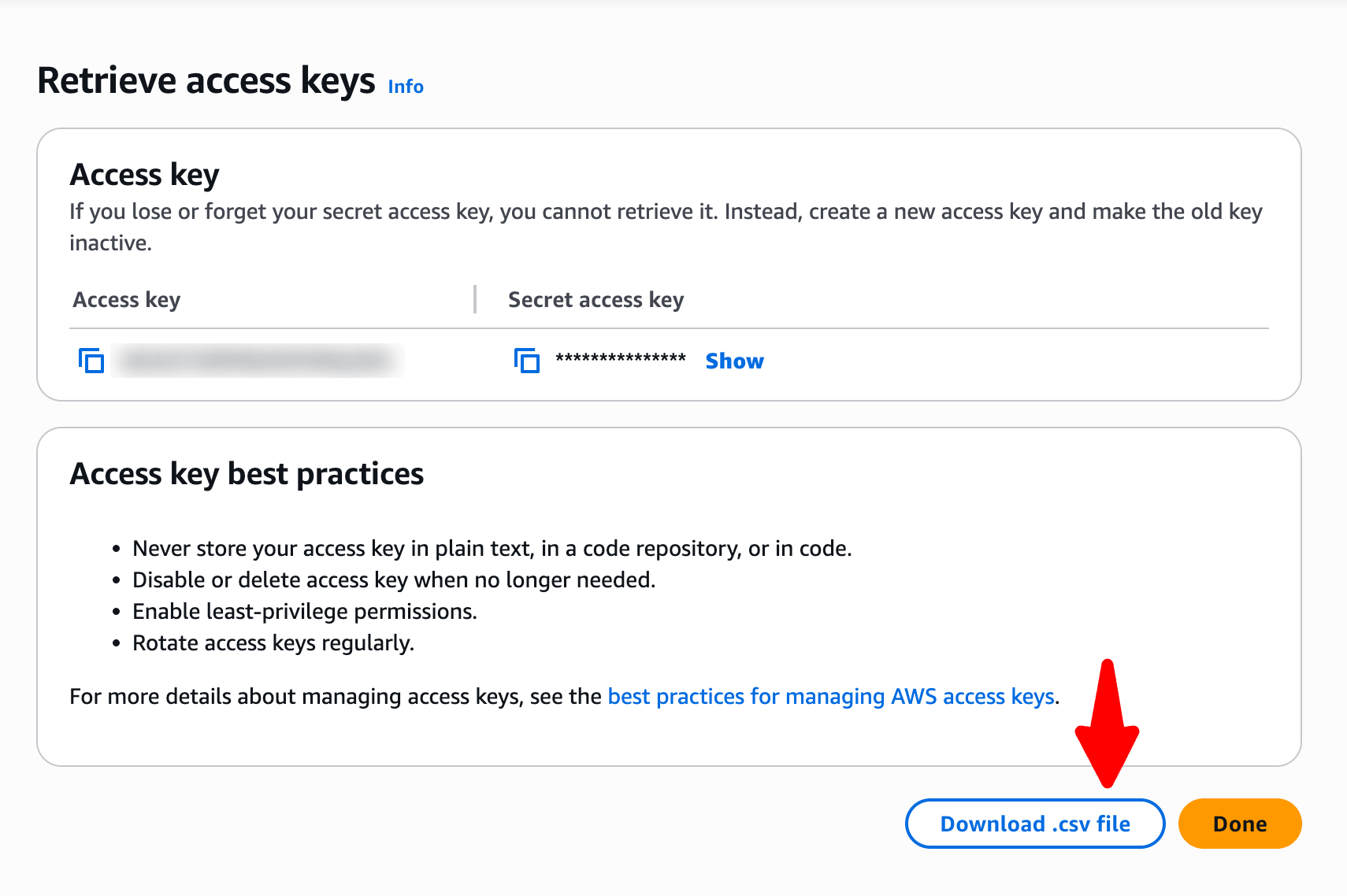
-
Click Services and select S3 under Storage
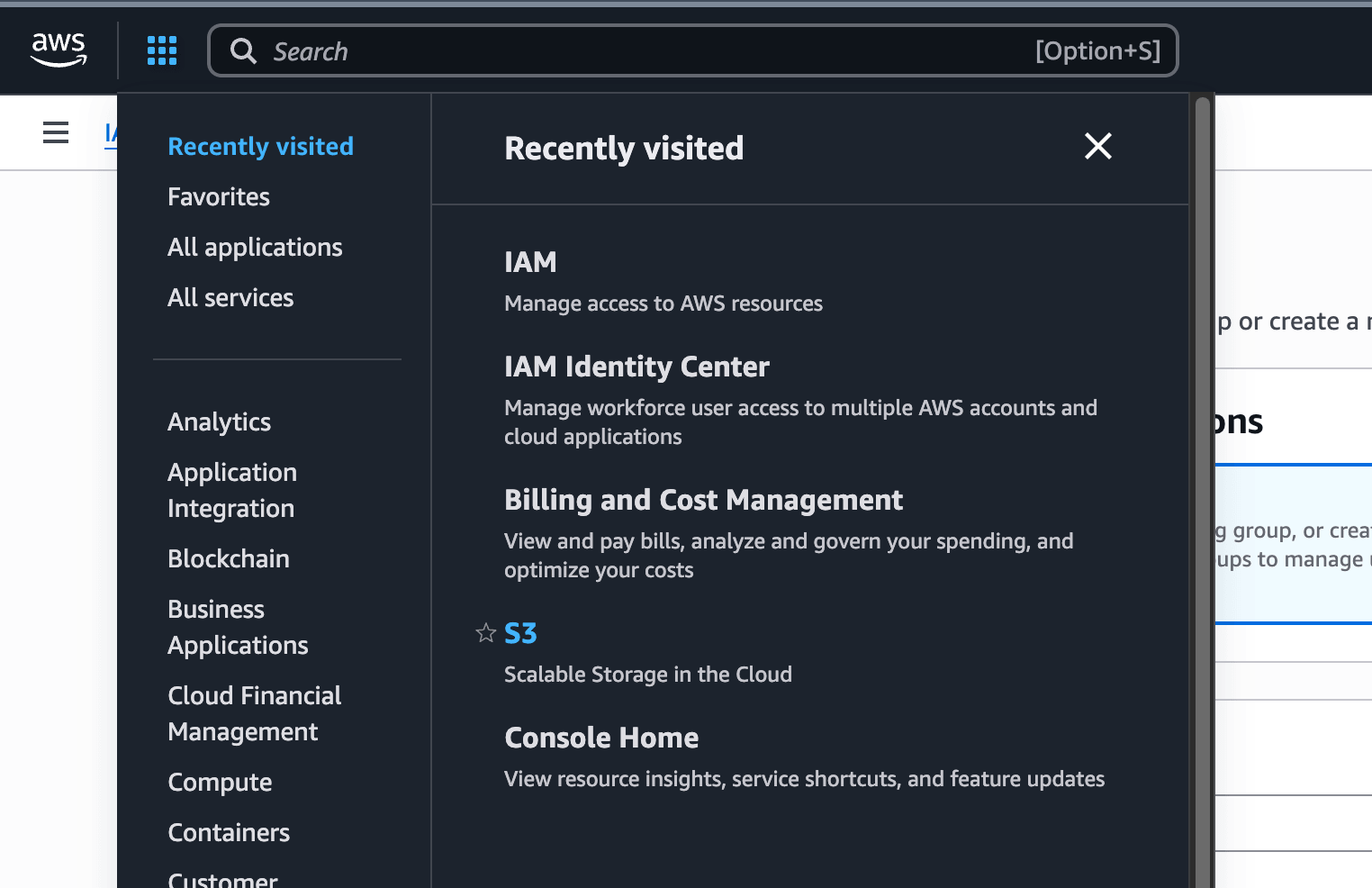
-
Click Create bucket
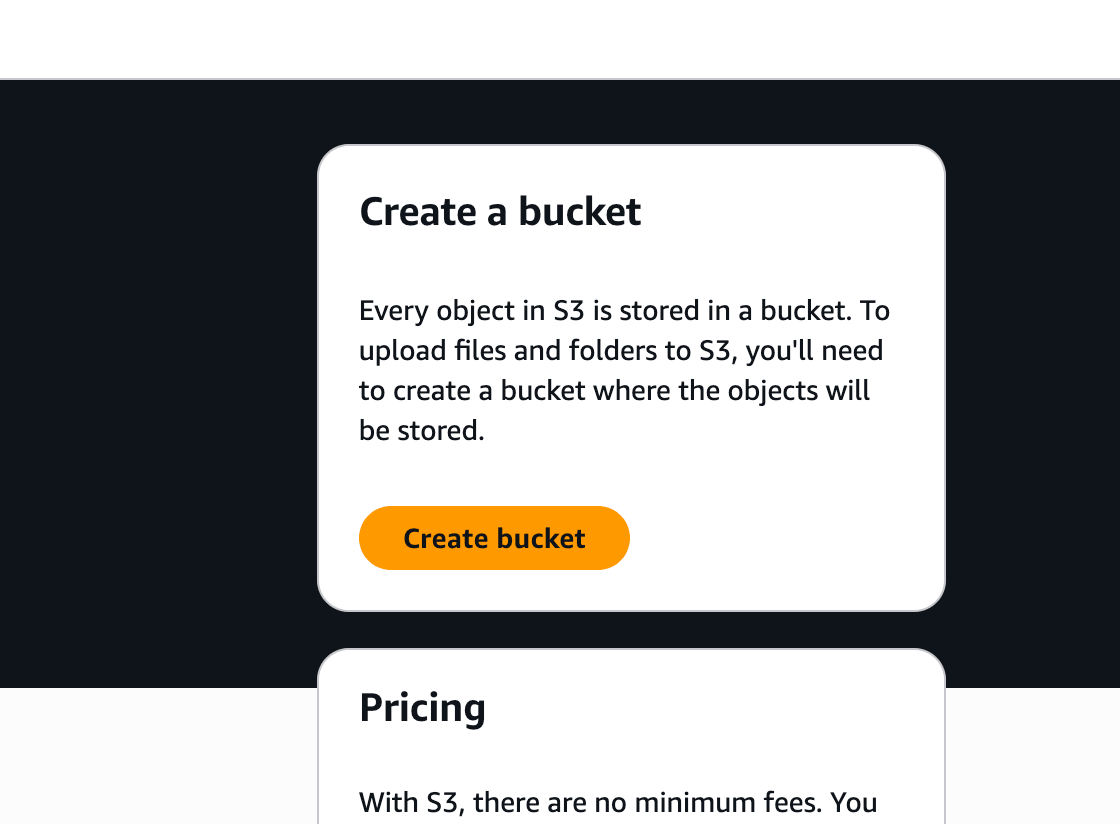
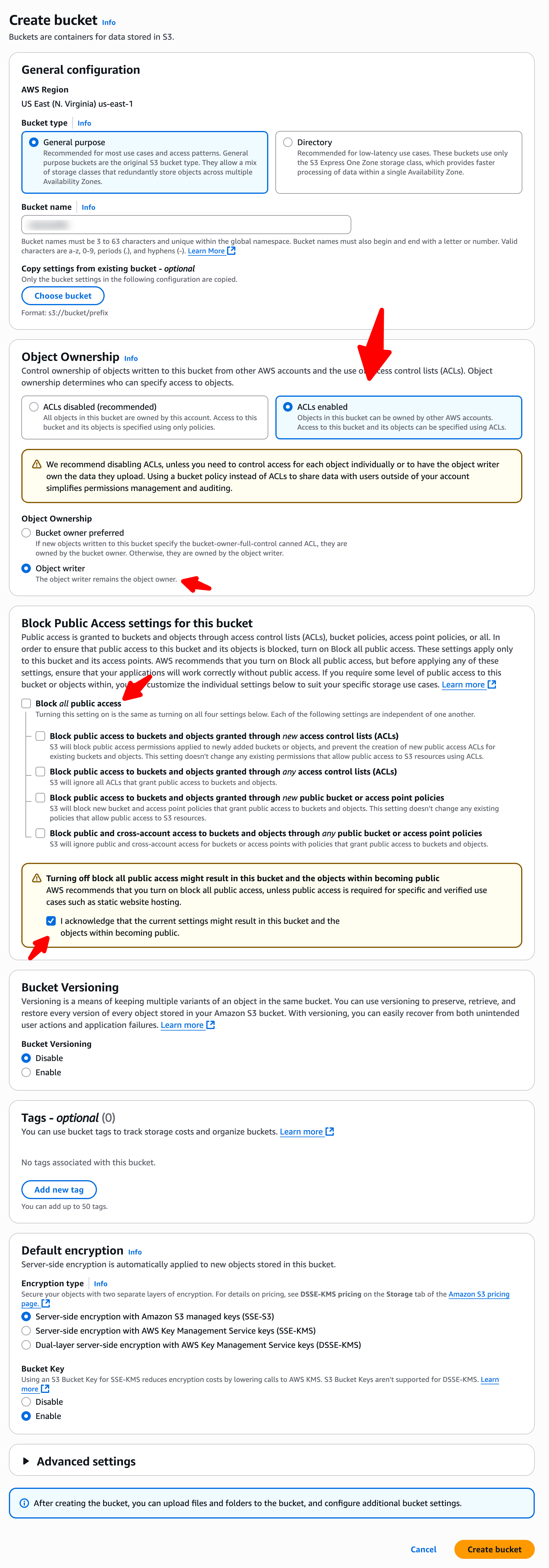
Make the bucket public
-
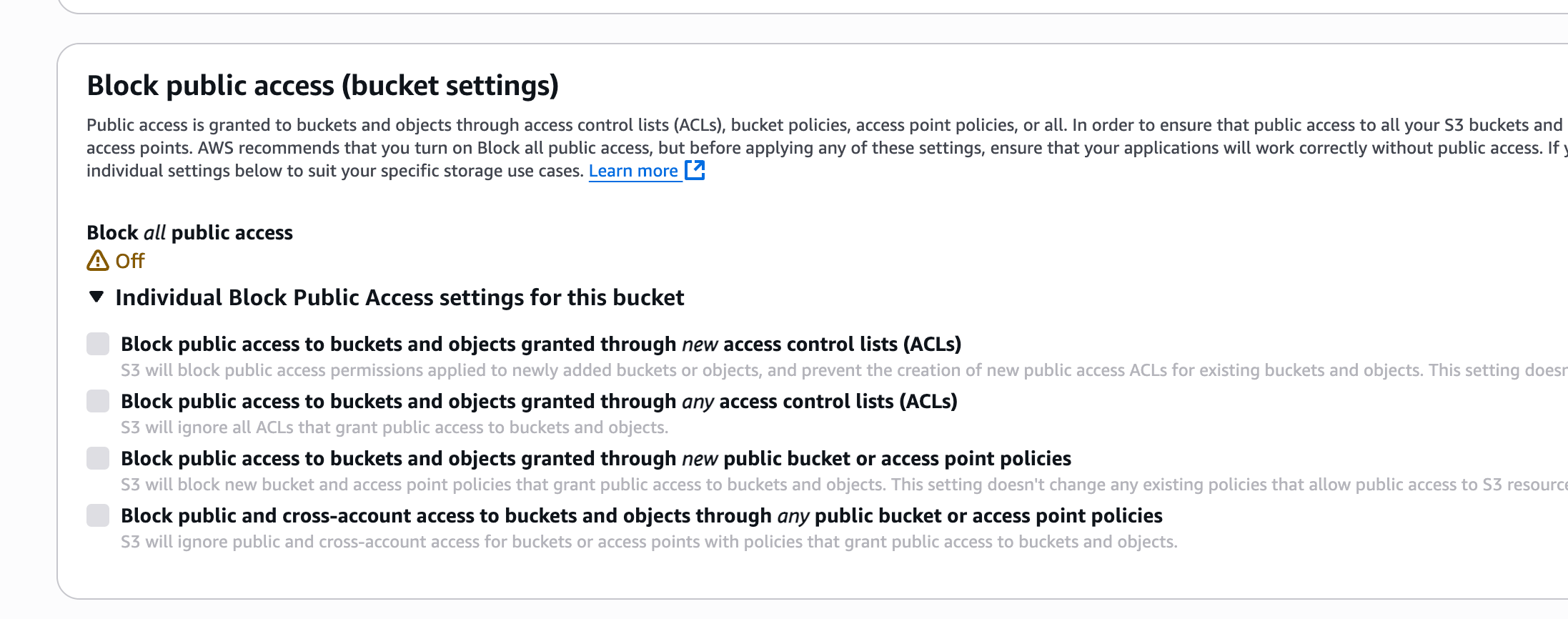
Make sure you have given public access to your bucket
-
Also make sure you added the Bucket Policy by adding this JSON code in Bucket Policy. You'll need to replace
YOUR-BUCKET-NAMEwith your full bucket name{ "Version": "2012-10-17", "Statement": [ { "Sid": "AllowPublicRead", "Effect": "Allow", "Principal": { "AWS": "*" }, "Action": "s3:GetObject", "Resource": "arn:aws:s3:::YOUR-BUCKET-NAME/*" } ] }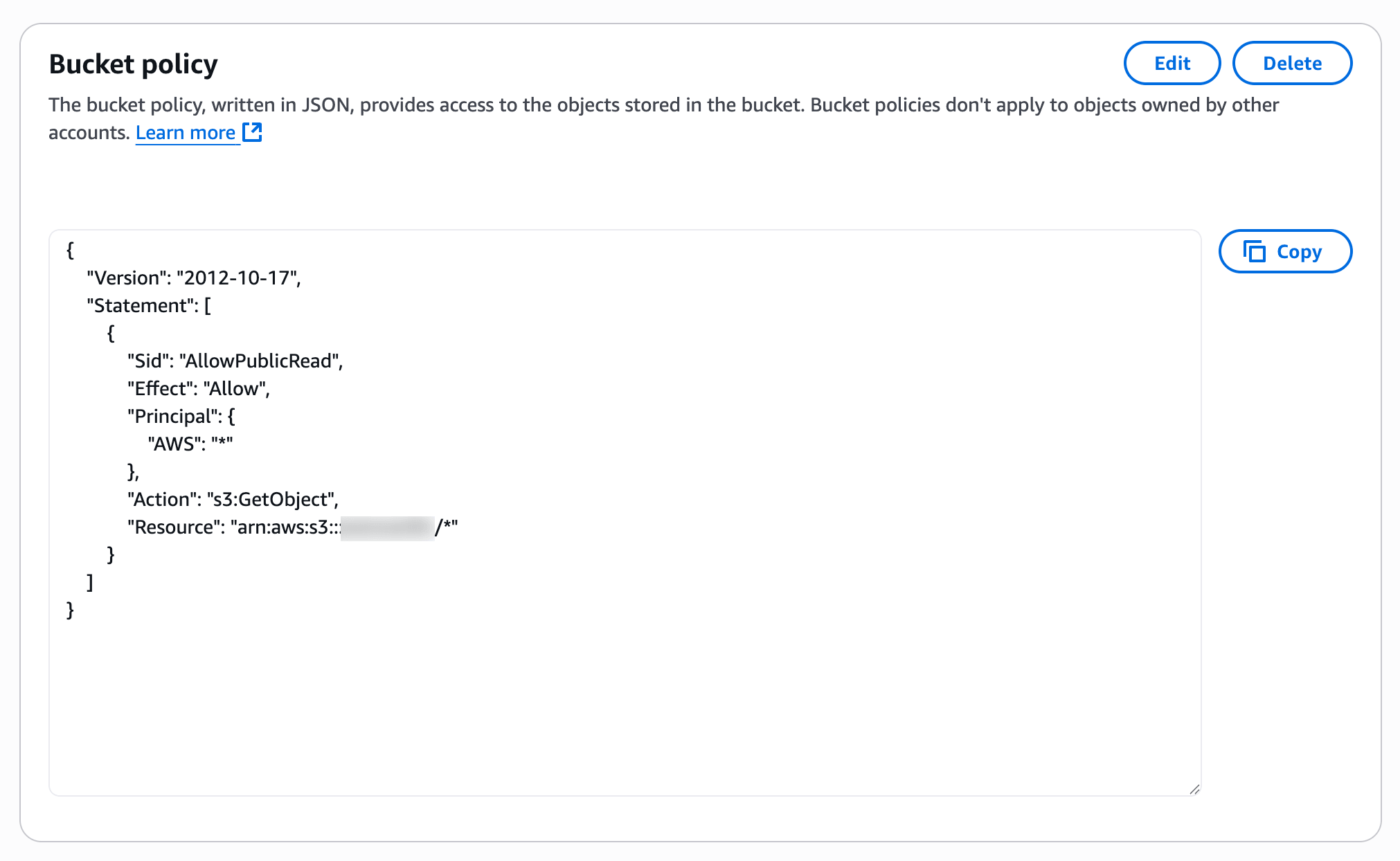
-
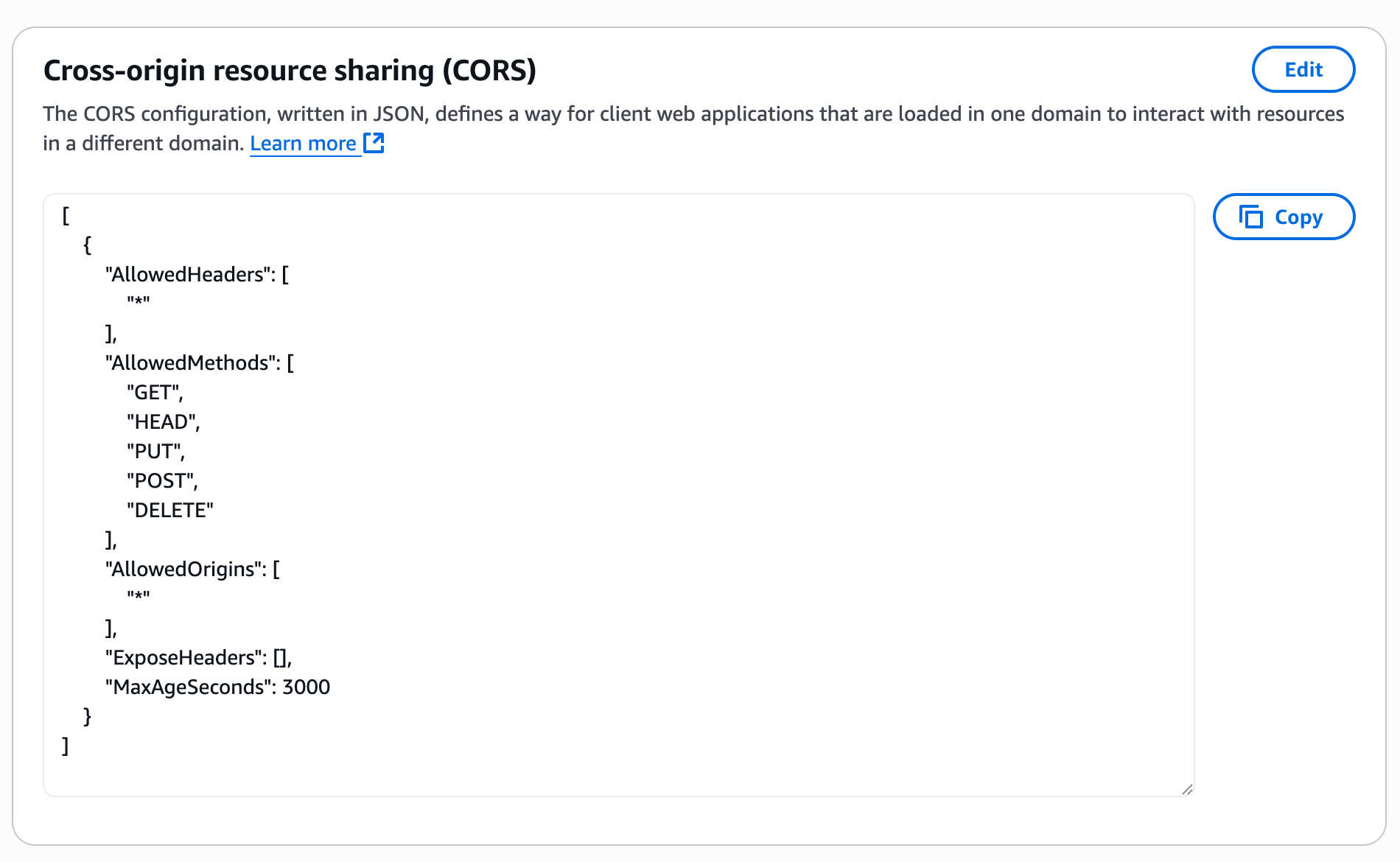
Also make sure you configured the CORS configuration by adding this JSON code
[
    {
        "AllowedHeaders": [
            "*"
        ],
        "AllowedMethods": [
            "GET",
            "HEAD",
            "PUT",
            "POST",
            "DELETE"
        ],
        "AllowedOrigins": [
            "*"
        ],
        "ExposeHeaders": [],
        "MaxAgeSeconds": 3000
    }
]
Add the credentials to Sngine
-
Go to your Sngine Admin Panel → Settings → Upload Settings and paste both Keys