License
To install Sngine or even to open a support ticket you must know your Purchase Code of Sngine. Sngine is sold on both CodeCanyon and Zamblek — use the section that matches where you bought it.
CodeCanyon
-
Log in to CodeCanyon and open your downloads https://codecanyon.net/downloads
-
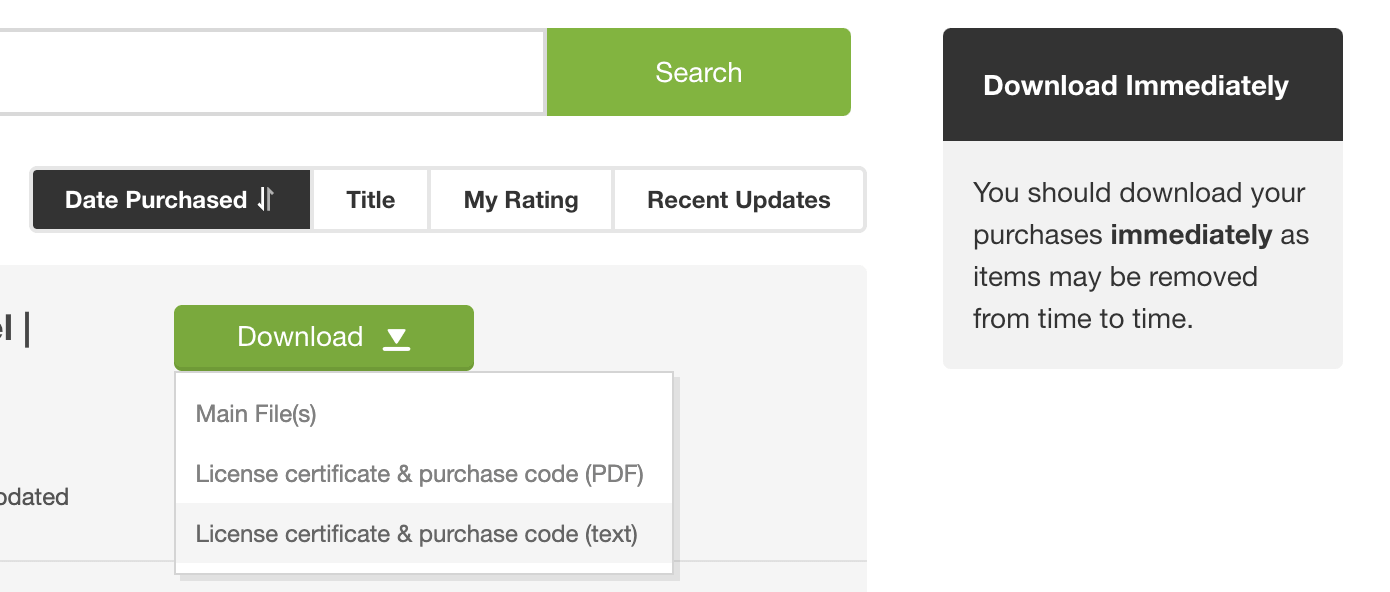
Click on the download button of Sngine and download License certificate & purchase code. You can download it as a PDF or text file
-
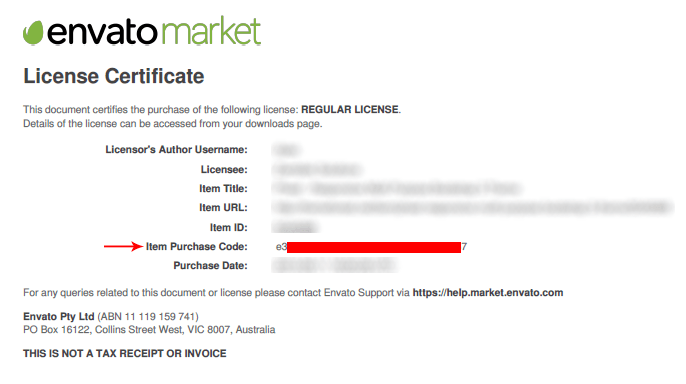
You will find your code as the following
Zamblek
-
Log in to your Zamblek account and open your purchases https://zamblek.com/purchases
-
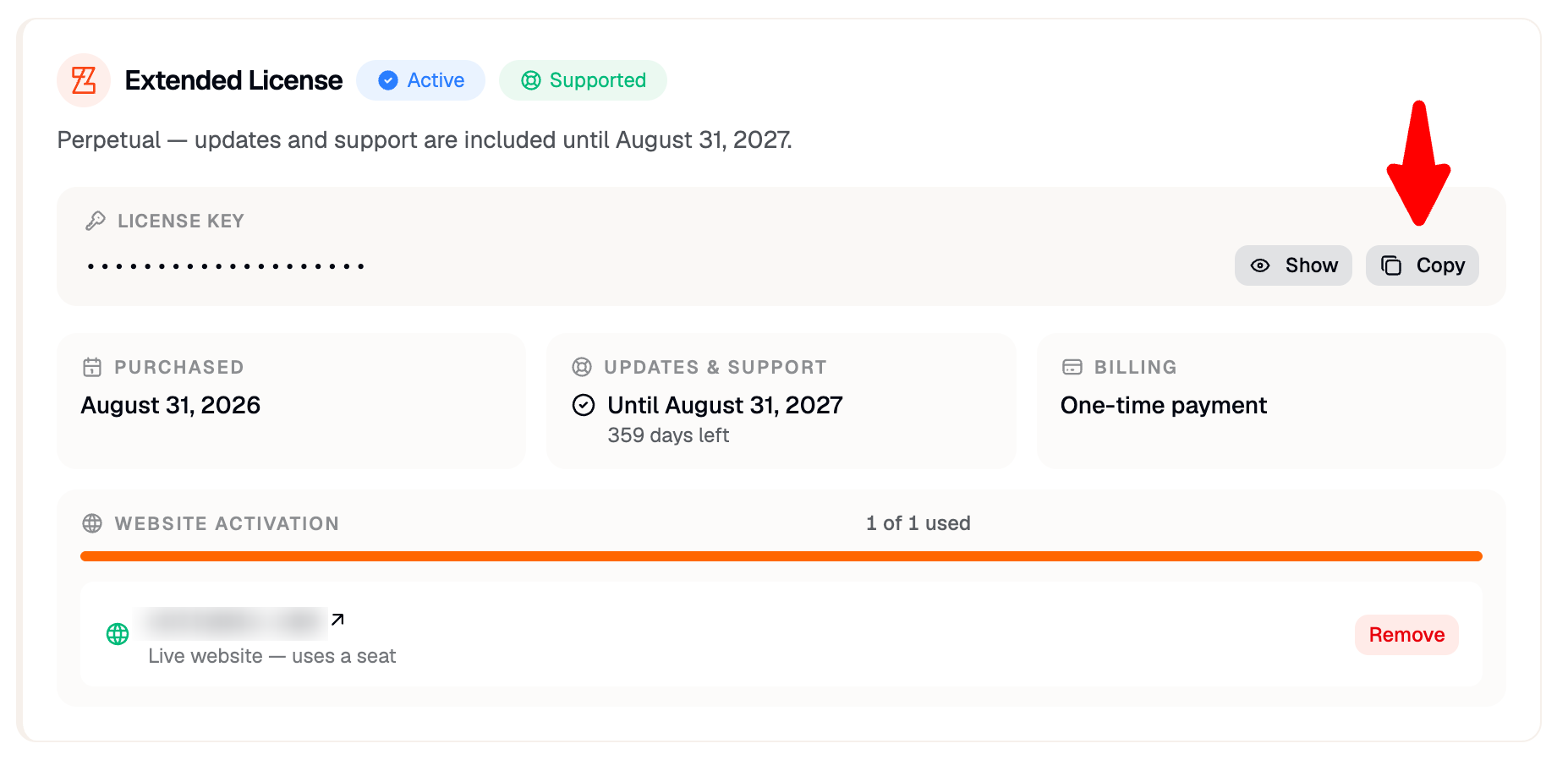
Click Copy next to your license key