Verotel
Integrate Verotel with Sngine in a few easy steps.
-
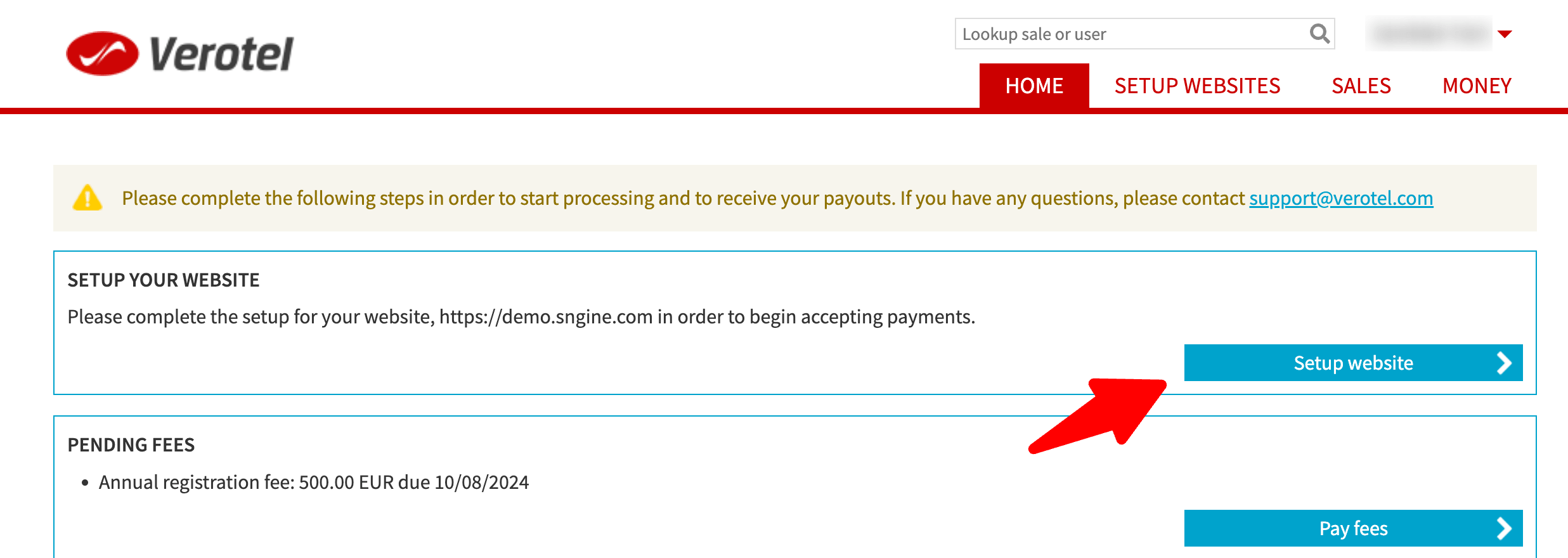
Go to https://controlcenter.verotel.com/ and sign in with your Verotel account or create a new one
-
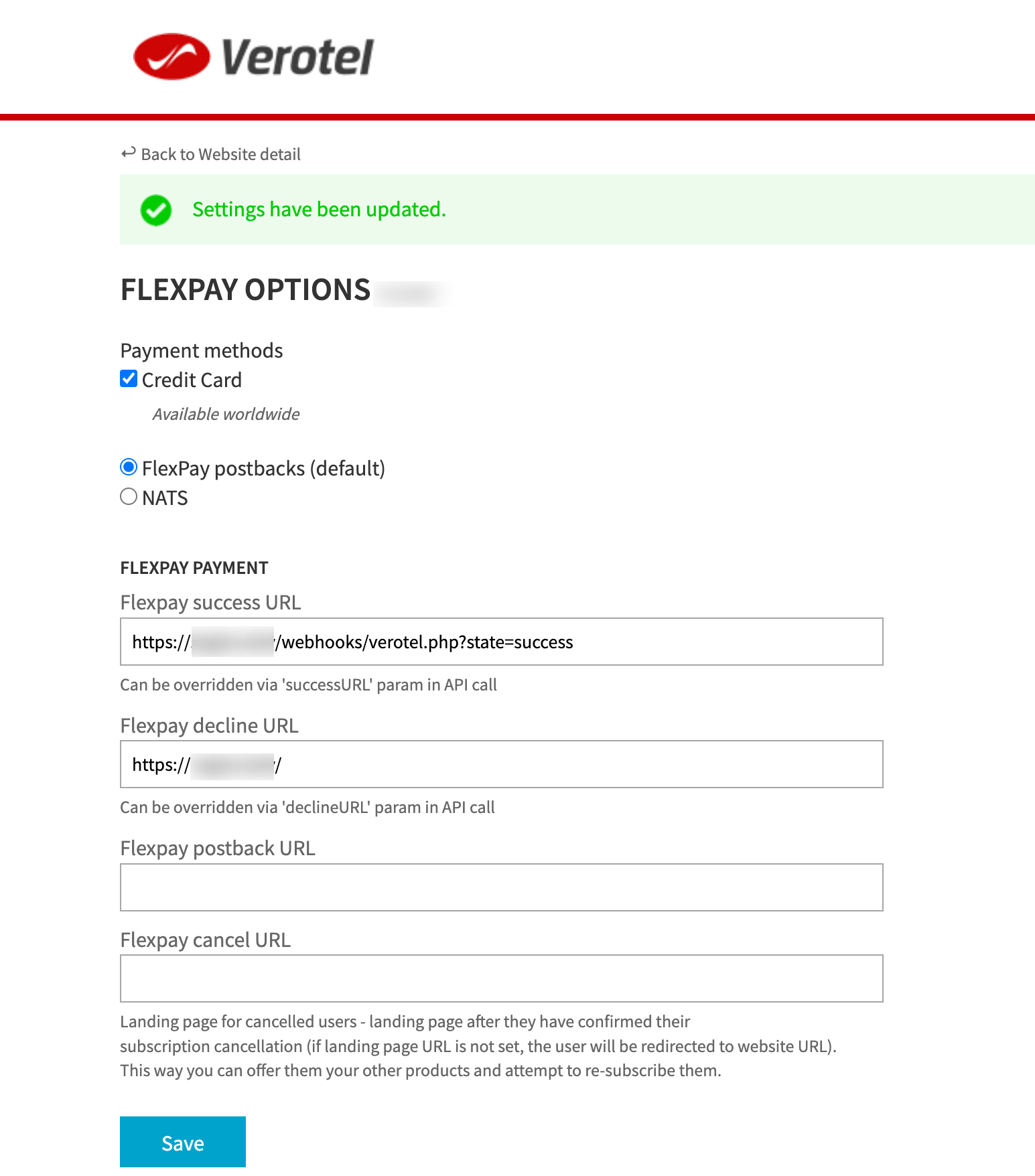
Set up your website details. Your Success URL should be like this:
If you installed Sngine in your domain directly like www.domain.com the URI should be like this:
https://www.domain.com/webhooks/verotel.php?state=successIf you installed Sngine in your domain directly but without
wwwlike domain.com the URI should be like this:
https://domain.com/webhooks/verotel.php?state=successIf you installed Sngine in sub-domain like sub.domain.com the URI should be like this:
https://sub.domain.com/webhooks/verotel.php?state=successIf you installed Sngine in a directory like domain.com/directory the URI should be like this:
https://www.domain.com/directory/webhooks/verotel.php?state=successDecline URL is the same as your website URL
-
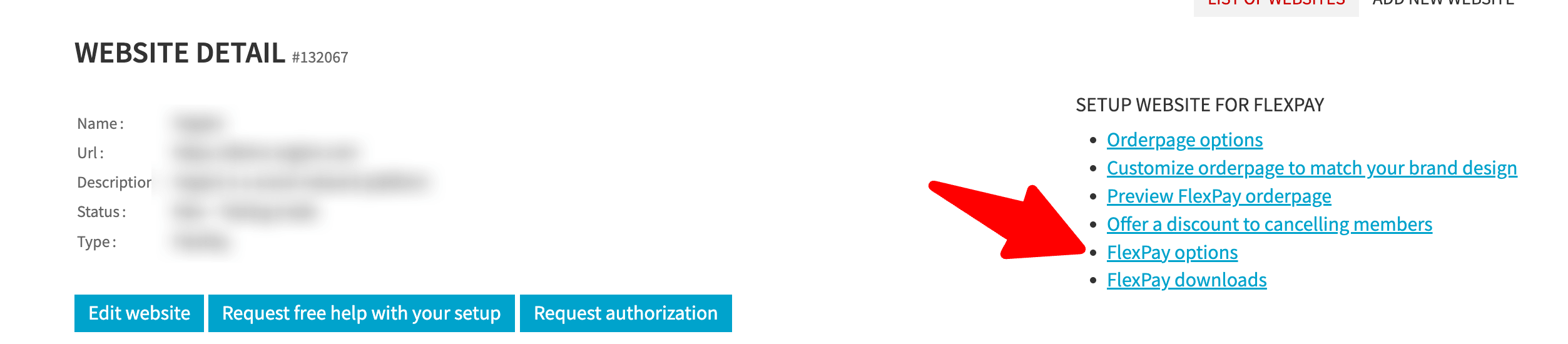
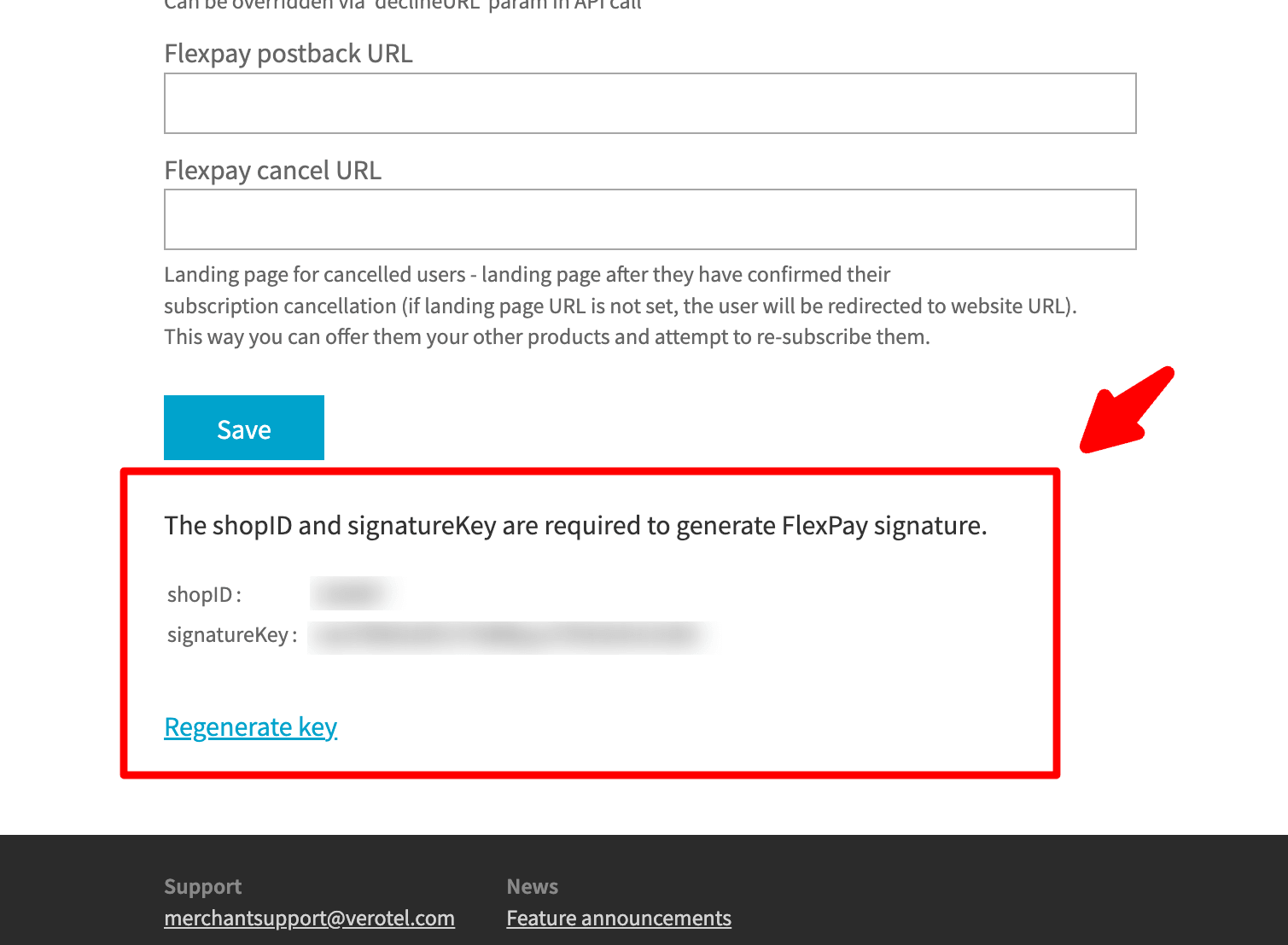
You need to copy both Shop ID and Signature Key
-
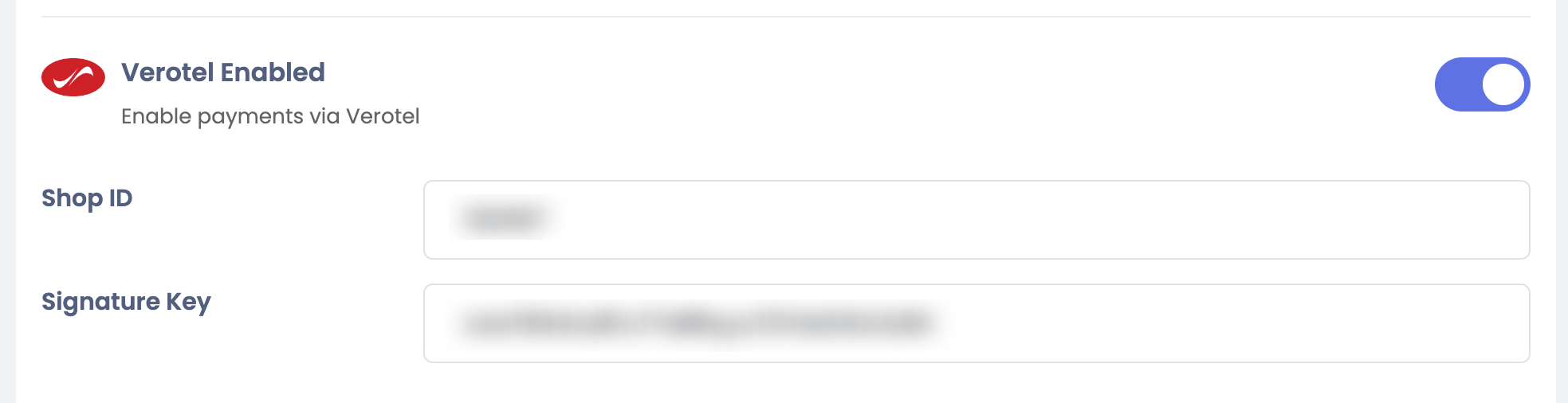
Go to your Sngine Admin Panel → Settings → Payments Settings and paste both Shop ID and Signature Key