Skip to content

Twilio

Integrate Twilio SMS with Sngine in a few easy steps to send SMS messages for account activation and two-factor verification.

Get the credentials

  1. Go to https://console.twilio.com/ and sign in with your Twilio account

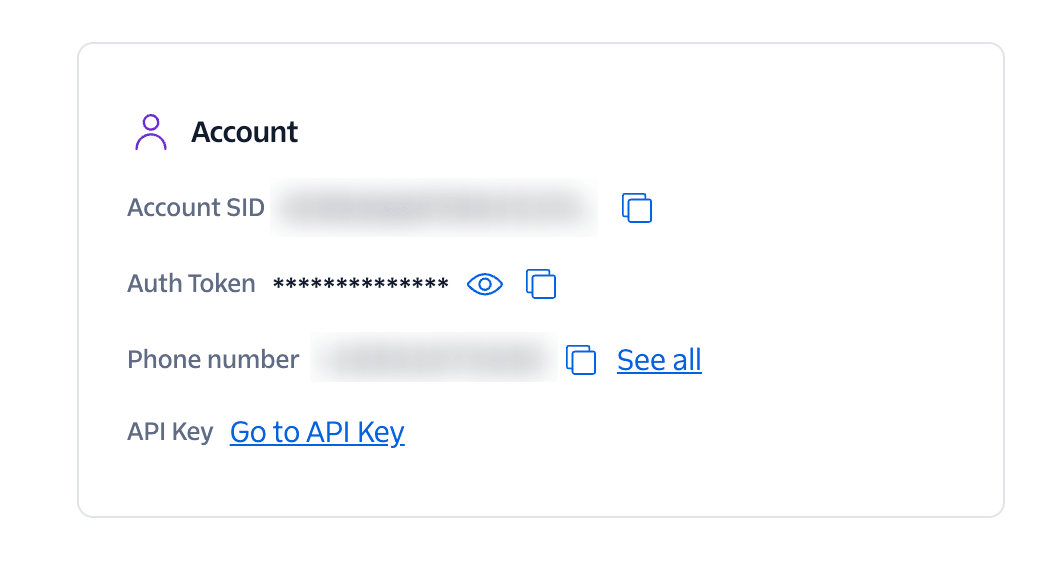
  2. Copy both ACCOUNT SID and AUTH TOKEN

    Copy both ACCOUNT SID and AUTH TOKEN

  3. Select Messaging service then click on Services and Create Messaging service
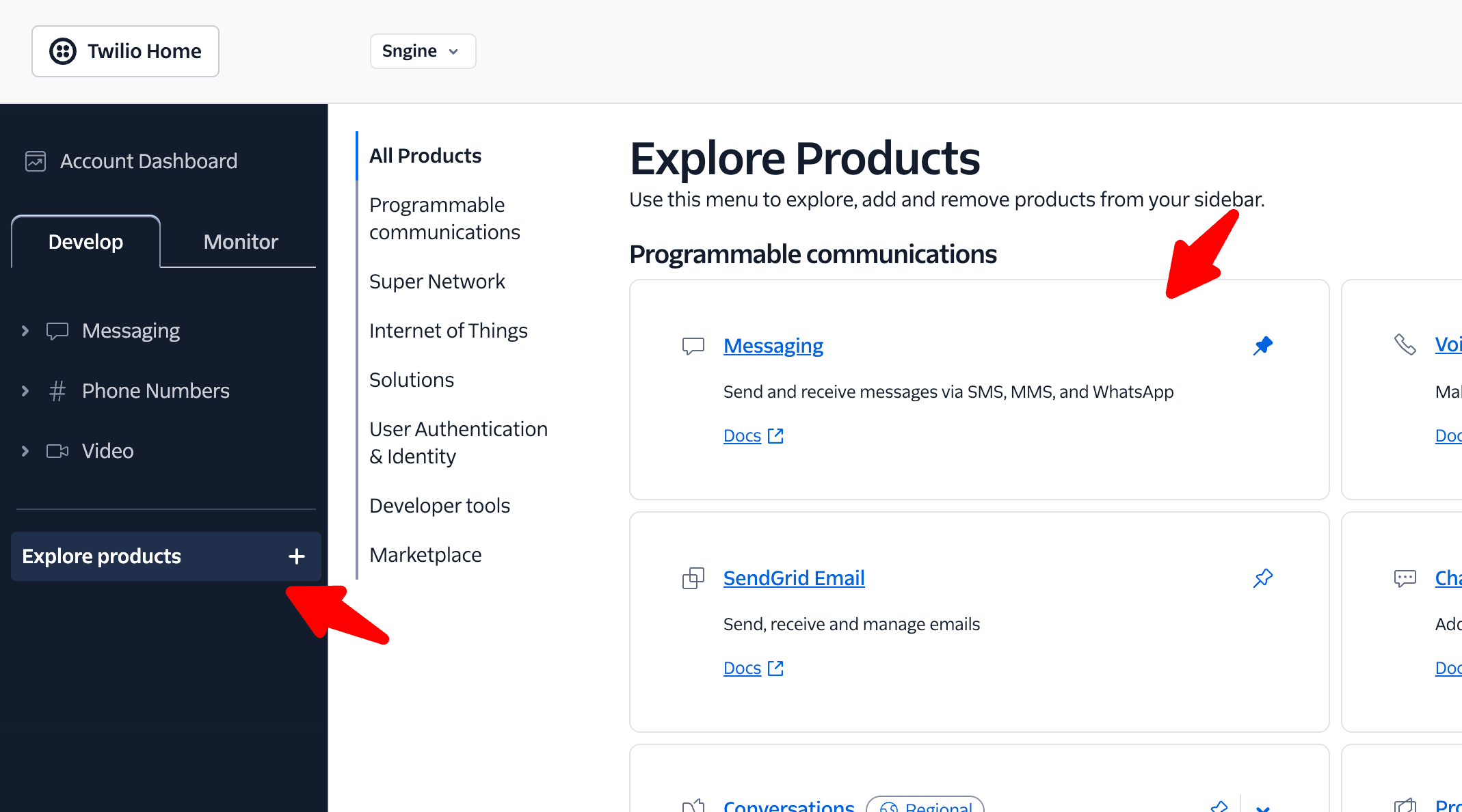
    Select Messaging service then click on Services and Create Messaging service
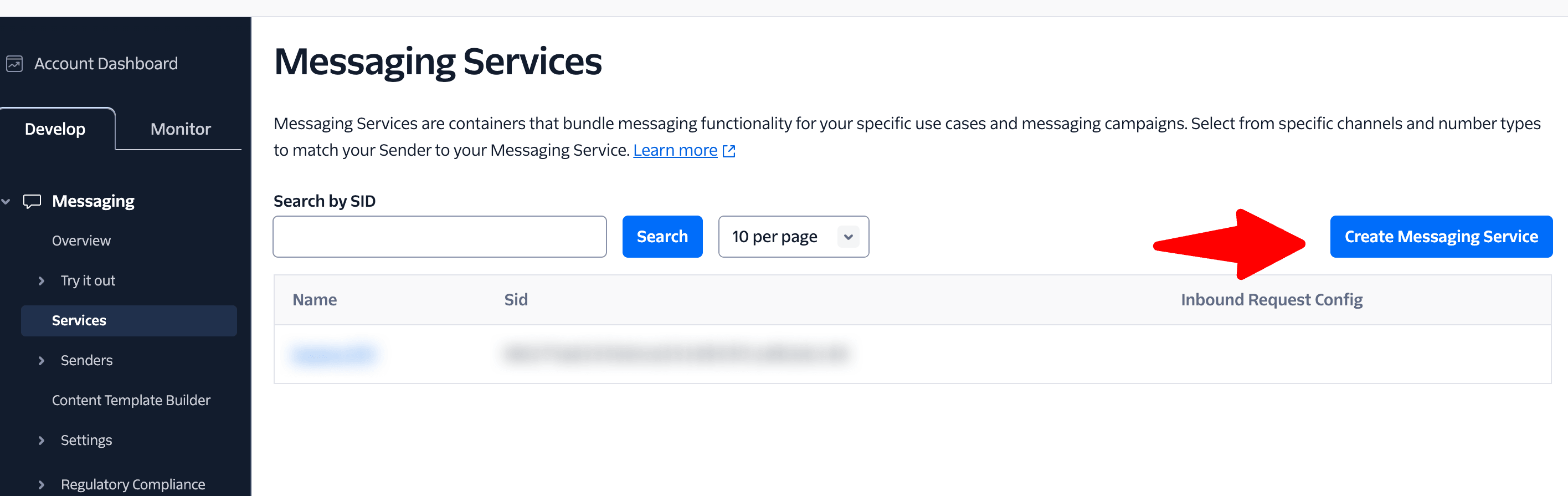
    Select Messaging service then click on Services and Create Messaging service
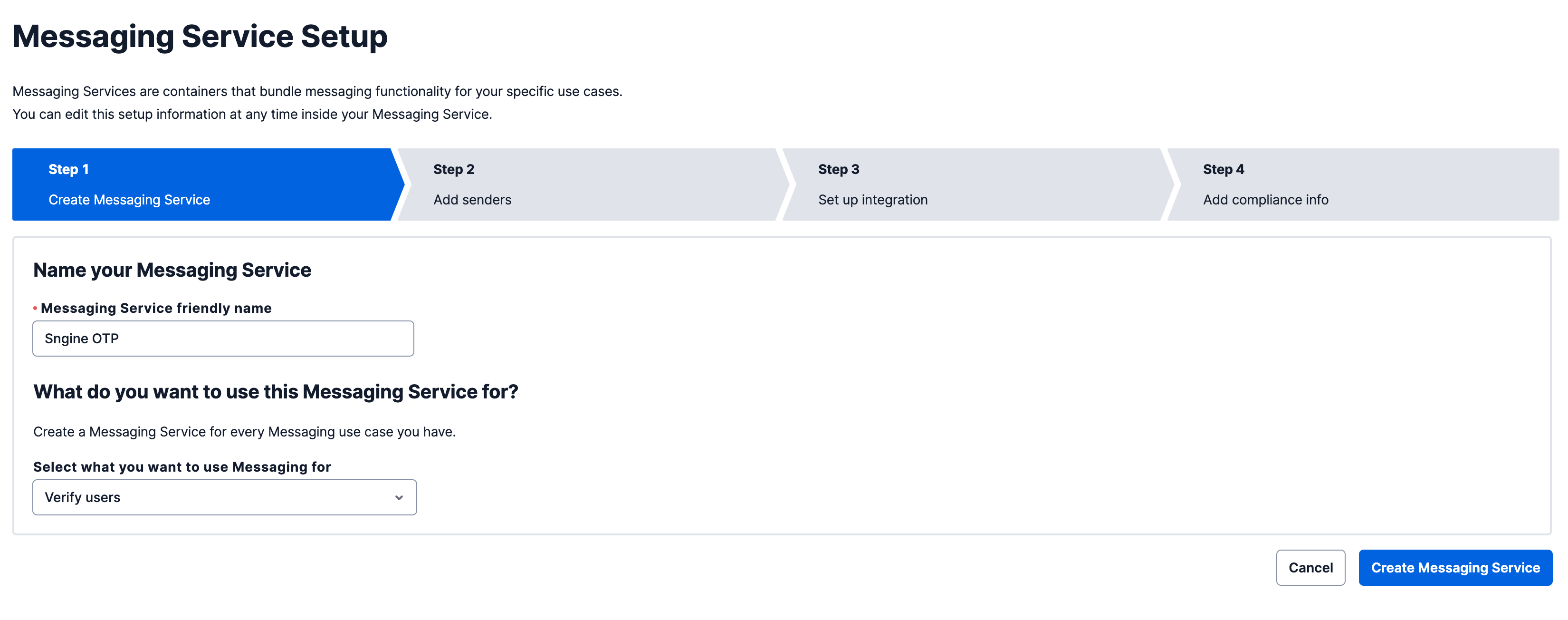
    Select Messaging service then click on Services and Create Messaging service
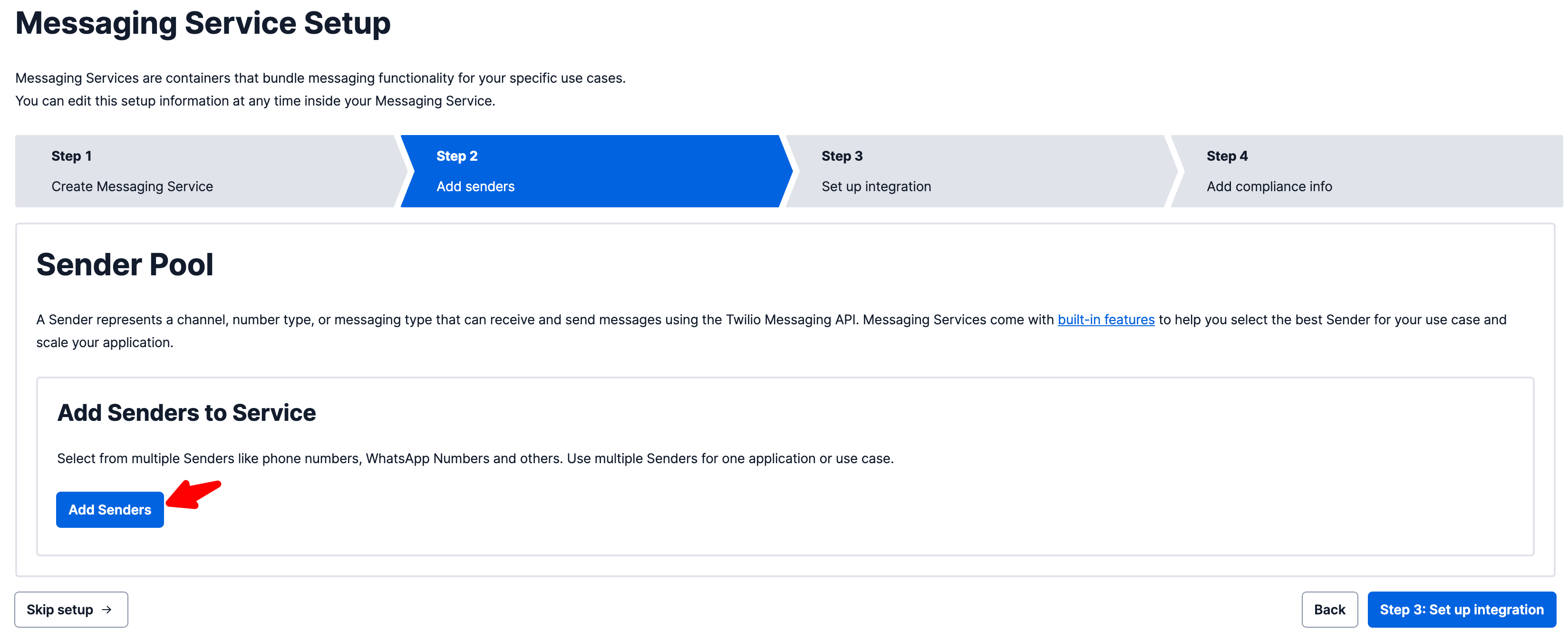
    Select Messaging service then click on Services and Create Messaging service
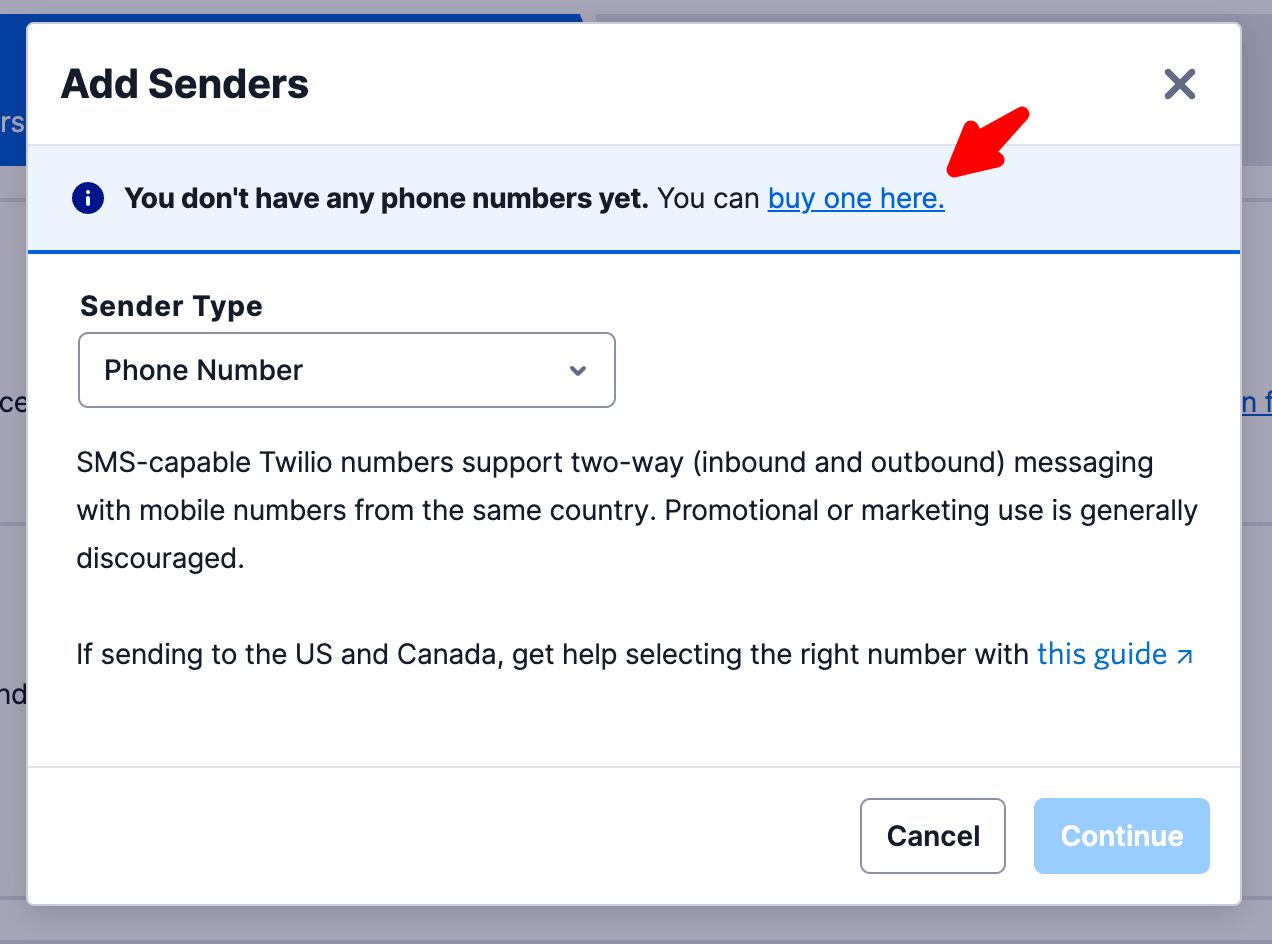
    Select Messaging service then click on Services and Create Messaging service
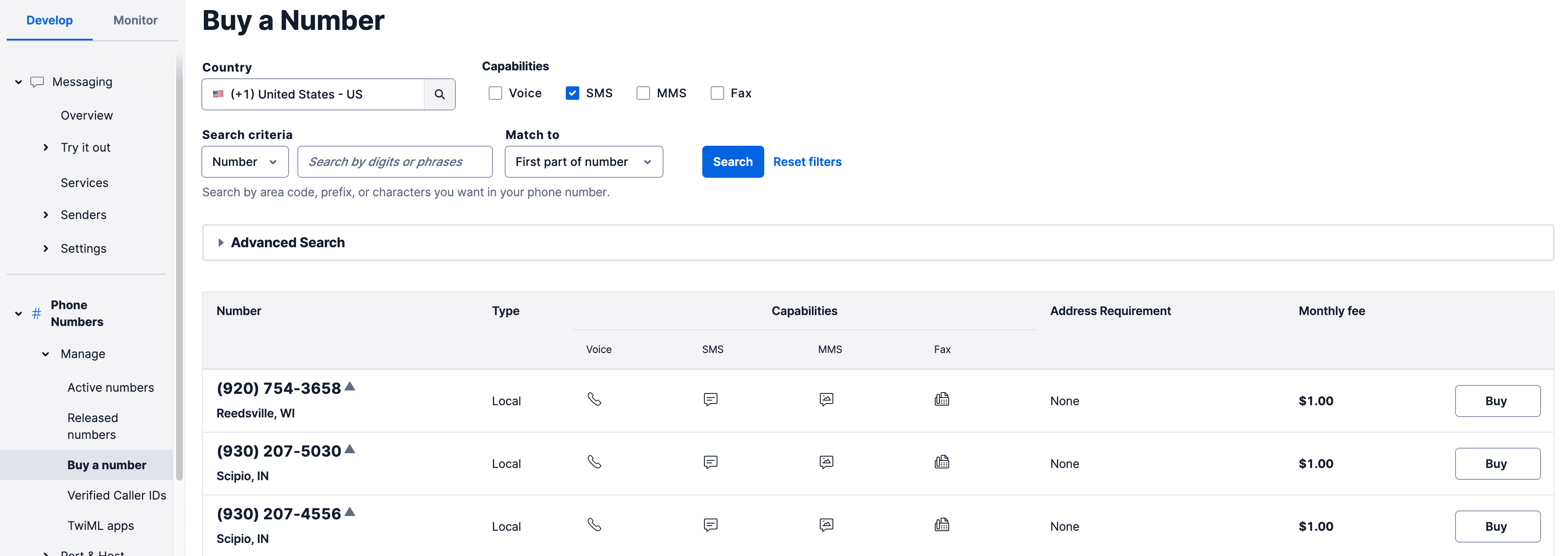
    Select Messaging service then click on Services and Create Messaging service
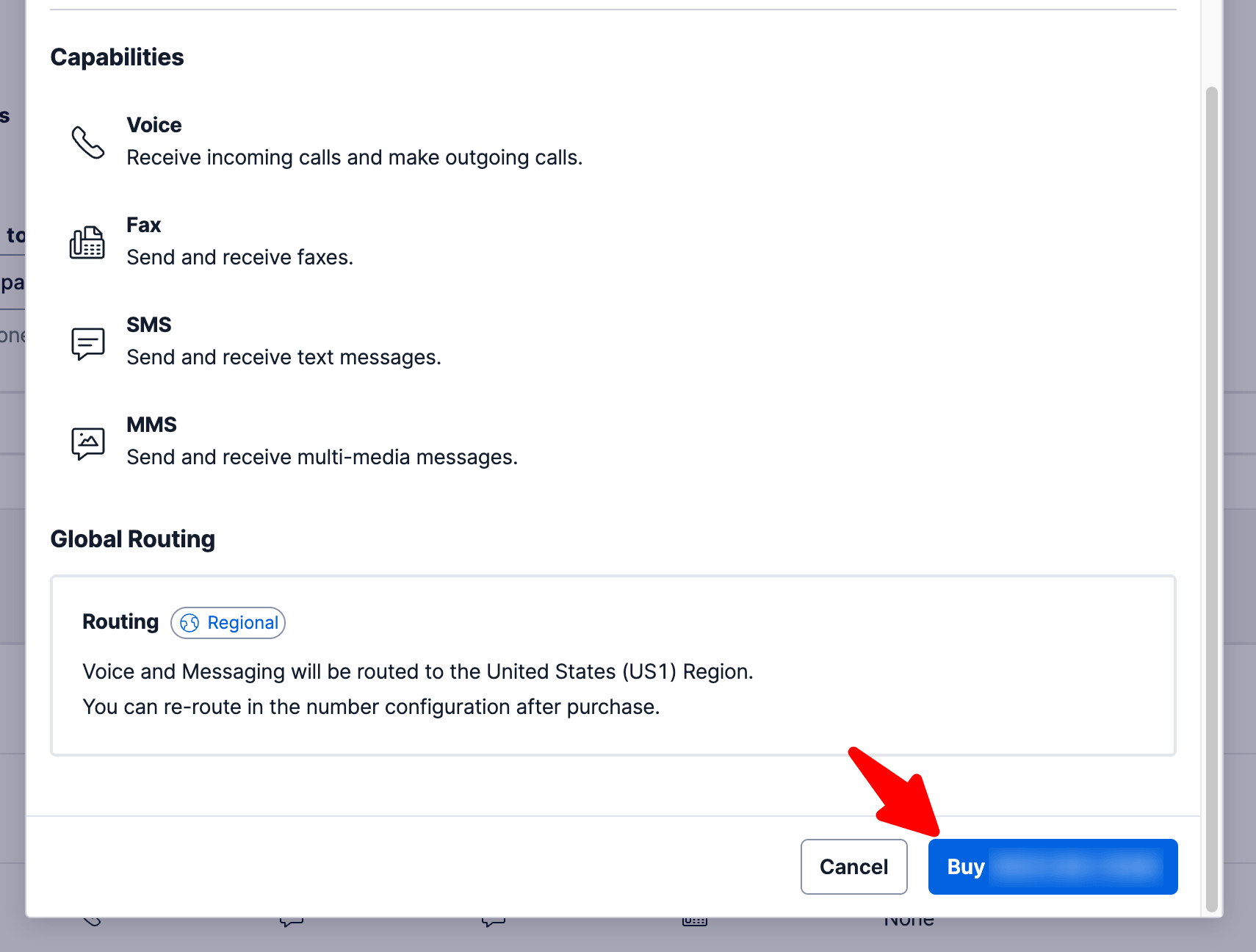
    Select Messaging service then click on Services and Create Messaging service
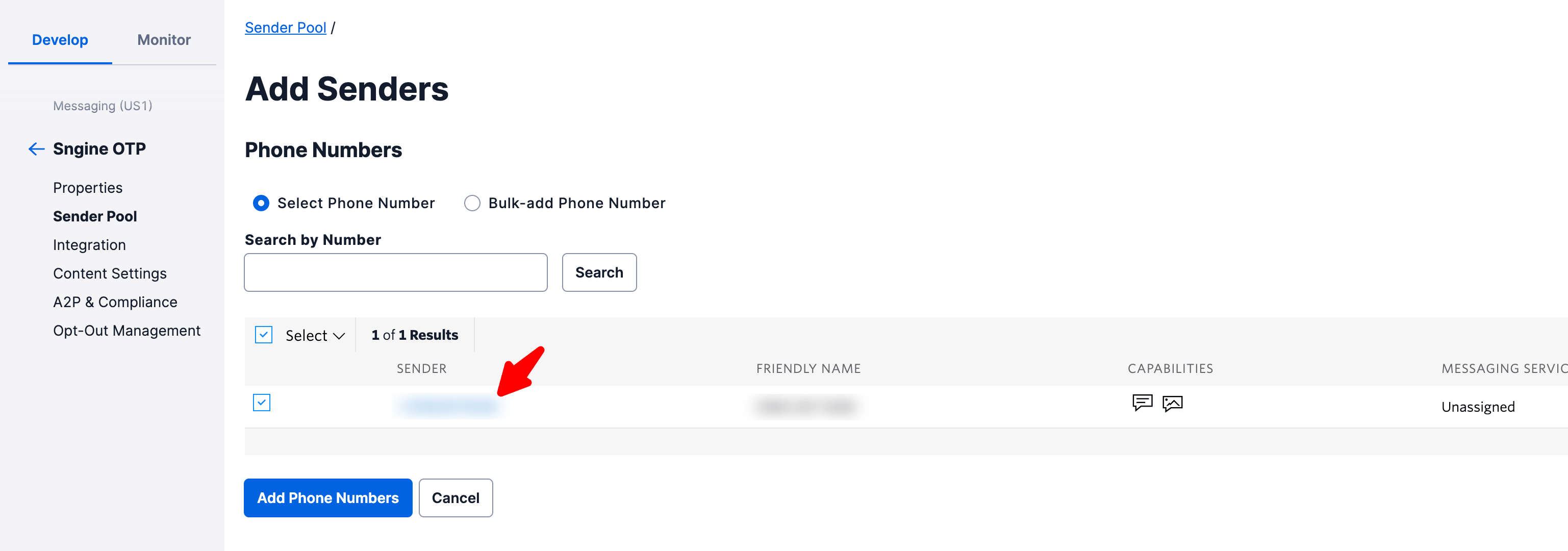
    Select Messaging service then click on Services and Create Messaging service

    Select Messaging service then click on Services and Create Messaging service

Add them to Sngine

  1. Go to Sngine Admin Panel → Settings → SMS Settings and paste both keys and phone number as shown also you can add your own number to test your settings (Save First before Testing)
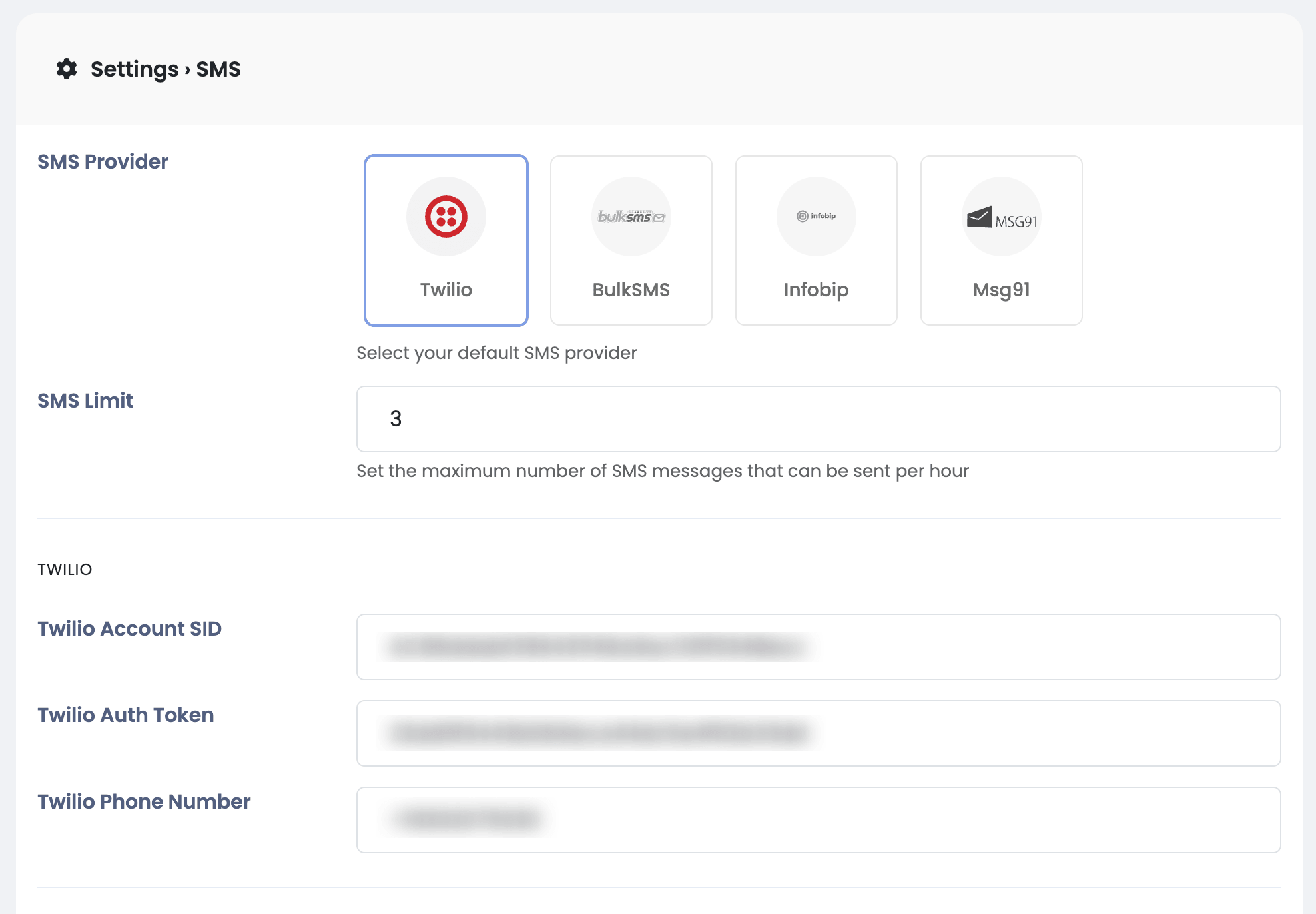
    Go to Sngine Admin Panel → Settings → SMS Settings and paste both keys and phone number as shown also you can add your own…