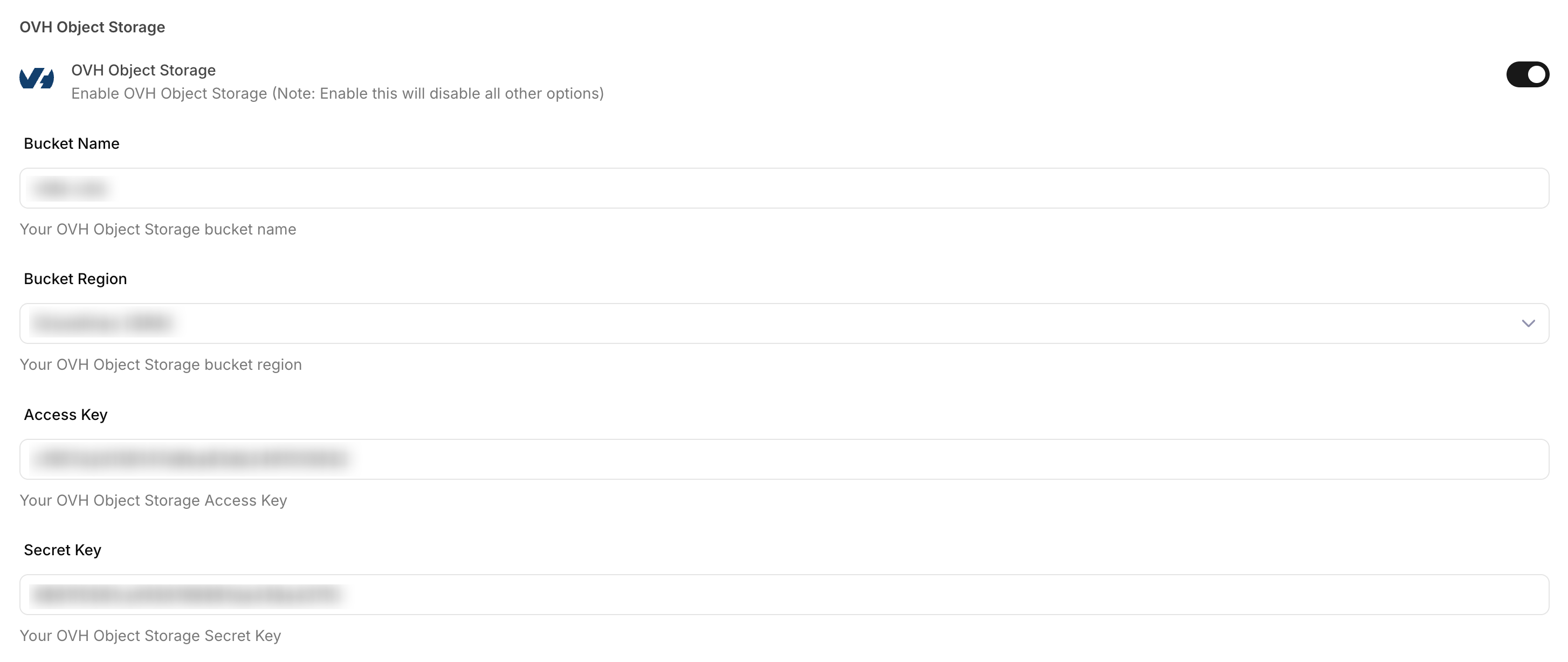
OVH Object Storage
Integrate OVH Object Storage with Sngine in a few easy steps.
Create a container
-
Go to https://www.ovh.com/manager/ and sign in with your OVHcloud account
-
Open your Public Cloud project, click Object Storage, then click Create Object Container
-
Name the container, choose the offer and deployment mode, and select a region
-
Link an existing Object Storage user, or create a new one. Open View credentials and copy the Access key and Secret key, then click Create
Copy the secret key when OVHcloud shows it. You can find the keys again later from the Object Storage users tab.
Add the credentials to Sngine
-
Go to Sngine Admin Panel → Settings → Upload Settings, turn on OVH Object Storage, and paste the bucket name, access key, and secret key. In Bucket Region, select the same region you chose for the container