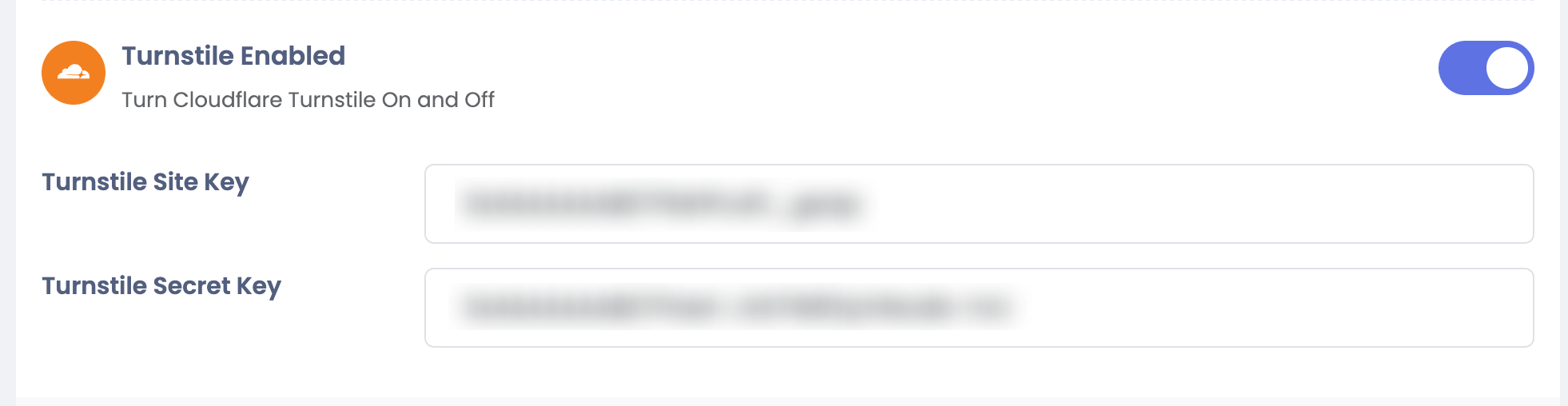
Cloudflare Turnstile
Integrate Cloudflare Turnstile with Sngine in a few easy steps as an alternative to Google reCAPTCHA.
-
Go to https://dash.cloudflare.com/ and sign in with your Cloudflare account
-
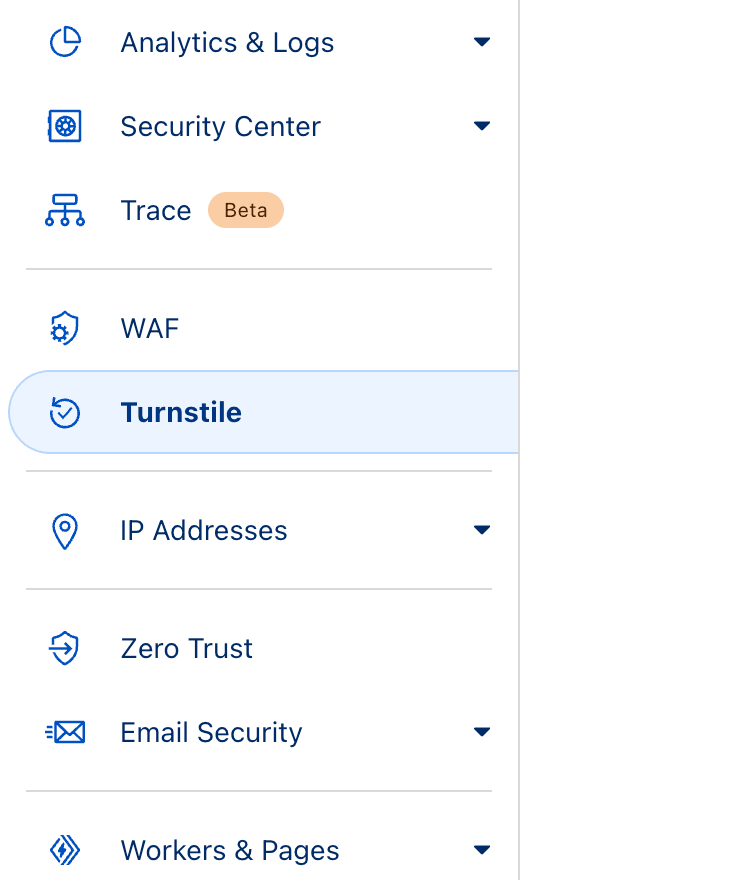
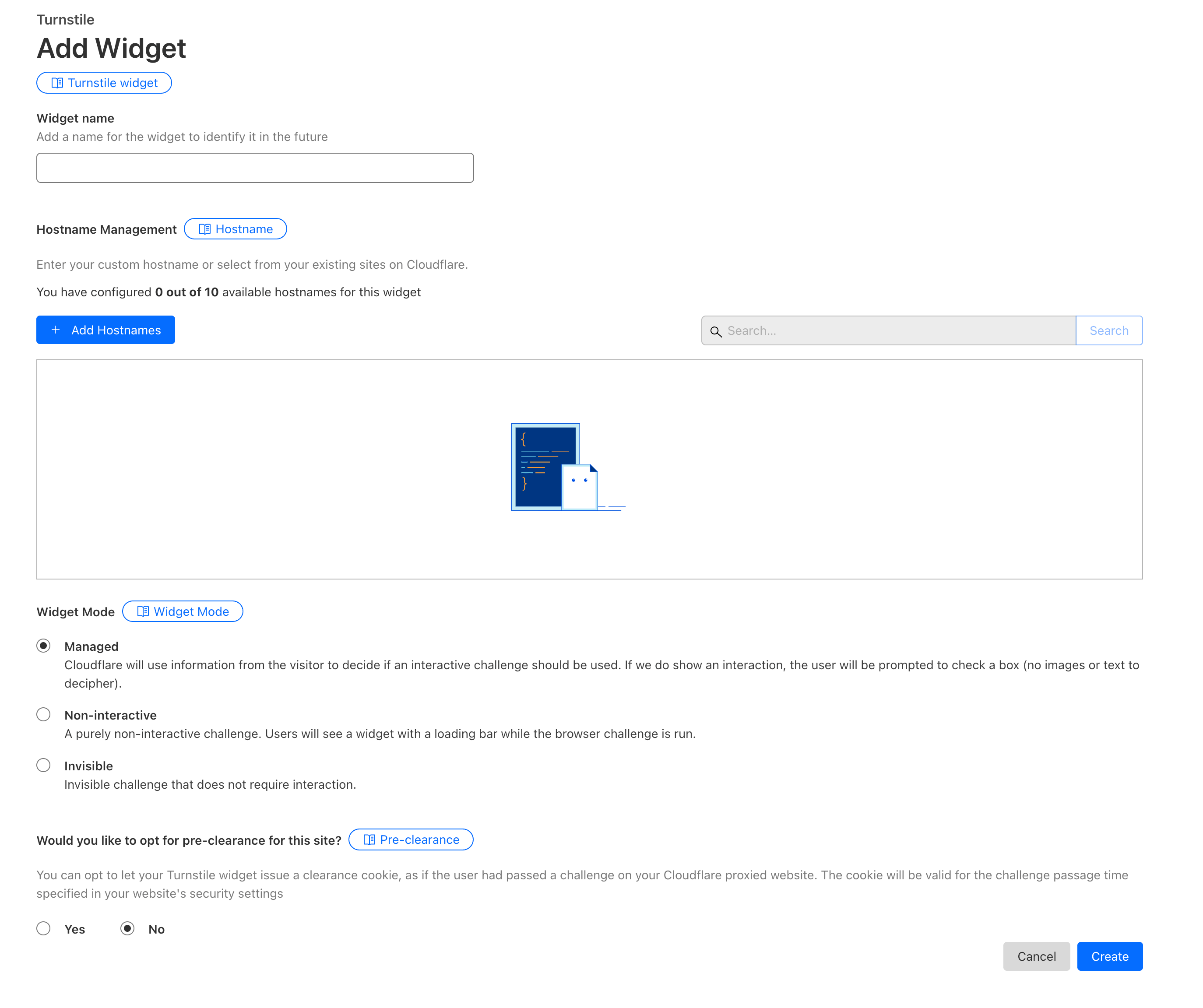
Click Turnstile then click Add Widget
-
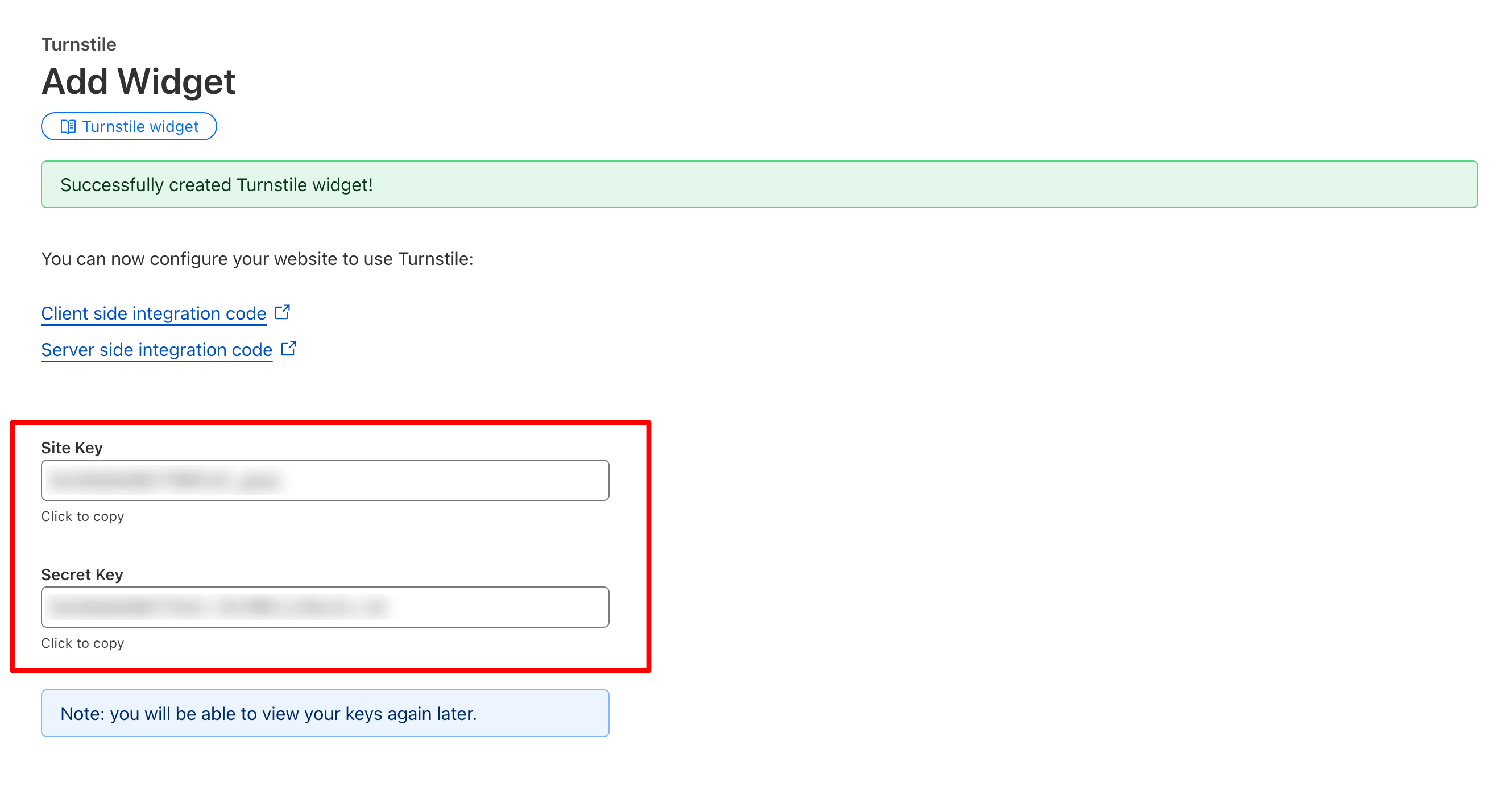
Go to your Sngine Admin Panel → Settings → Security Settings and paste the site key and secret key