Installation
This script requires the following system requirments to run:
- Apache, Nginx, LightSpeed or IIS Sever
- MySQL 5.0+ or MariaDB 10+ (MySQL 8+ supported)
- PHP 8.4+
- PHP Extensions: mysqli, mbstring & curl & gd & fileinfo & zip & OpenSSL
- PHP Funcrions: mail()
- PHP Runtime Configuration: allow_url_fopen = On
You can ask your hosting company support to make sure to install/enable them for you
Sngine requires SSL certificate only if you will enable video/audio chat or live streaming or to build the mobile apps Check the FAQs to learn more
To run Sngine on Nginx & IIS servers, Check the FAQs to learn more
How to Install
- Now make sure you created an empty MySQL database along with user account for it.
- After unzip Sngine Files, you will find
ScriptFolder - Start your FTP client (Like Filezila which is free) and login. Login to your server. You will need your host name (often times this will be your domain name), username, and password that you setup with the hosting company.
- Locate the domain folder you wish to upload your Sngine files to on your server. You are going to upload all files located in
ScriptFolder to your FTP client. - Once the files are done uploading, you have to change chmod of
content/uploadsfolder andcontent/themes/default/templates_compiledfolder to777. - Go to your website and the Sngine installer wizard will run automatically
https://yourdomain.com/path_to_script - In case you got the following error
wizard cannot create the config filejust make sure that theincludesfolder is writable "777" then go and empty the database then try to run the installer wizard again and after installation change it back to its normal permissions. -
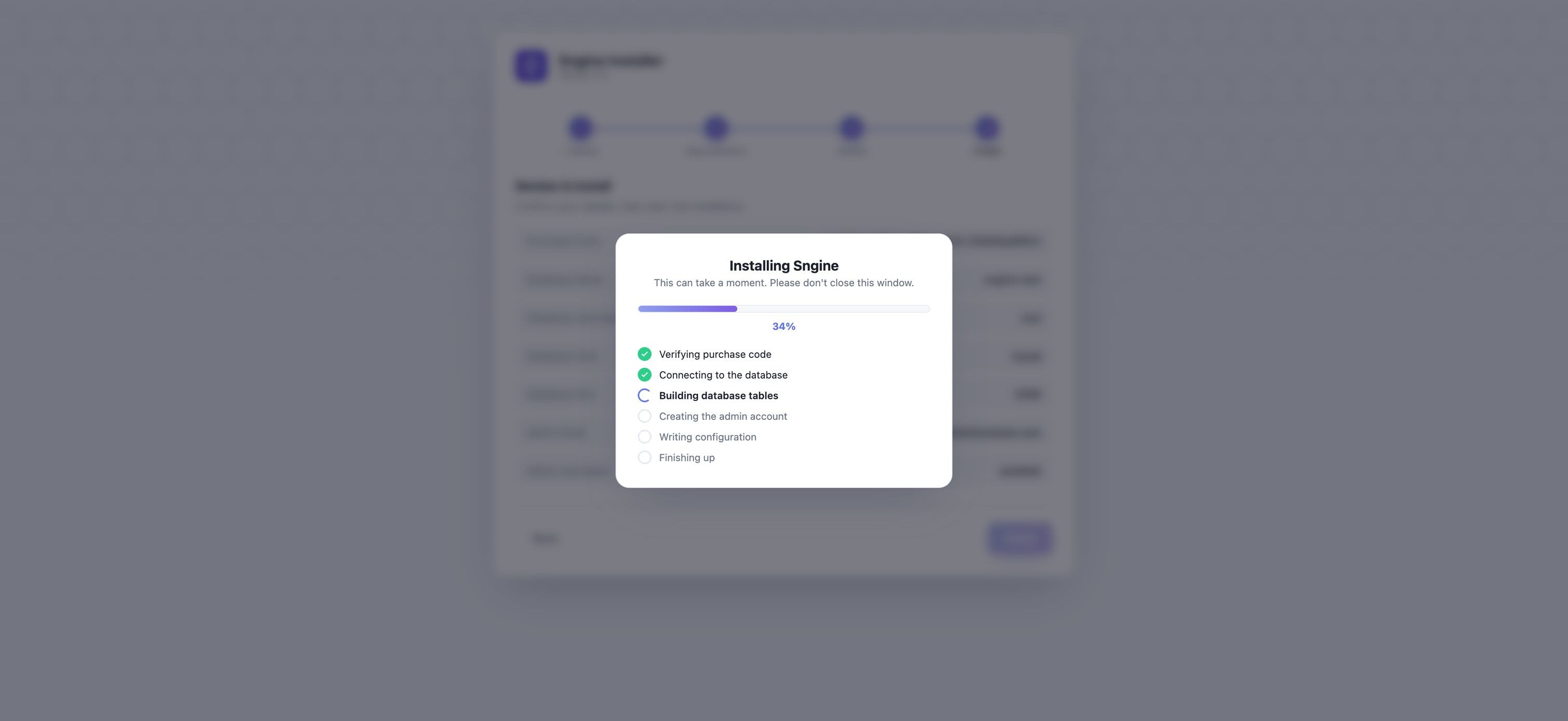
Sngine installer wizard is very clean, you will need to put your Purchase Code at step #3 and the rest is simple.