VKontakte
Integrate VKontakte with Sngine in a few easy steps to let your users log in with their VKontakte accounts.
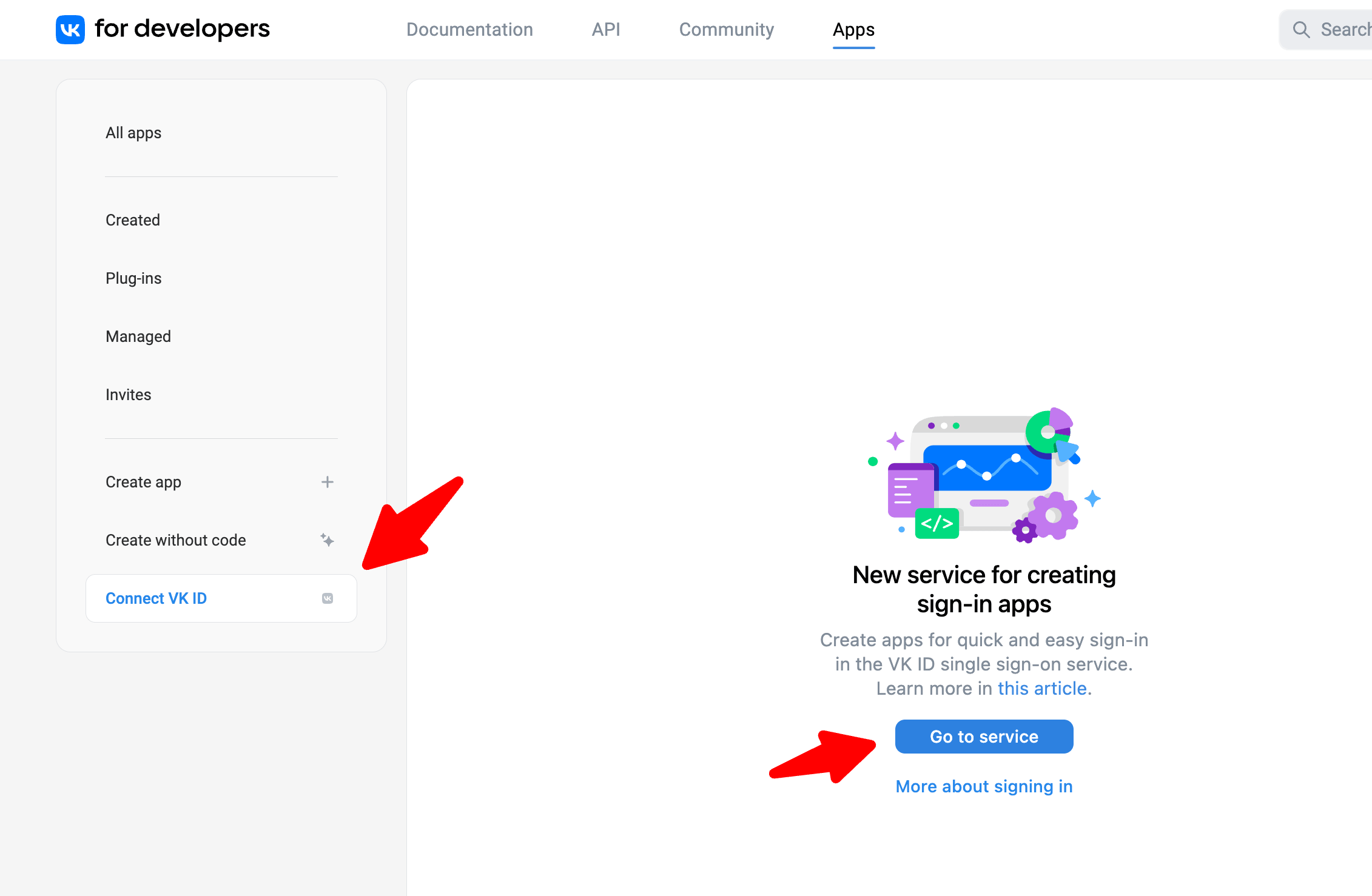
- Go to https://vk.com/dev and sign in with your Vkontakte account
-
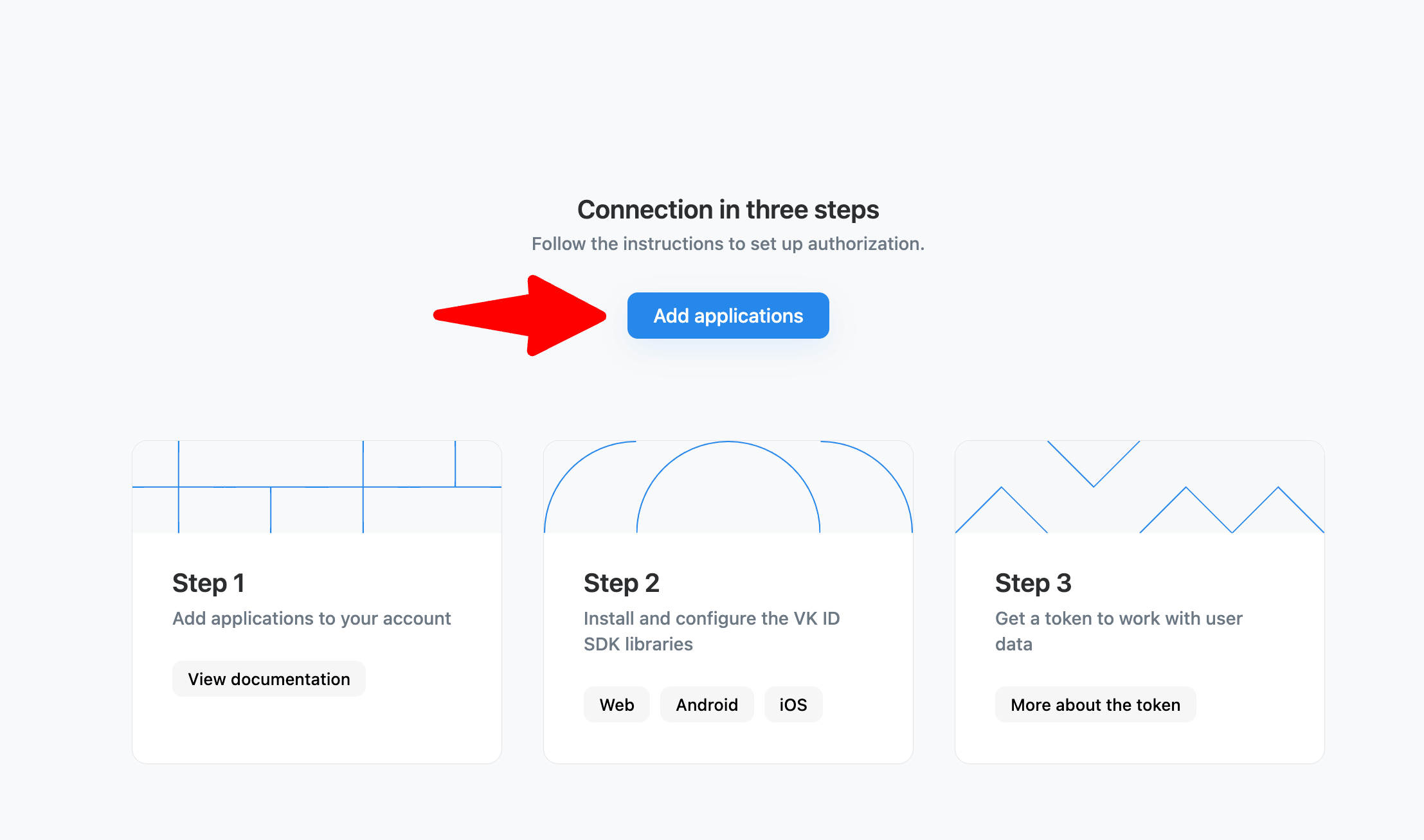
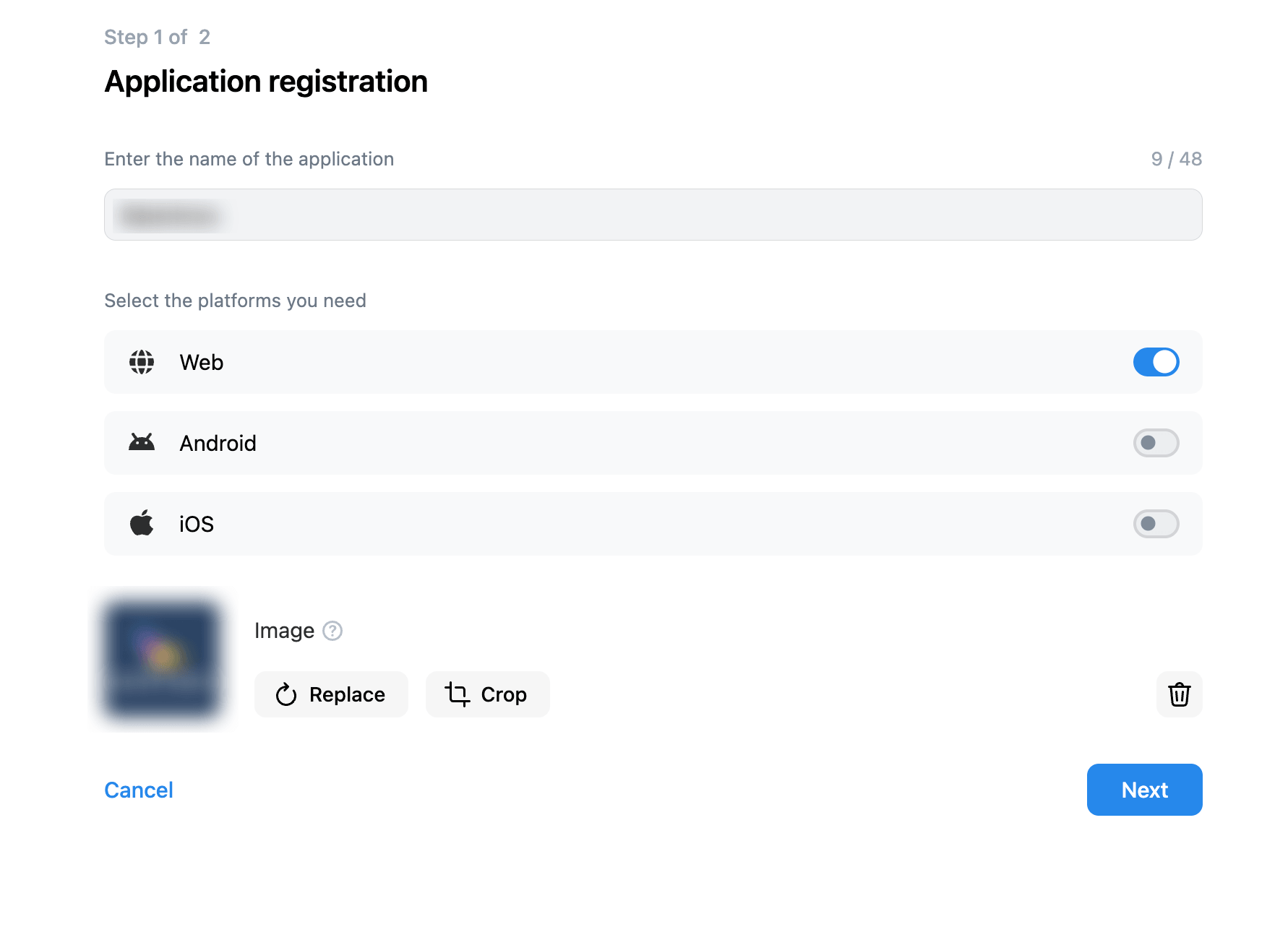
Click Connect VK ID and fill the form
-
Enter your domain name as base domain & Provide this URI as the OAuth 2.0 Redirect URIs for your application as following:
If you installed Sngine in your domain directly like domain.com the URI should be like this:
https://www.domain.com/connect/vkontakteIf you installed Sngine in your domain directly but without
wwwlike domain.com the URI should be like this:
https://domain.com/connect/vkontakteIf you installed Sngine in sub-domain like sub.domain.com the URI should be like this:
https://sub.domain.com/connect/vkontakteIf you installed Sngine in a directory like domain.com/directory the URI should be like this:
https://www.domain.com/directory/connect/vkontakte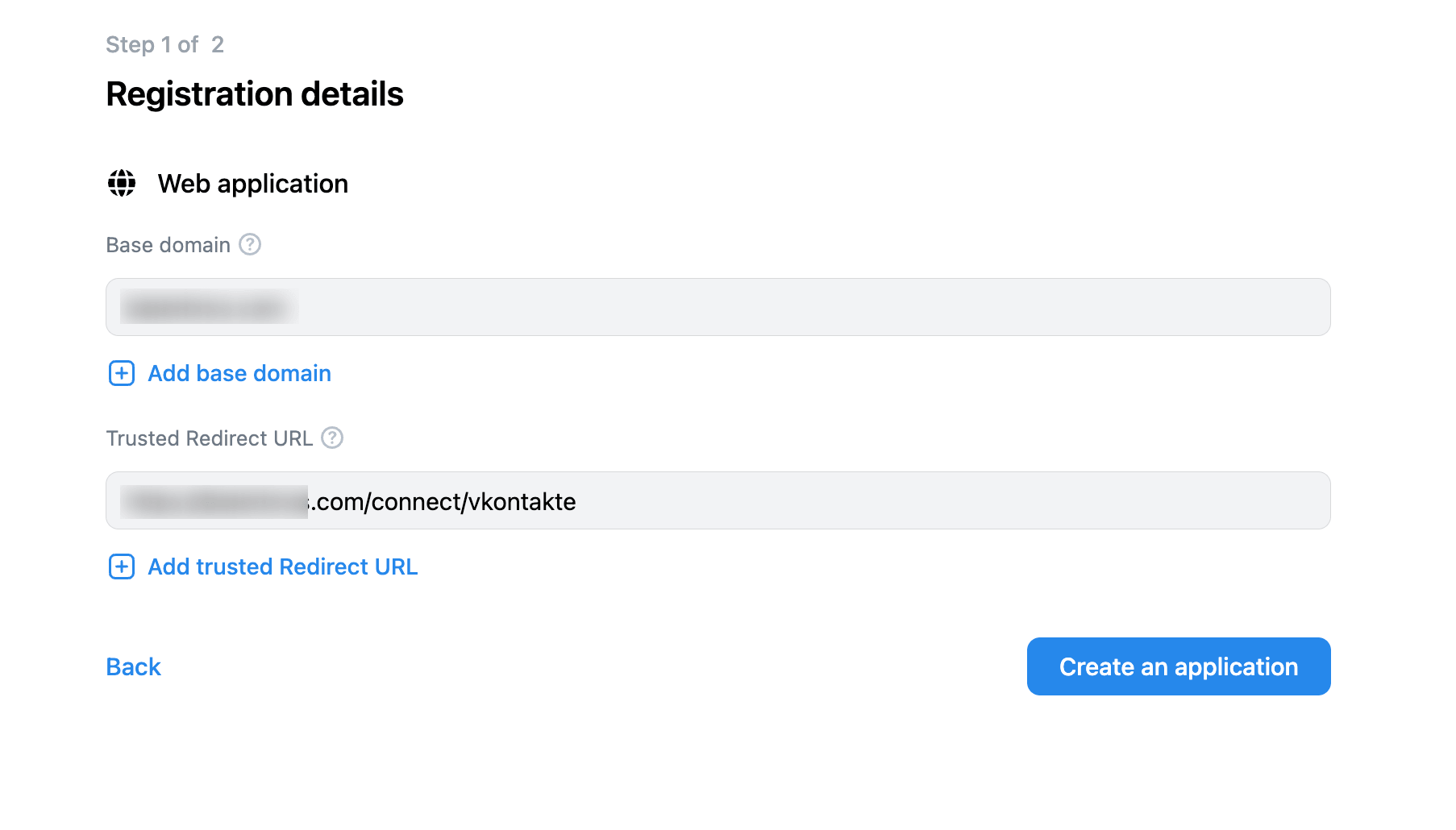
-
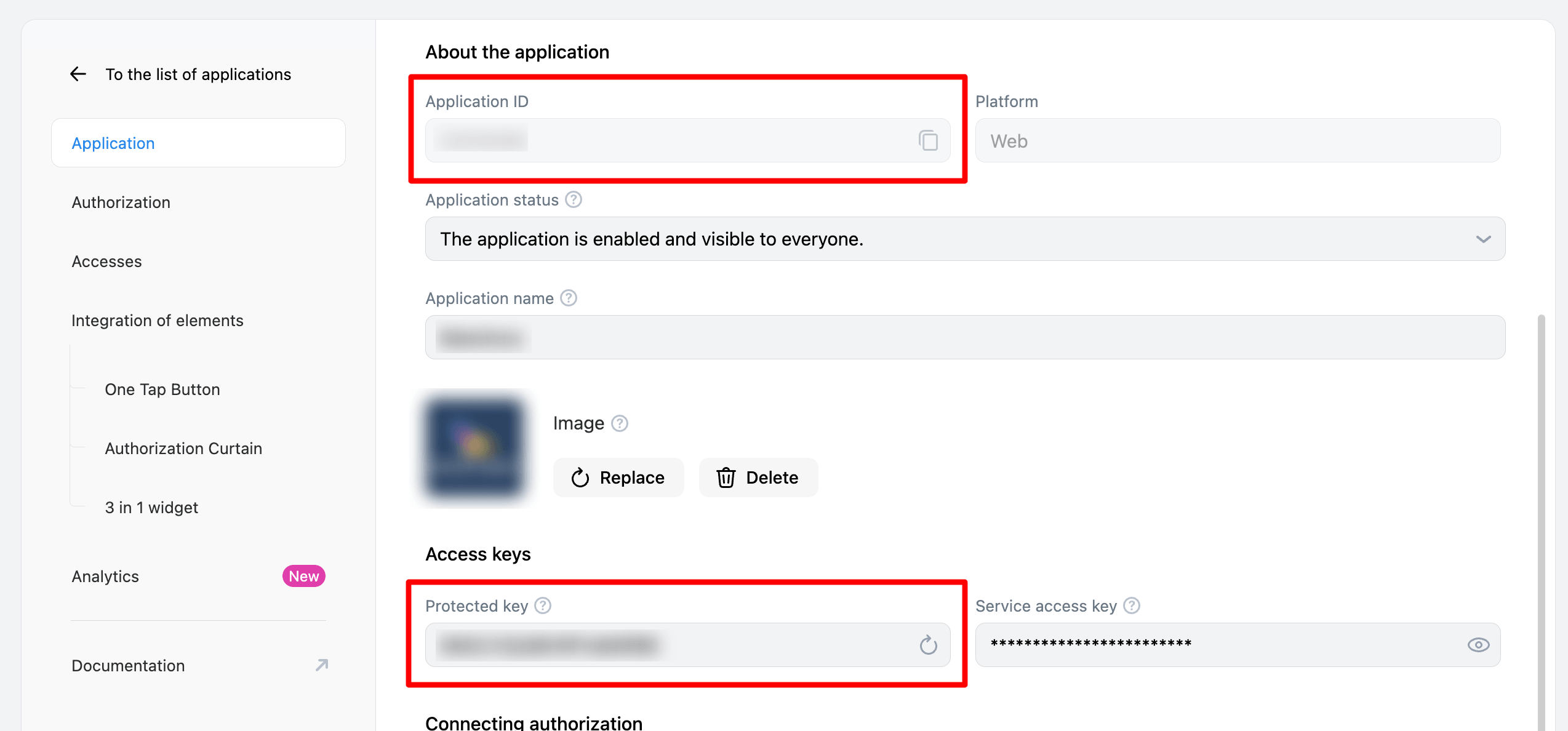
Copy both Application ID and Secure key
-
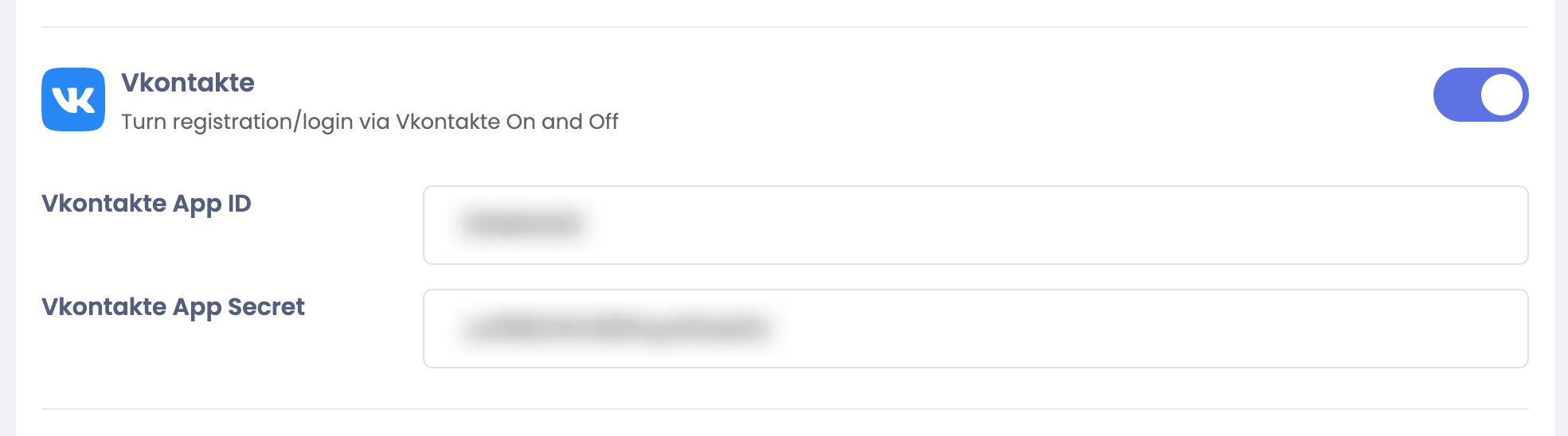
Go to Sngine Admin Panel → Settings → Registration Settings → Social Login and paste both keys as shown