Google Maps
Integrate Google Map API with Sngine in a few easy steps.
-
Go to https://cloud.google.com/console/google/maps-apis/overview and sign in with your Google account
-
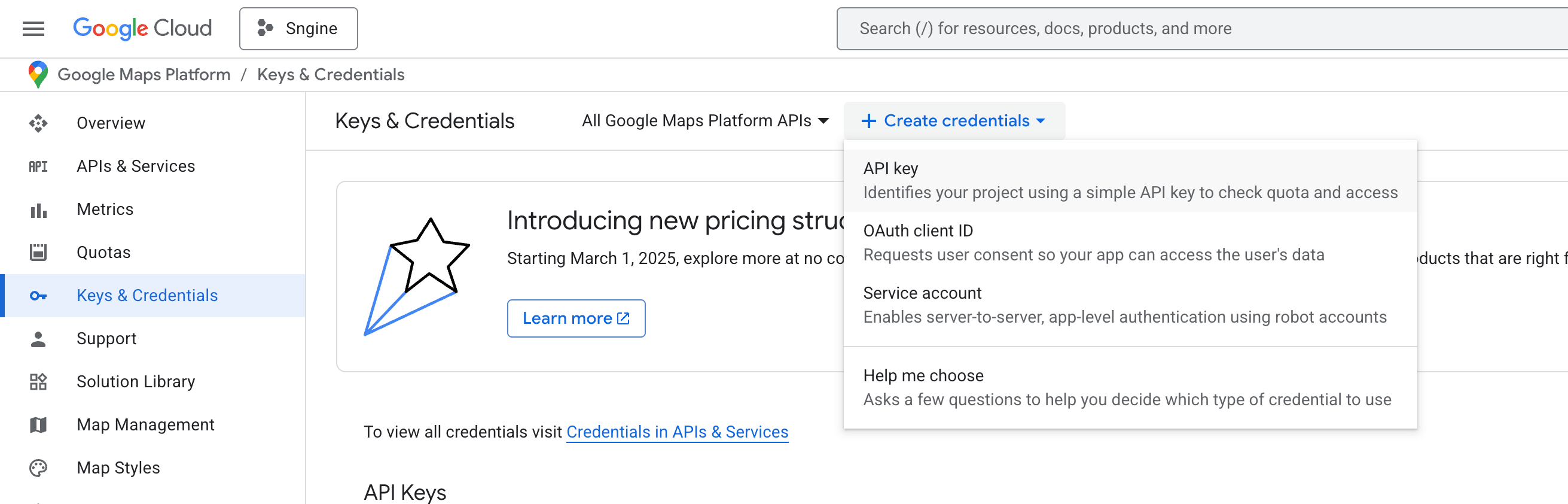
Create a new project, or select an existing one
-
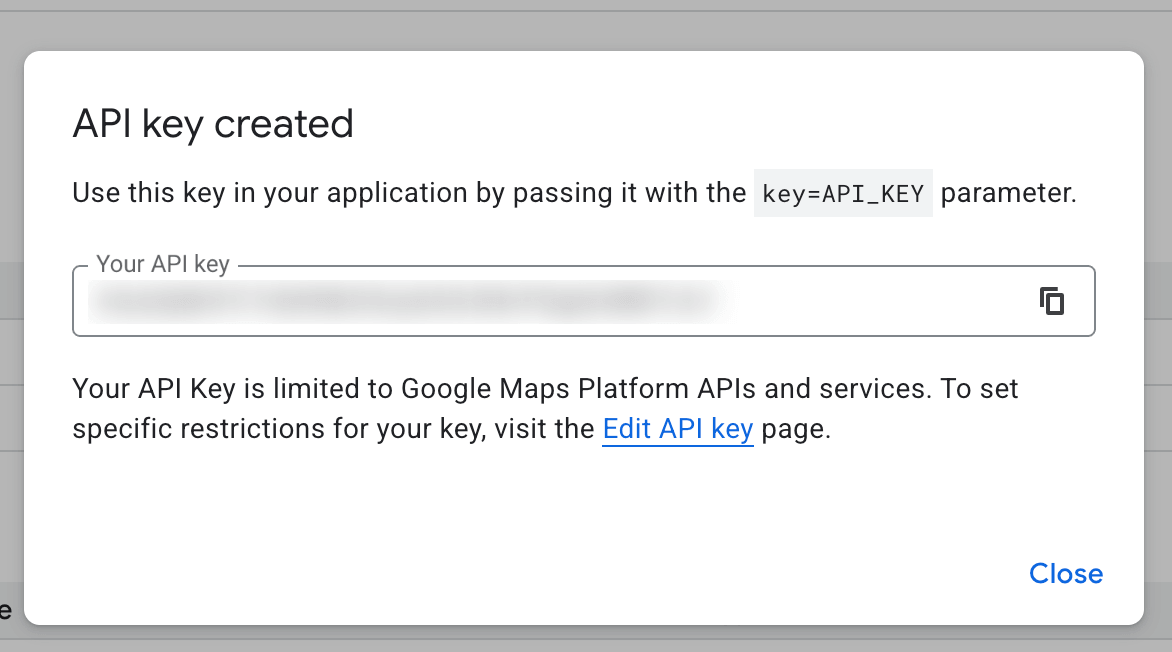
Copy your existing API key
-
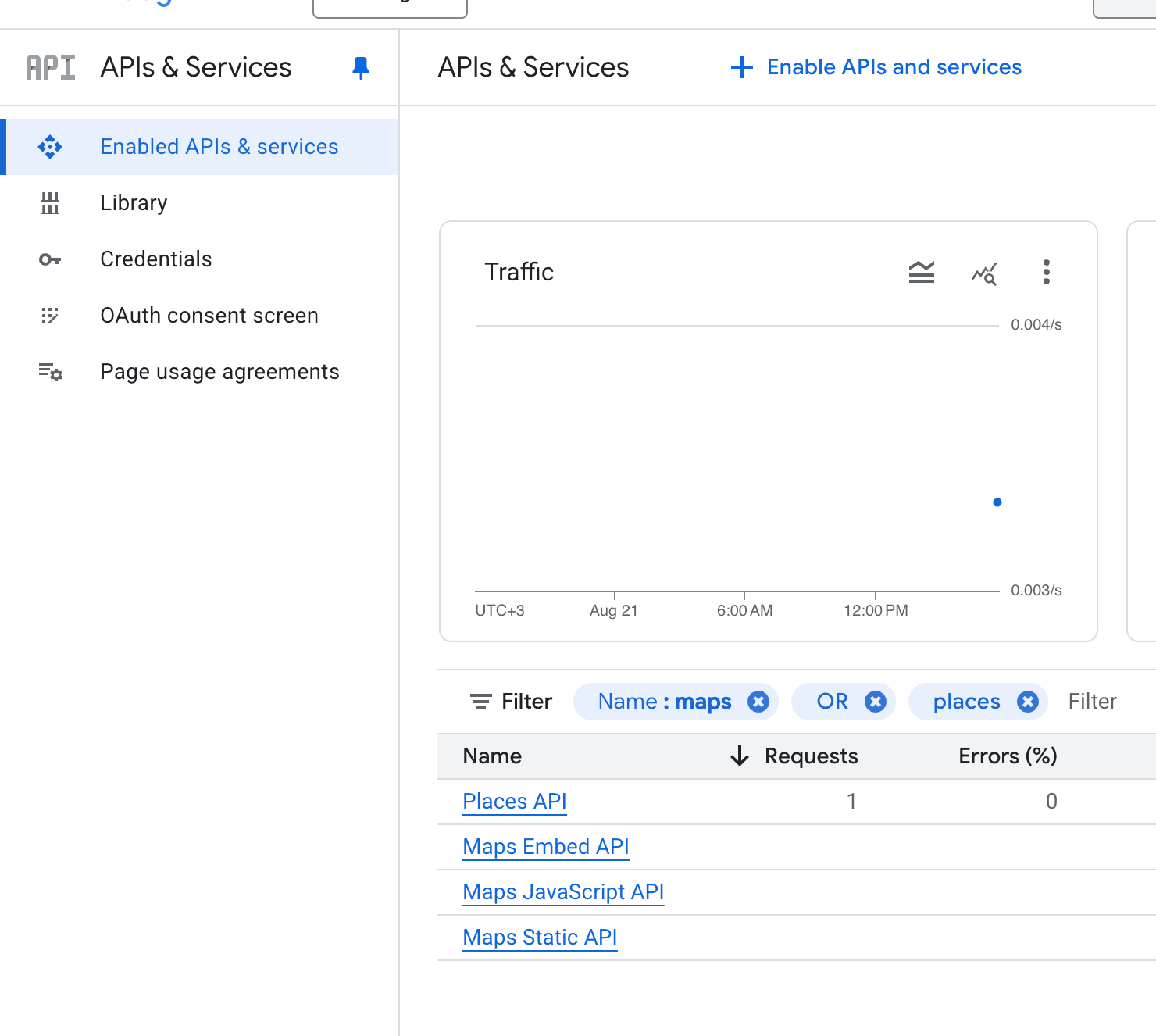
From API Console make sure you have the following APIs enabled from your project dashboard: https://console.cloud.google.com/apis/dashboard
-
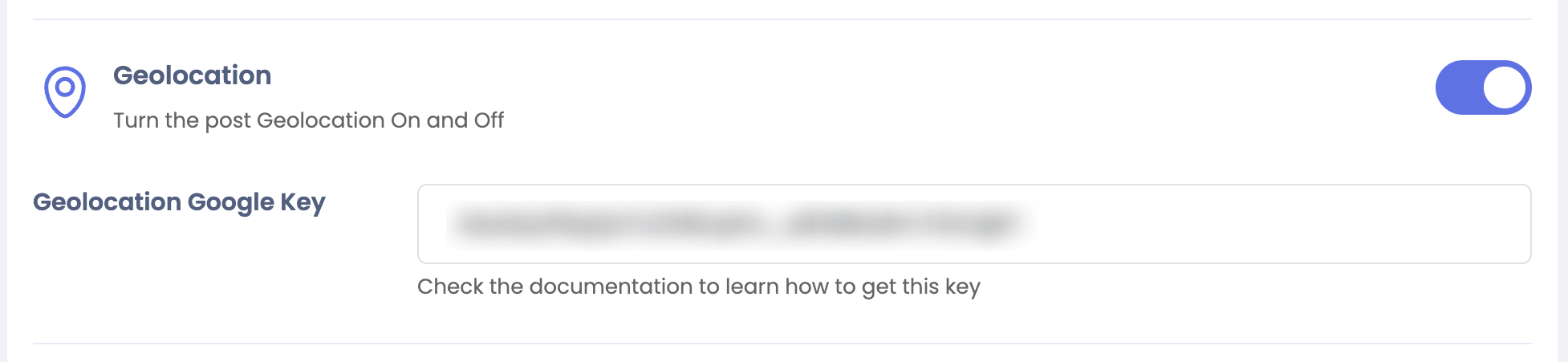
Go to your Sngine Admin Panel → Settings → Posts Settings and open your settings page and paste this key