Agora
Integrate Agora with Sngine in a few easy steps for video and audio calls.
-
Go to https://console.agora.io/ and sign in with your Agora account
-
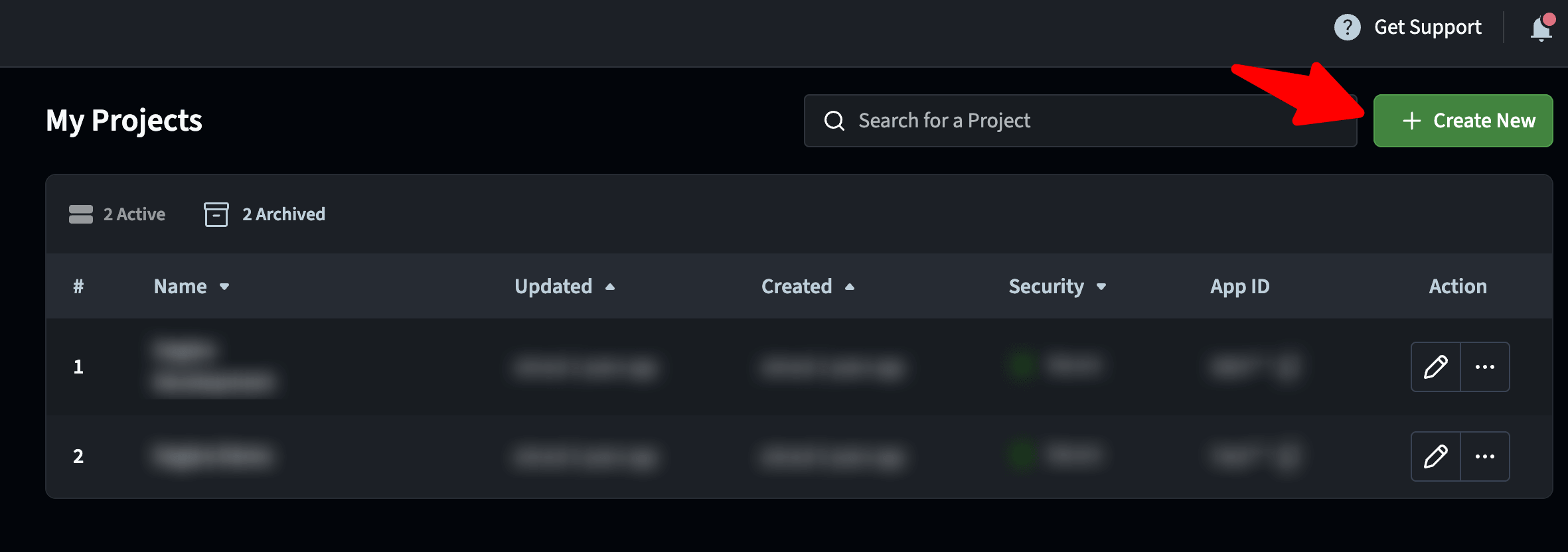
Click Projects then Create New
-
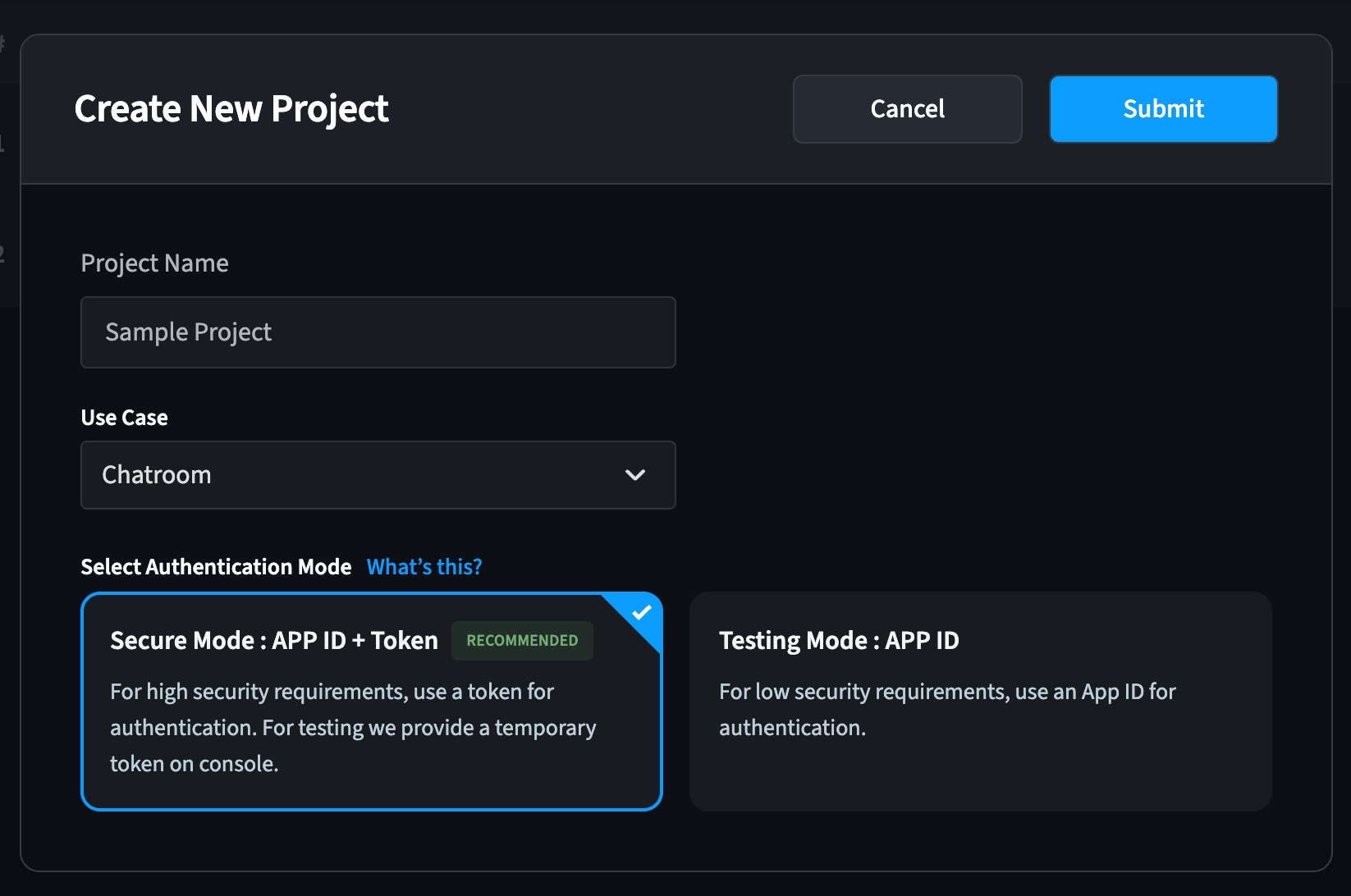
Select Secure Mode: APP ID + Token then enter your project name
-
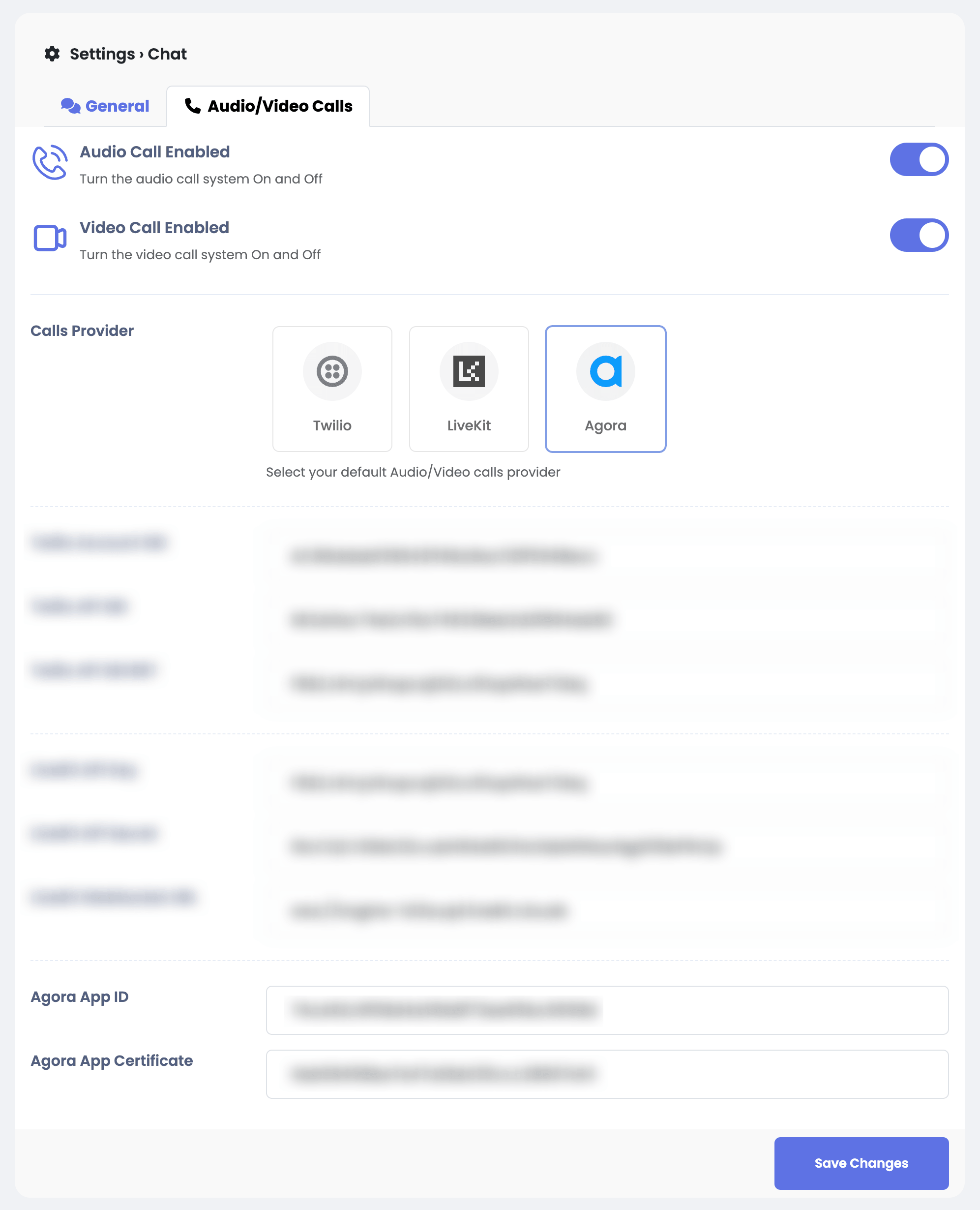
Copy both App ID and App Certificate and copy them to Sngine Admin Panel