Backblaze
Integrate Backblaze with Sngine in a few easy steps.
-
Go to https://secure.backblaze.com/b2_buckets.htm and sign in with your Backblaze account
-
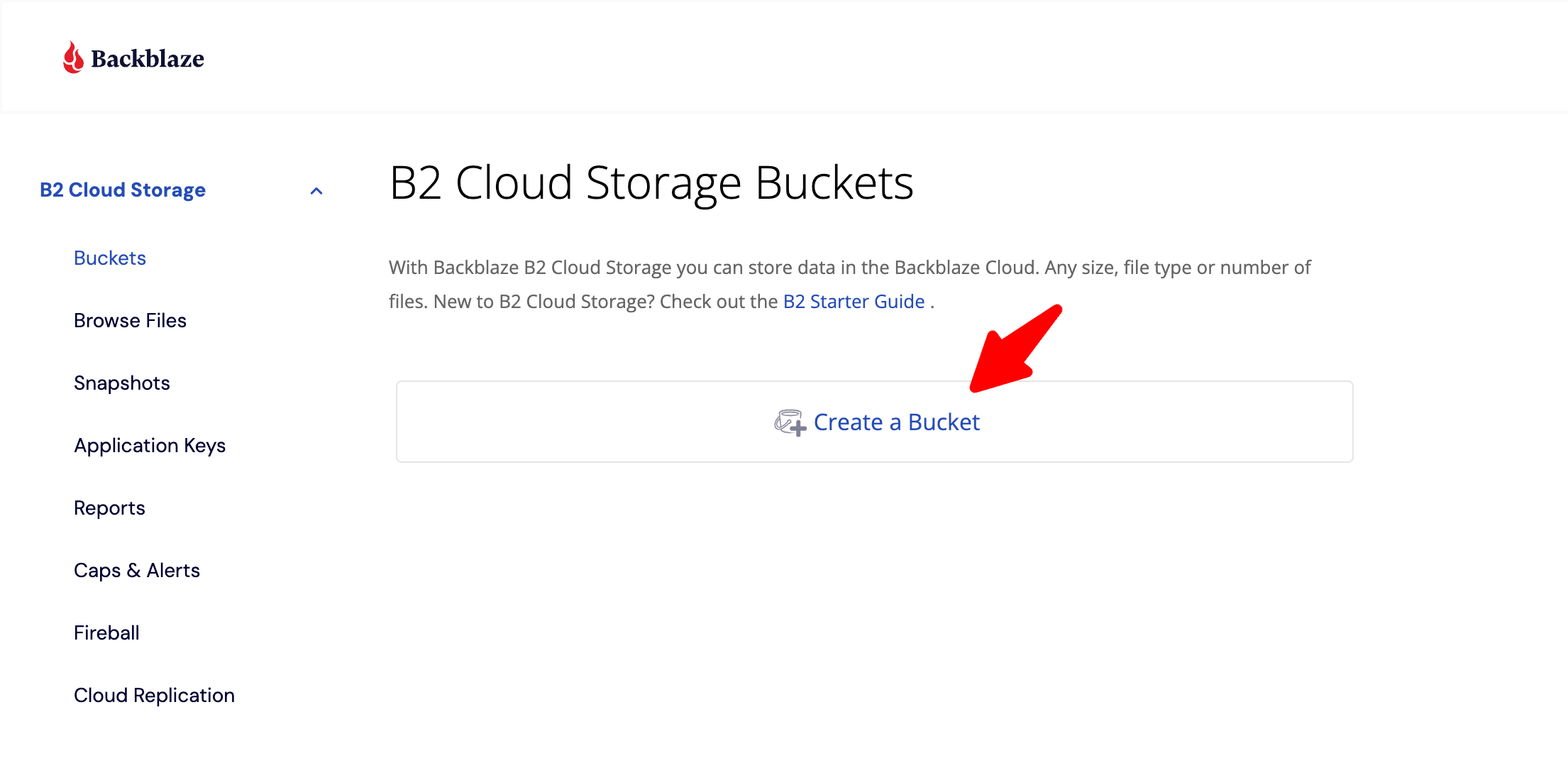
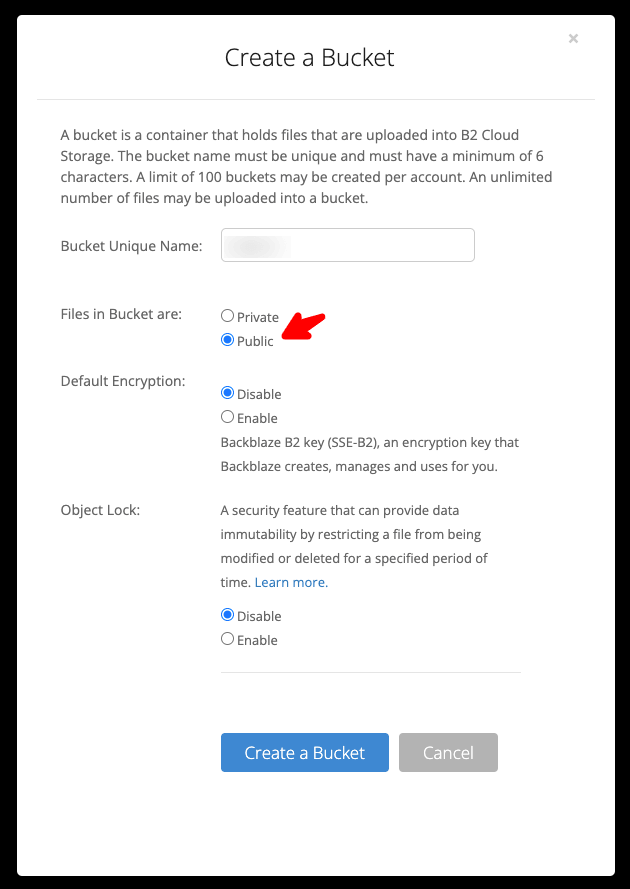
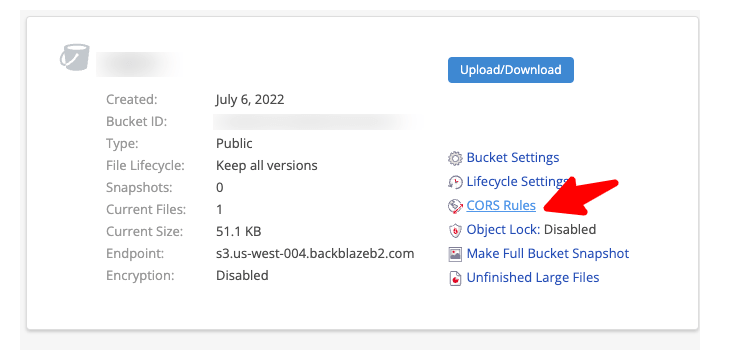
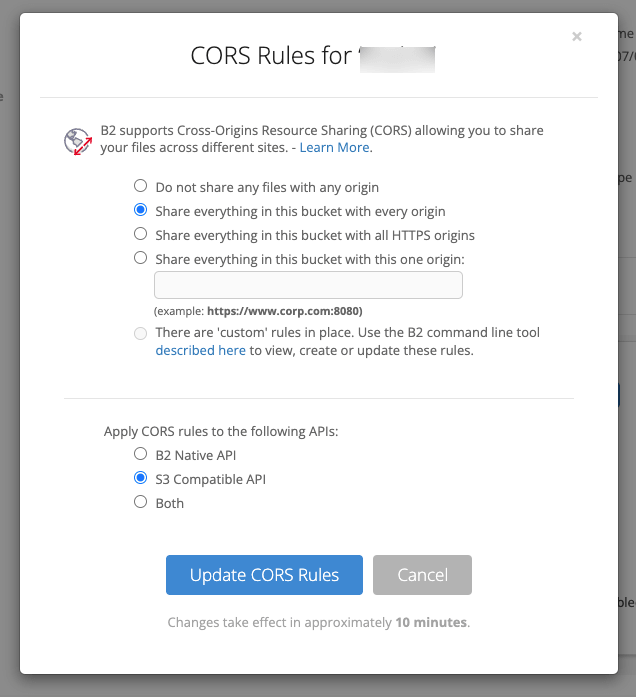
Click Buckets and click Create Bucket
-
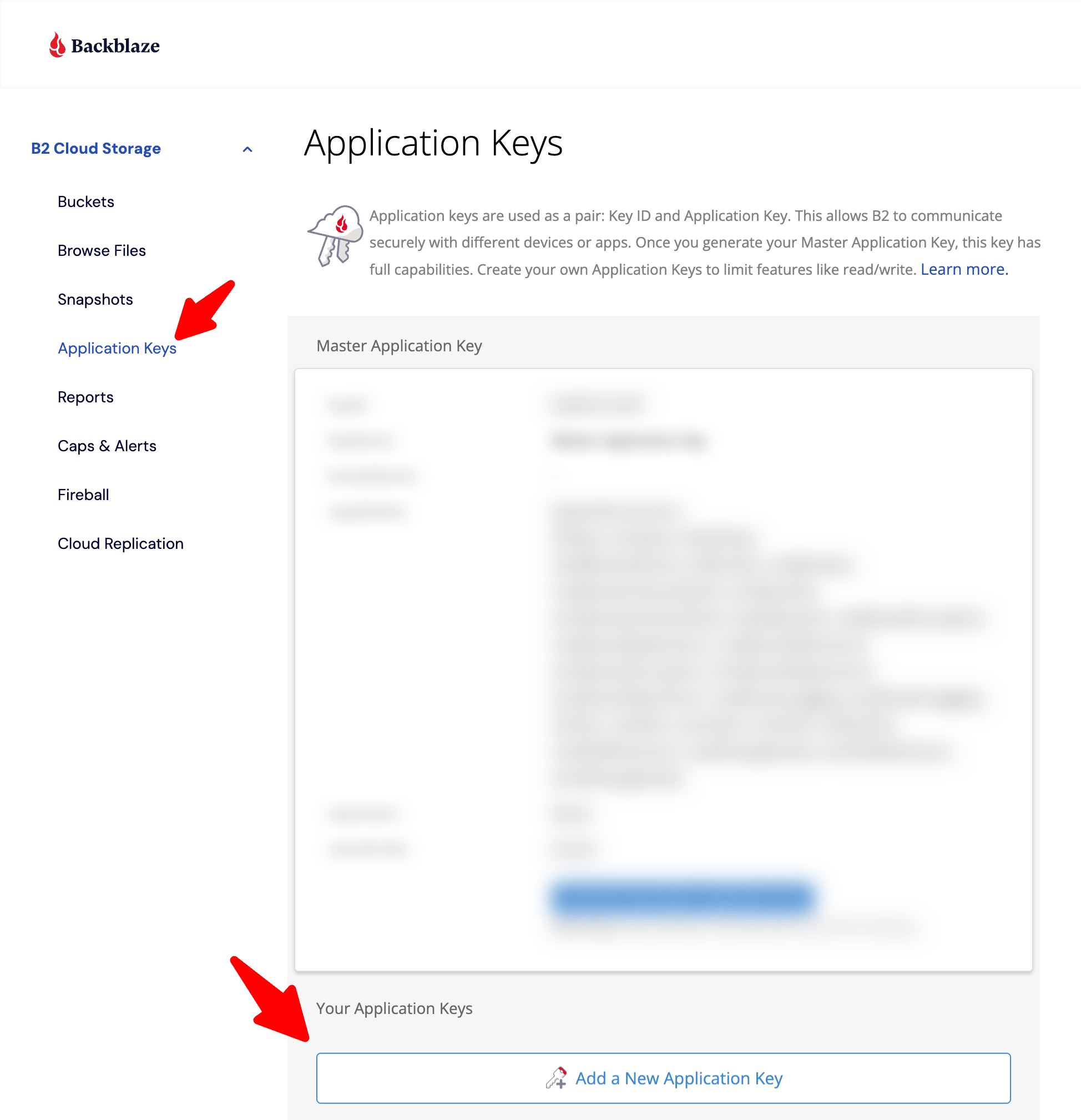
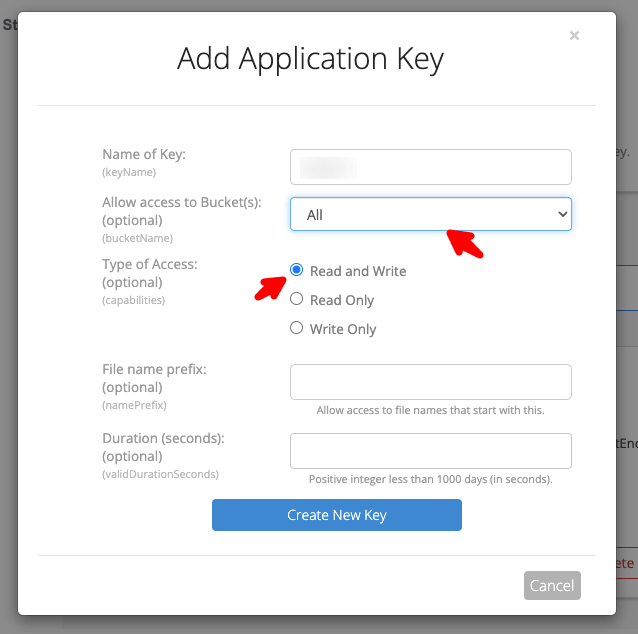
Go to App Keys and Add a New Application Key
-
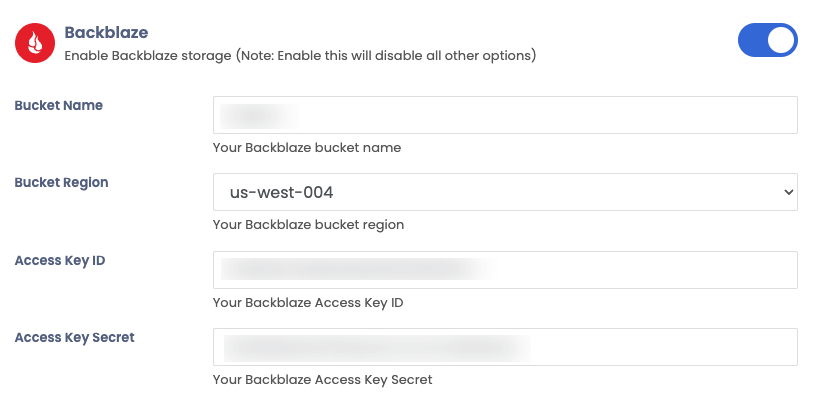
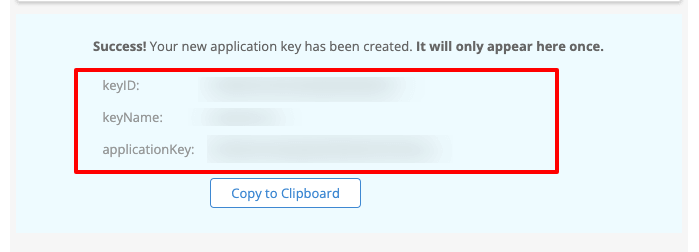
Go to your Sngine Admin Panel → Settings → Upload Settings and paste both Keys and your bucket name and location and after click Save Changes click Test Connection