Replicate
Integrate Replicate with Sngine in a few easy steps for its AI features.
-
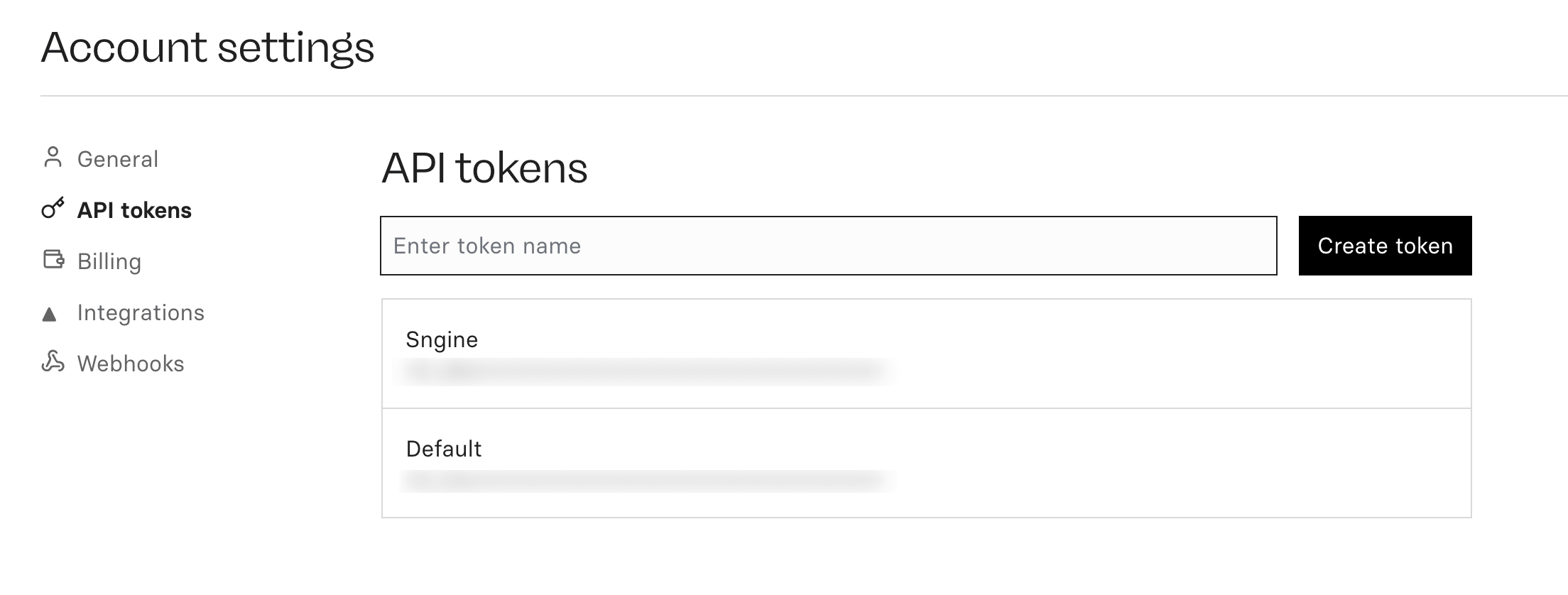
Go to https://replicate.com/account/api-tokens and log in with your Replicate account or create a new one
-
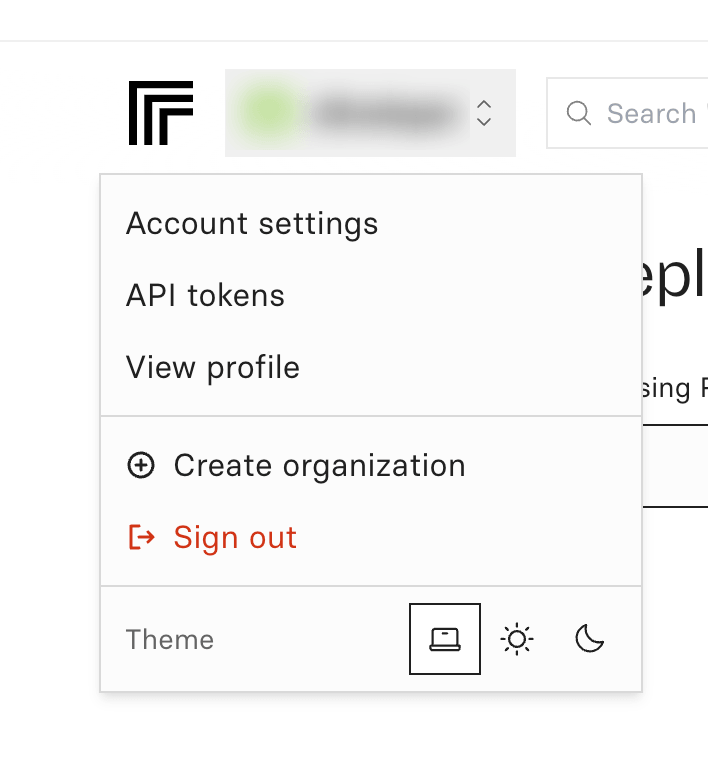
From top left corner click on Account then select API tokens and create a new token
-
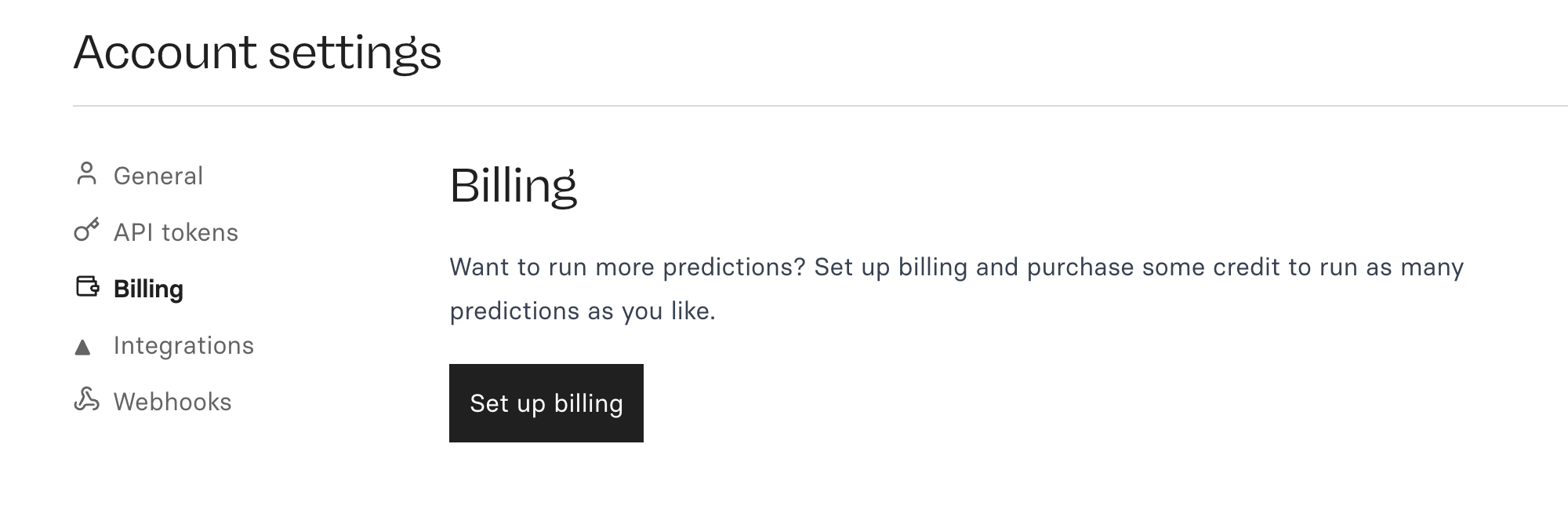
Make sure to setup billing from https://replicate.com/account/billing
-
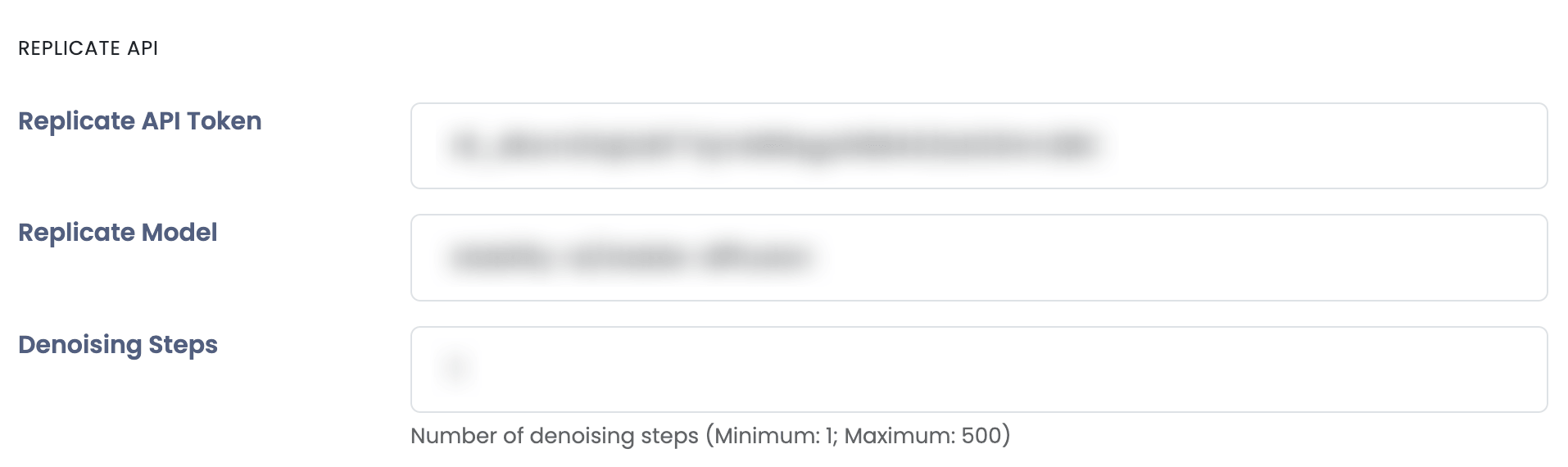
Copy your API Token and paste it to Sngine Admin Panel → Settings → AI Settings