


Stripe
Integrate Stripe with Sngine in a few easy steps.
Get the API keys
-
Go to https://dashboard.stripe.com/ and sign in with your Stripe account
-
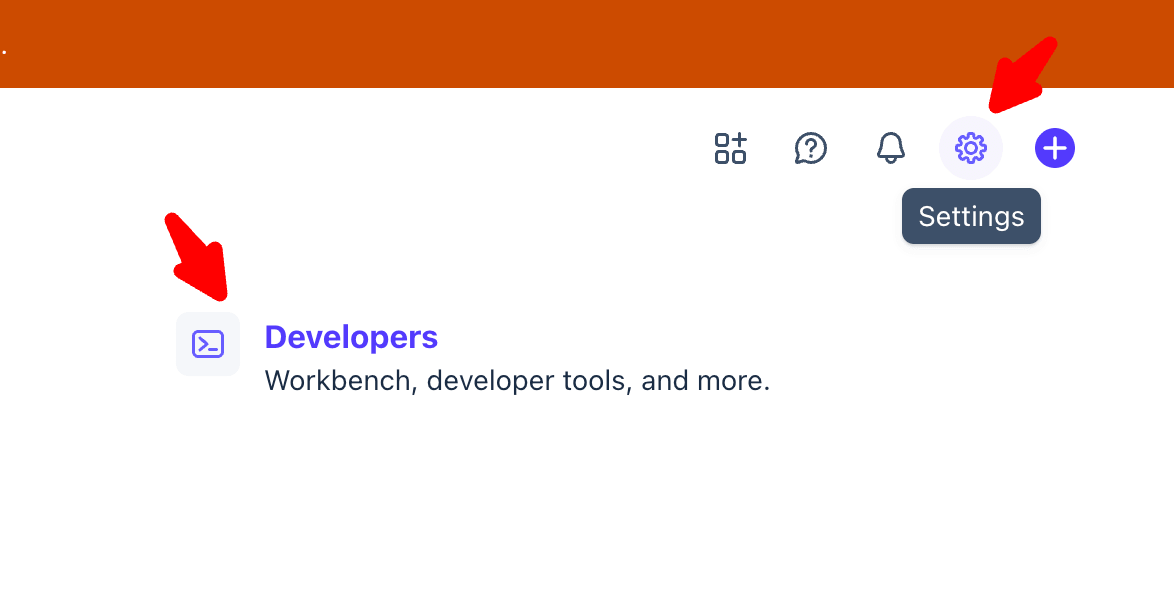
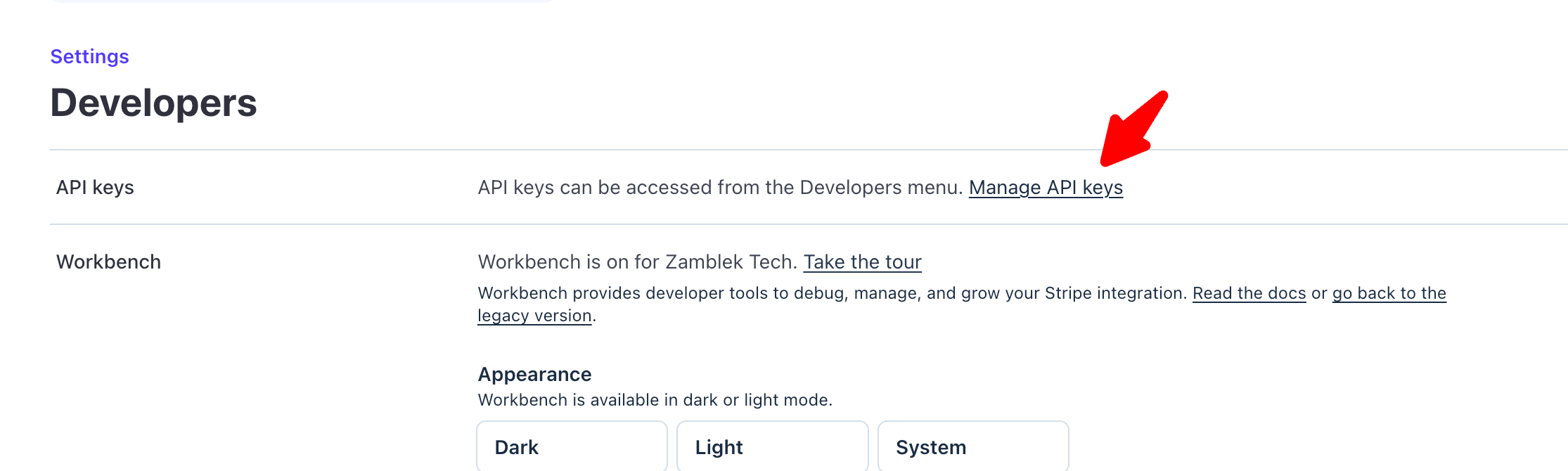
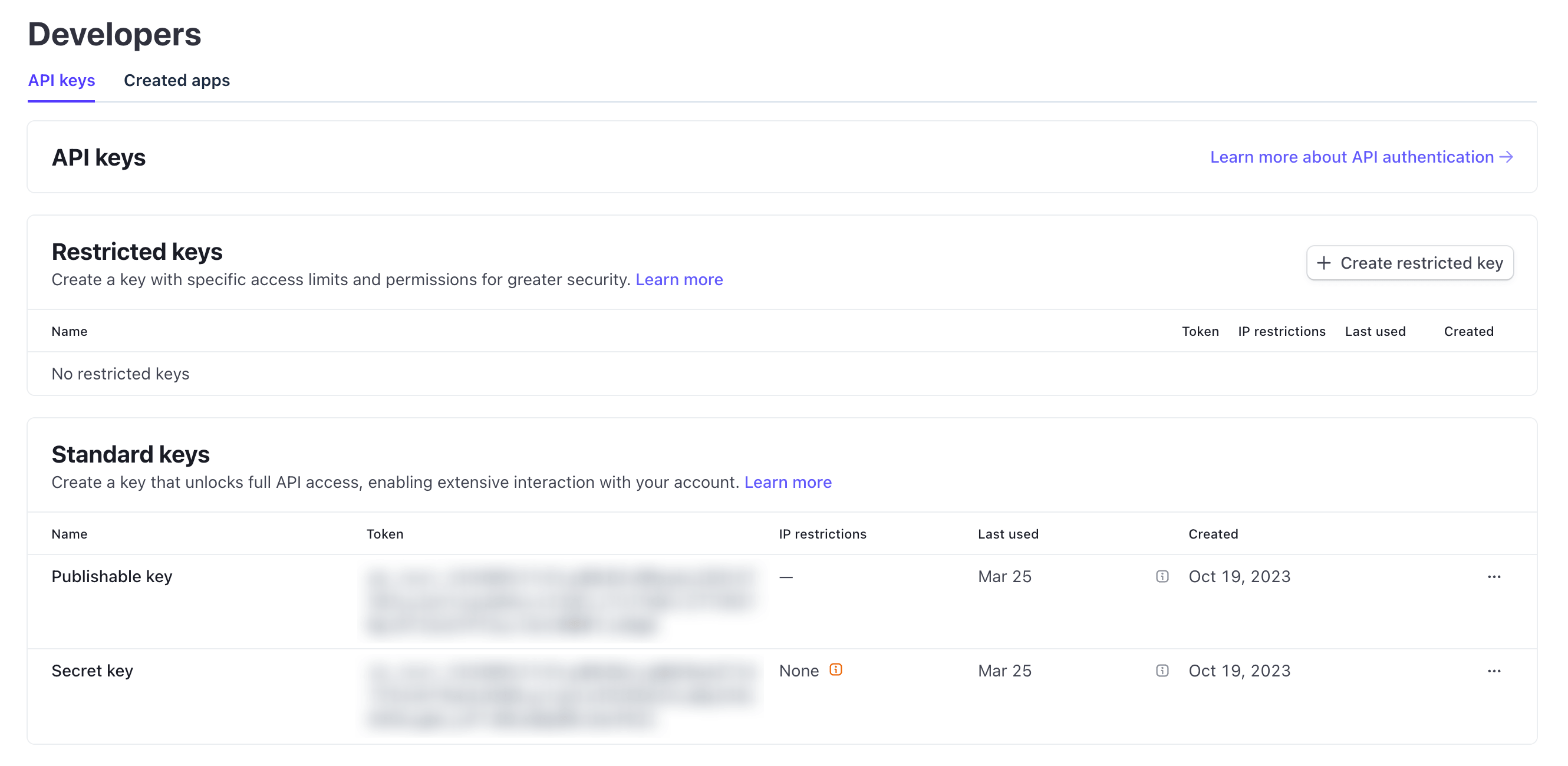
Click Settings → Developers → Manage API Keys and copy both Publishable Key and Secret Key
Create the webhook
-
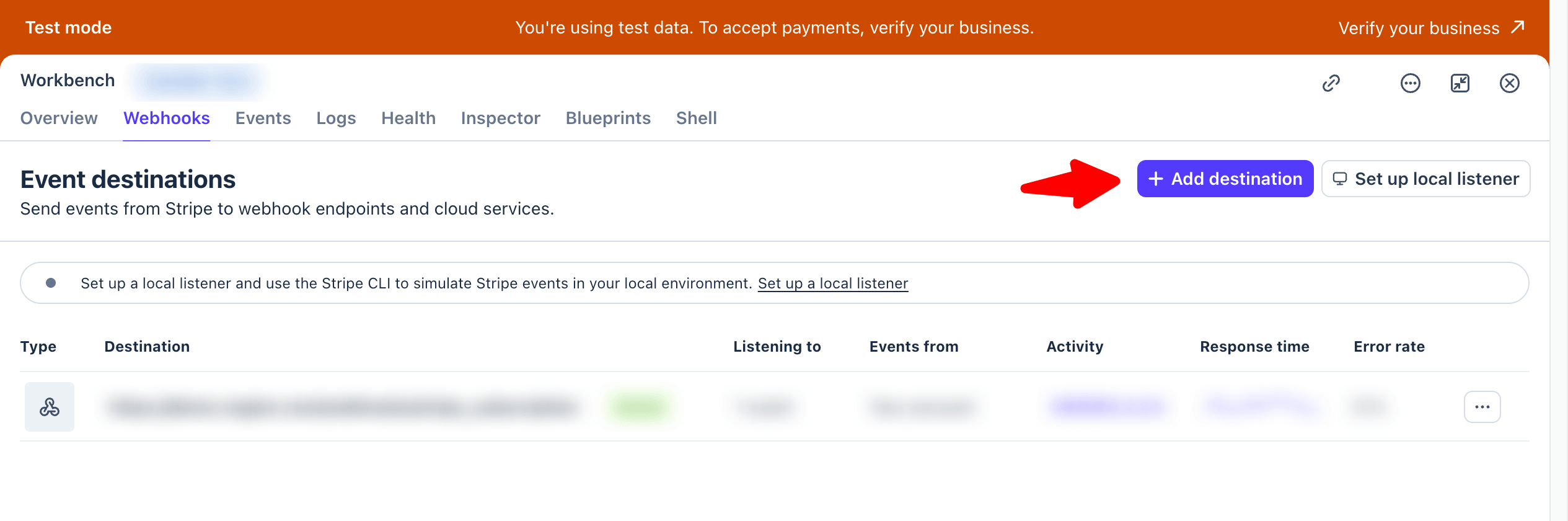
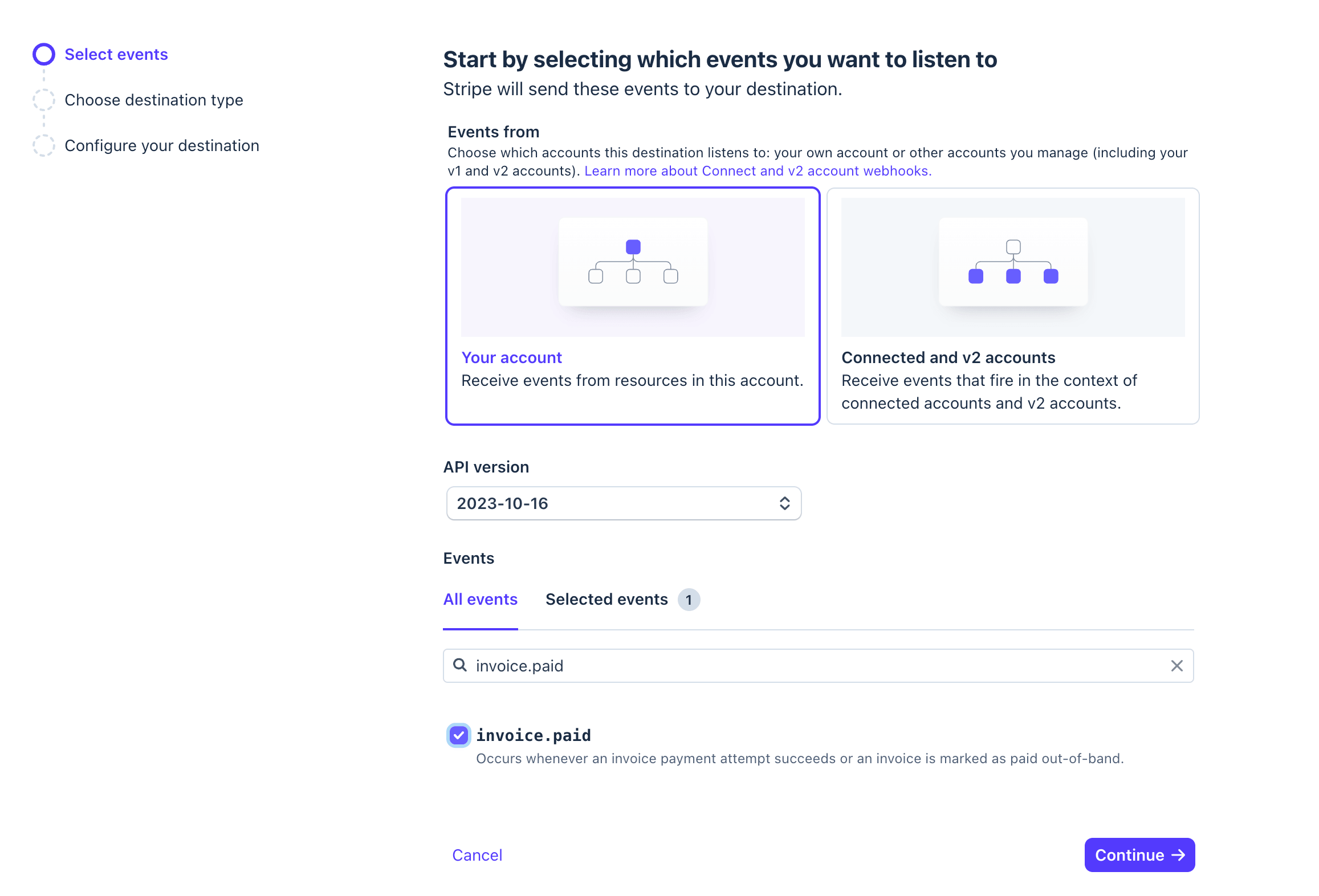
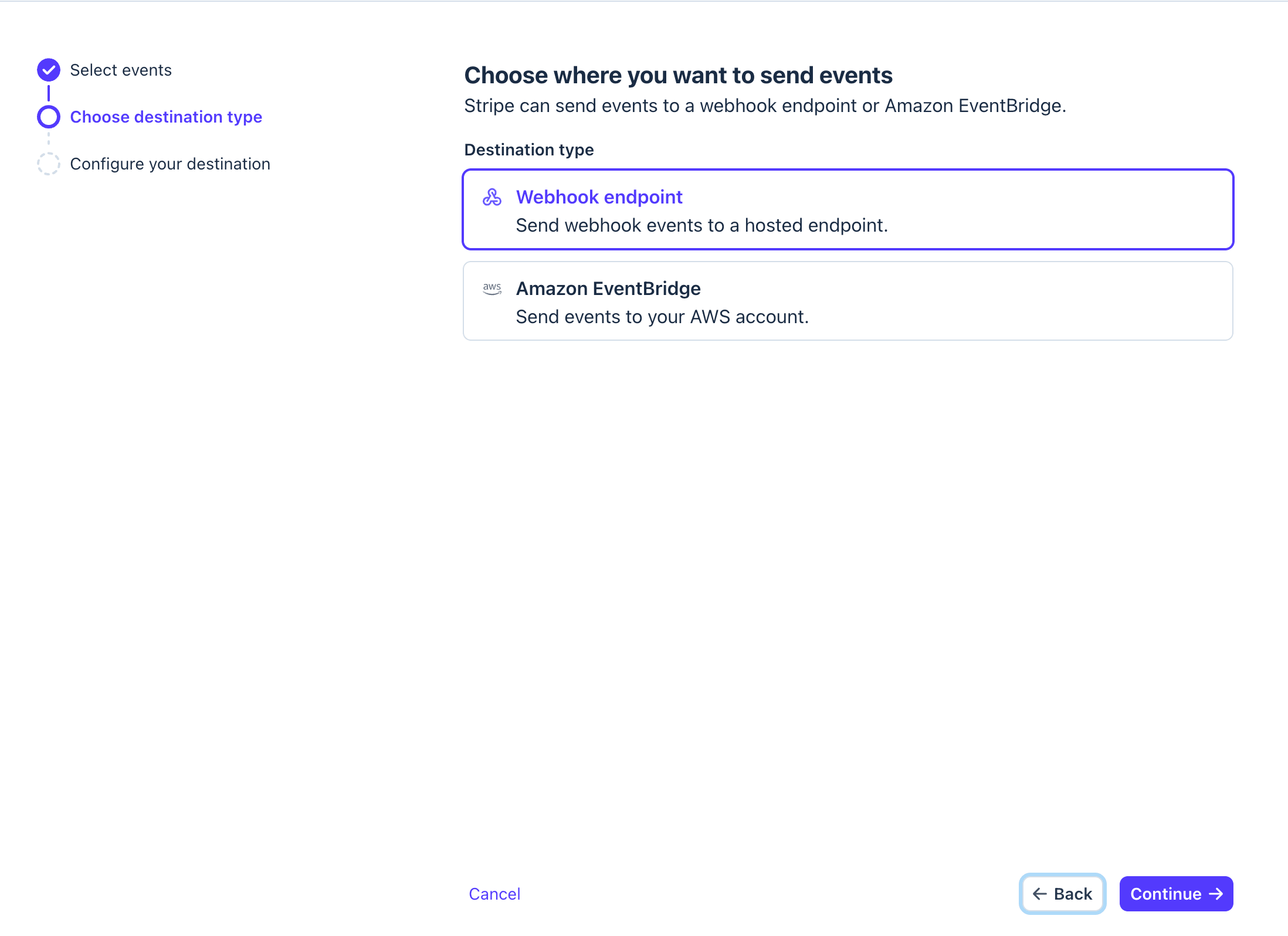
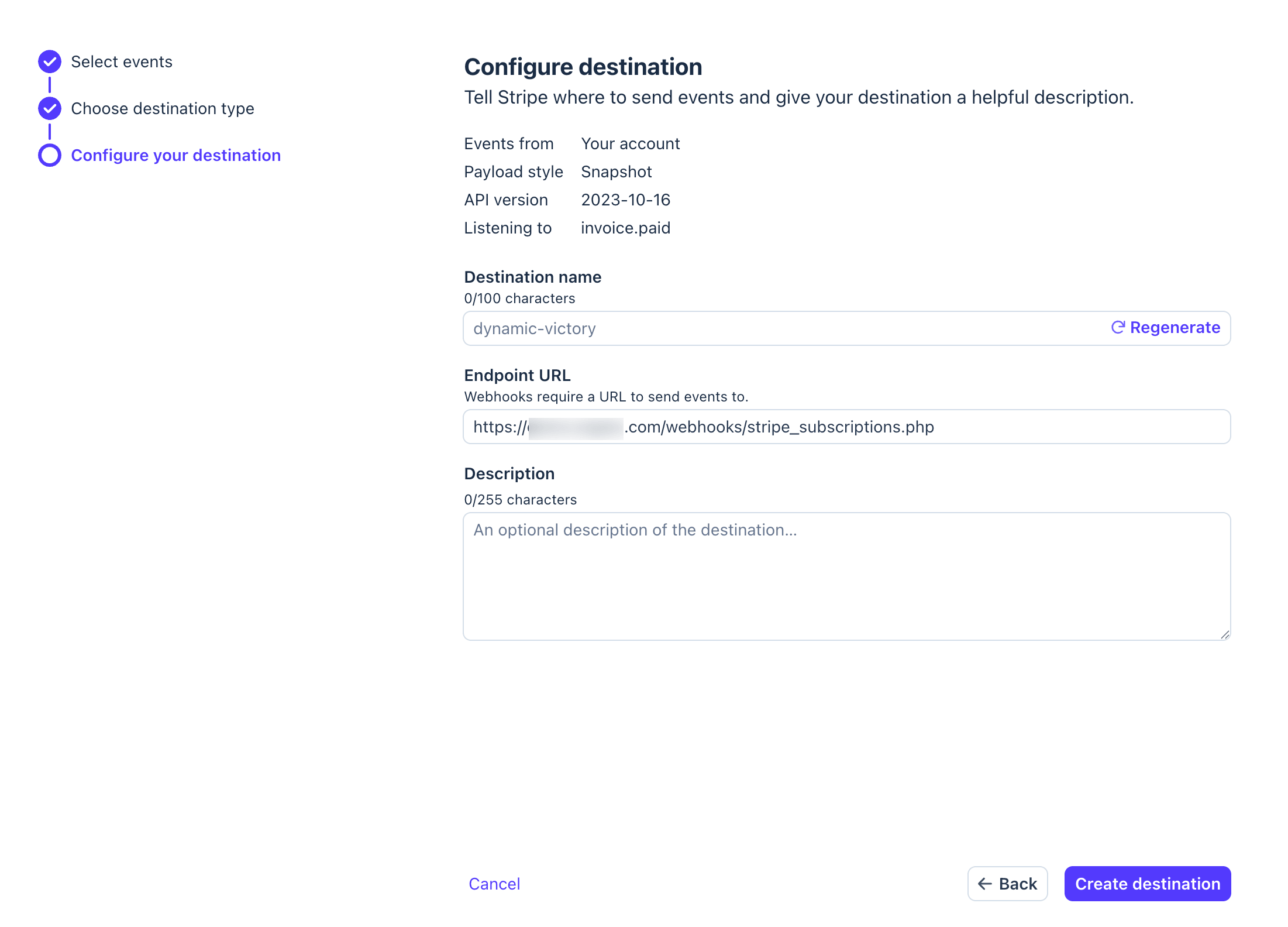
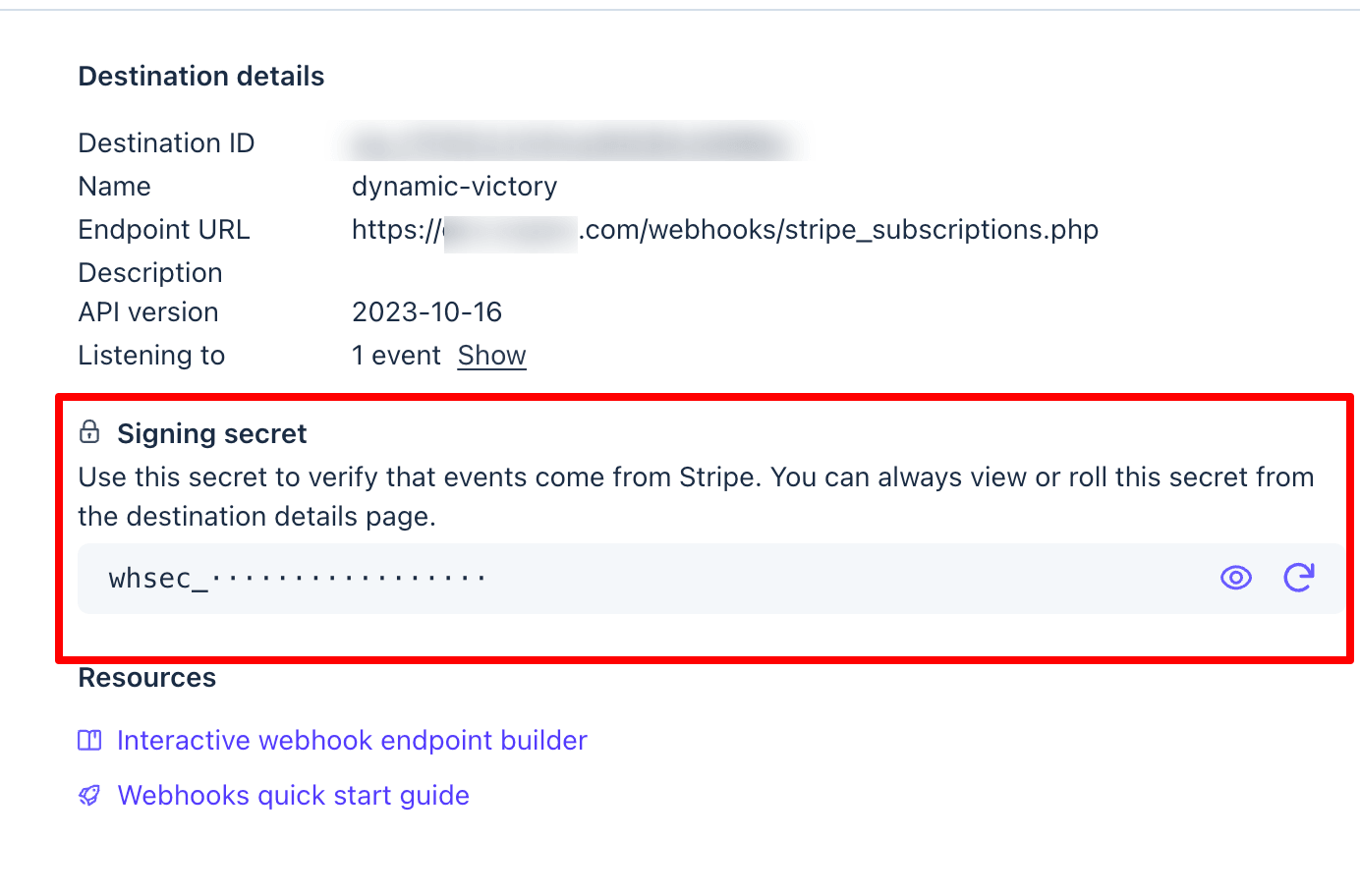
Go to Webhooks and add new webhook, Webhook URL should be like this:
If you installed Sngine in your domain directly like www.domain.com the URI should be like this:
https://www.domain.com/webhooks/stripe_subscriptions.phpIf you installed Sngine in your domain directly but without
wwwlike domain.com the URI should be like this:
https://domain.com/webhooks/stripe_subscriptions.phpIf you installed Sngine in sub-domain like sub.domain.com the URI should be like this:
https://sub.domain.com/webhooks/stripe_subscriptions.phpIf you installed Sngine in a directory like domain.com/directory the URI should be like this:
https://www.domain.com/directory/webhooks/stripe_subscriptions.php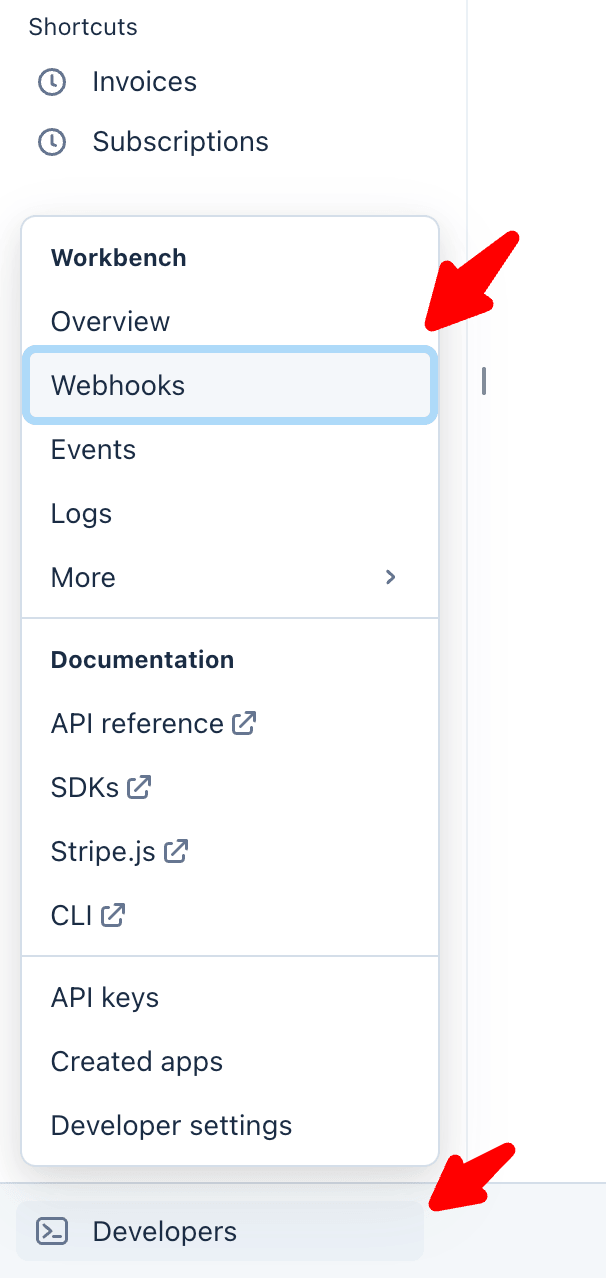
Add the keys to Sngine
-
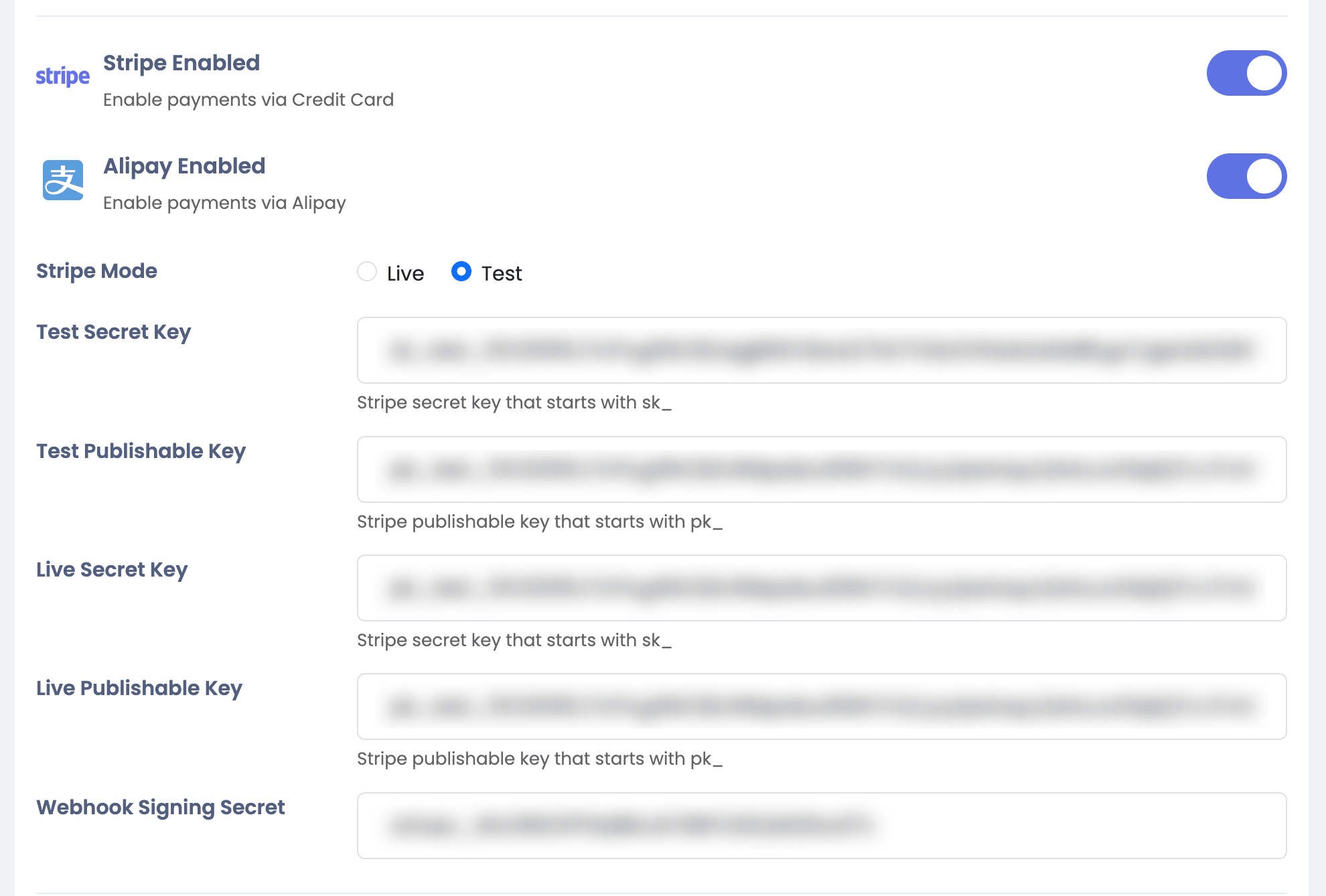
Copy API Keys and your Webhook Signing Secret then go to your Sngine Admin Panel → Settings → Payments Settings and paste all and select the mode you want Test or Live
Go live
-
To activate Live mode you will need to verify your business first
