Mercado Pago
Integrate MercadoPago with Sngine in a few easy steps.
-
Go to https://www.mercadopago.com/ and sign in with your MercadoPago account or create a new one
-
Go to the Developer Dashboard, then click Credentials from the sidebar (or find it under your App or account menu).
-
You will see two environments: Production and Sandbox. Under each environment, you will find: Public Key and Access Token
-
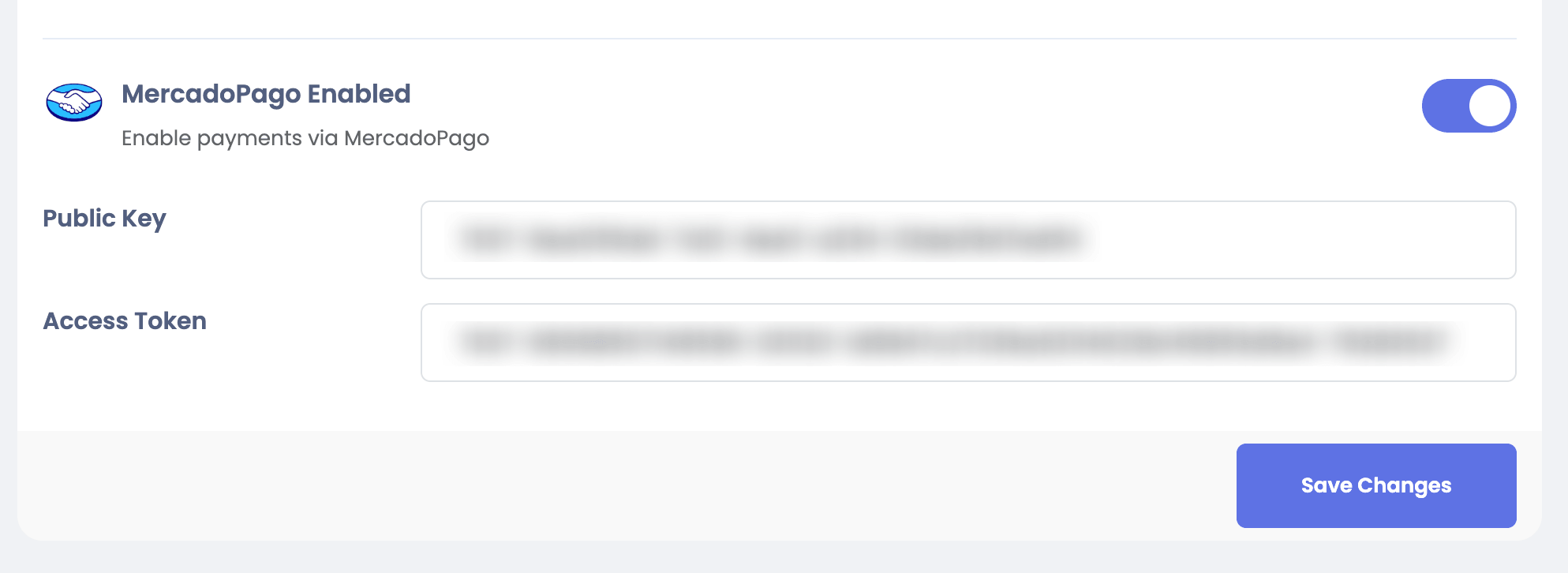
Go to your Sngine Admin Panel → Settings → Payments Settings and paste both Public Key and Access Token