


Skip to content

Google Vision

Integrate Google Vision API with Sngine in a few easy steps to use the adult image detection feature.

To start using Google APIs You must enable Billing on the Google Cloud Project at https://console.cloud.google.com/project/_/billing/enable
  1. First you must have a project on Google developers and you can check how to do it from here: Google.

  2. Go to https://console.developers.google.com/apis/dashboard and sign in with your Google account

  3. Click library and search for Vision and then make sure it's enabled
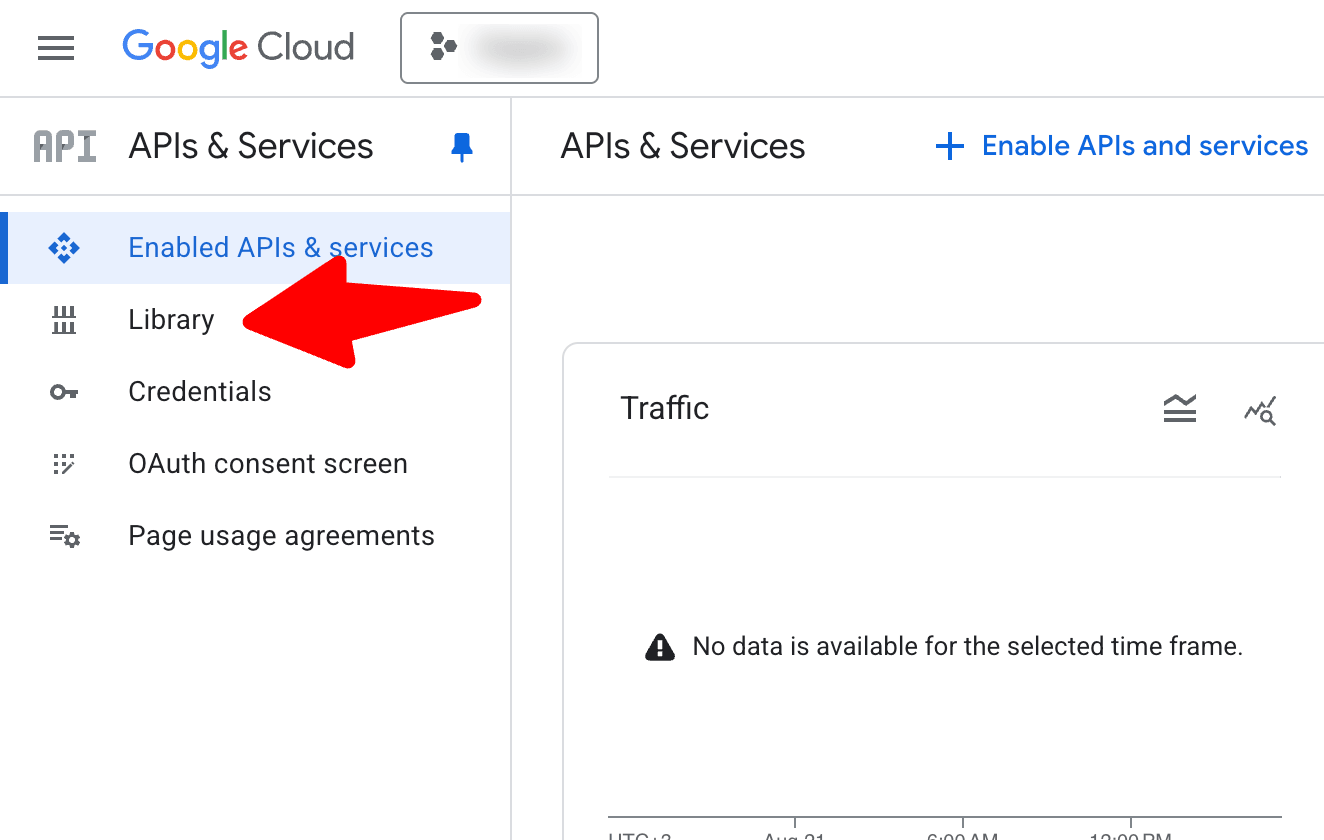
    Click library and search for Vision and then make sure it's enabled
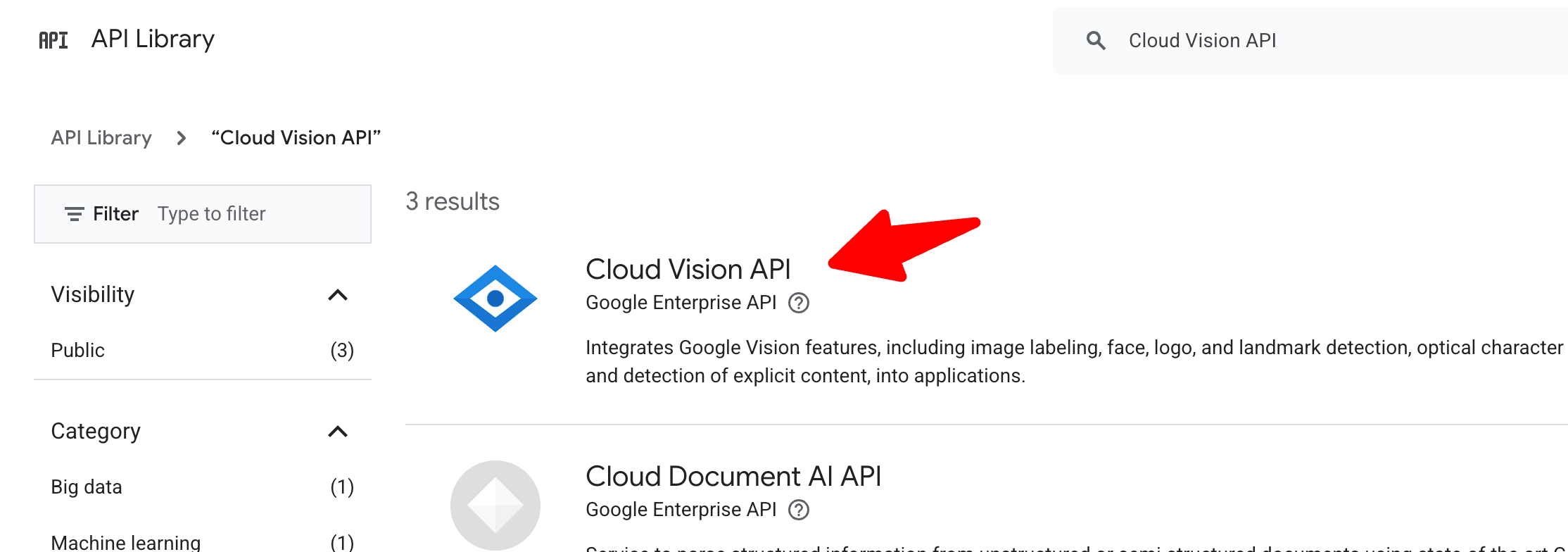
    Click library and search for Vision and then make sure it's enabled
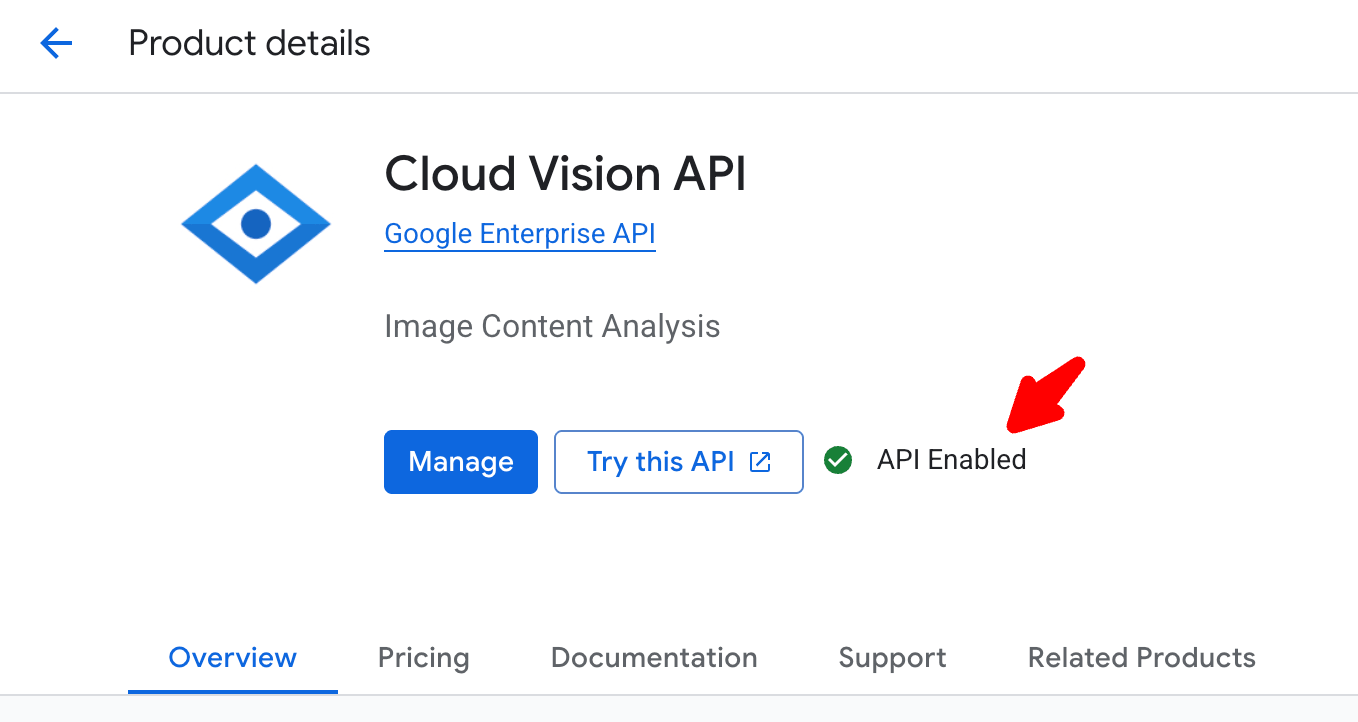
    Click library and search for Vision and then make sure it's enabled

  4. You can get the API key from Credentials
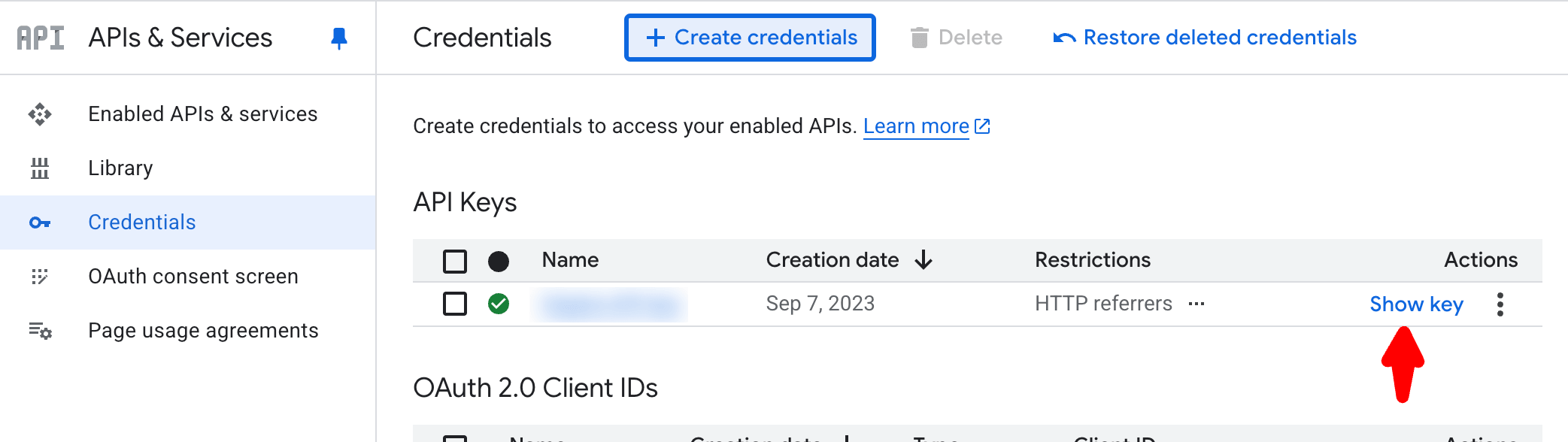
    You can get the API key from Credentials

  5. Go to your Sngine Admin Panel → Settings → Uploads Settings and paste this key
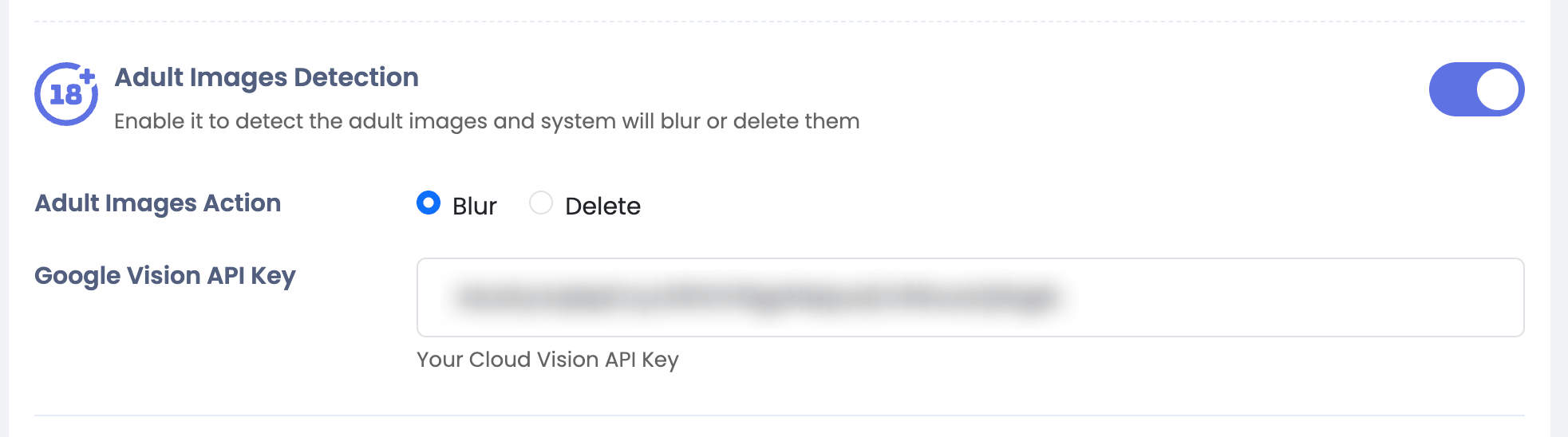
    Go to your Sngine Admin Panel → Settings → Uploads Settings and paste this key