OpenAI
Integrate OpenAI with Sngine in a few easy steps for its AI features.
-
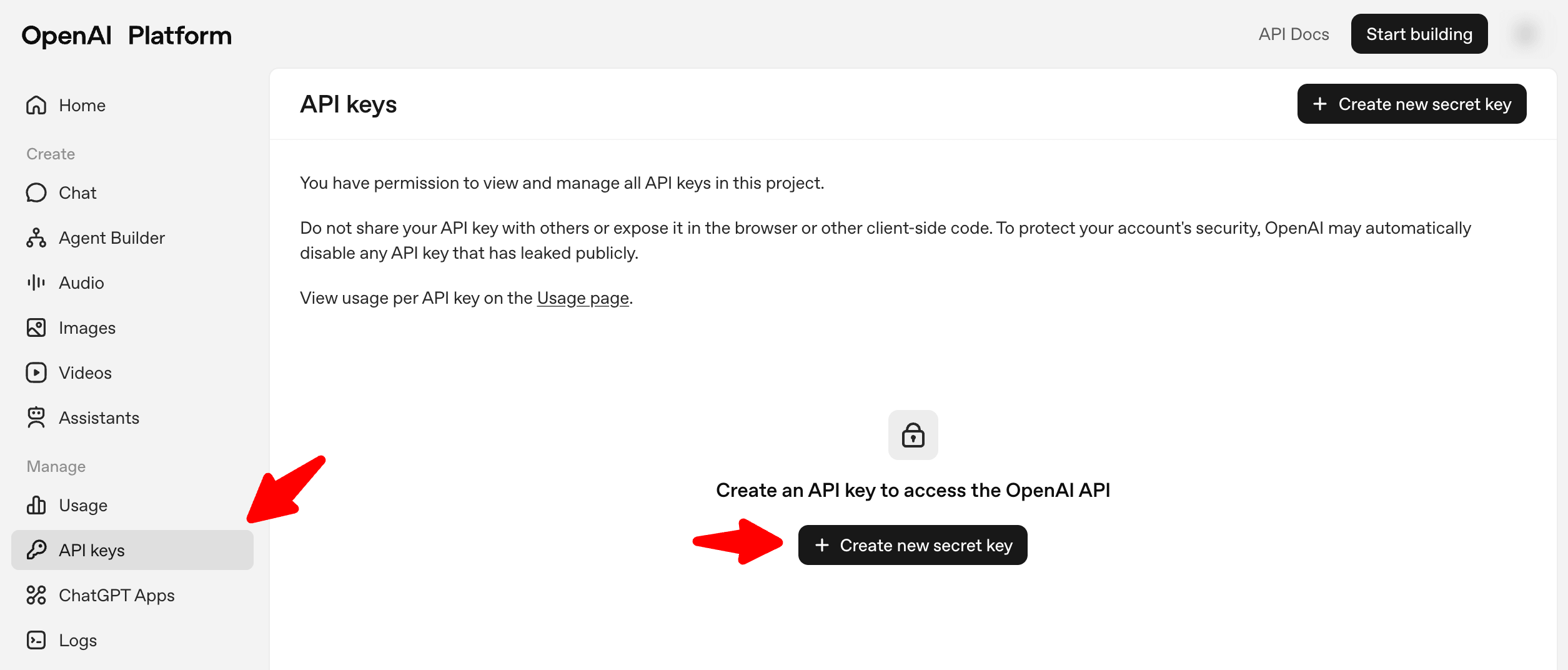
Go to https://platform.openai.com/account/api-keys and log in with your OpenAI account or create a new one
-
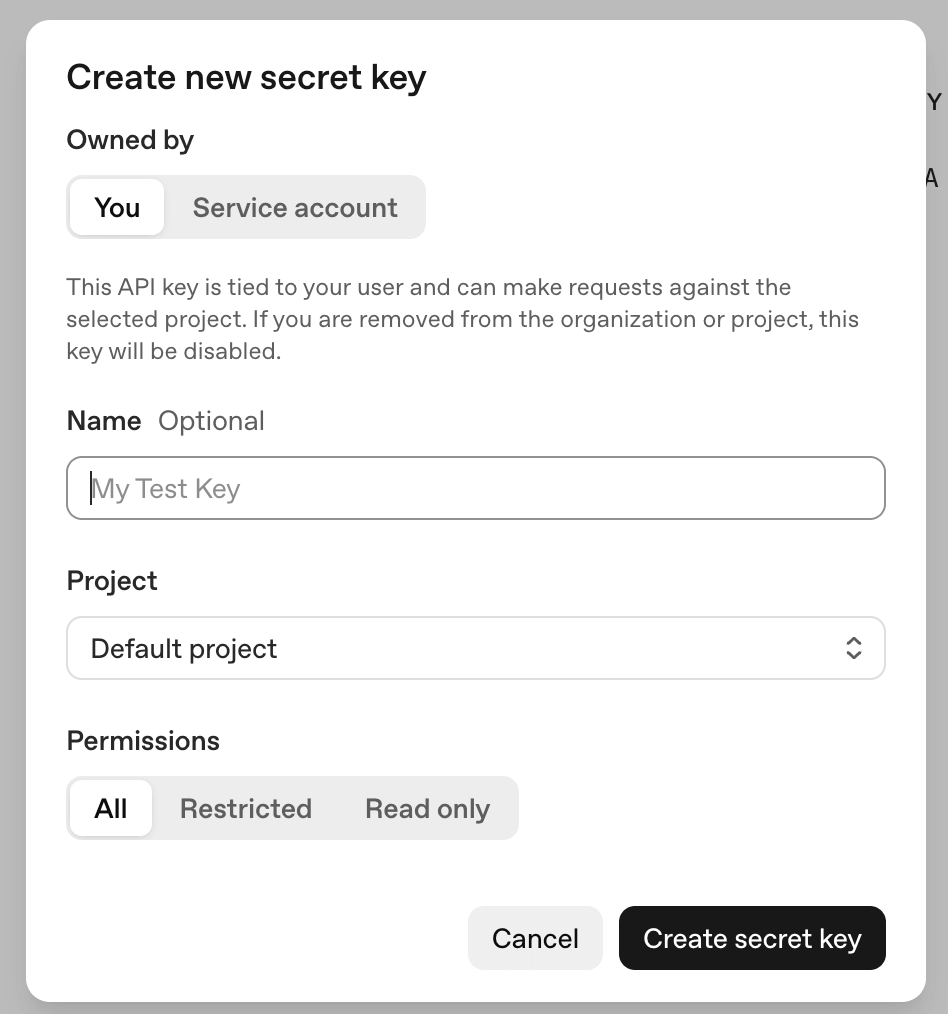
Click Create new secret key
-
Make sure to enable billing from https://platform.openai.com/account/billing/overview
-
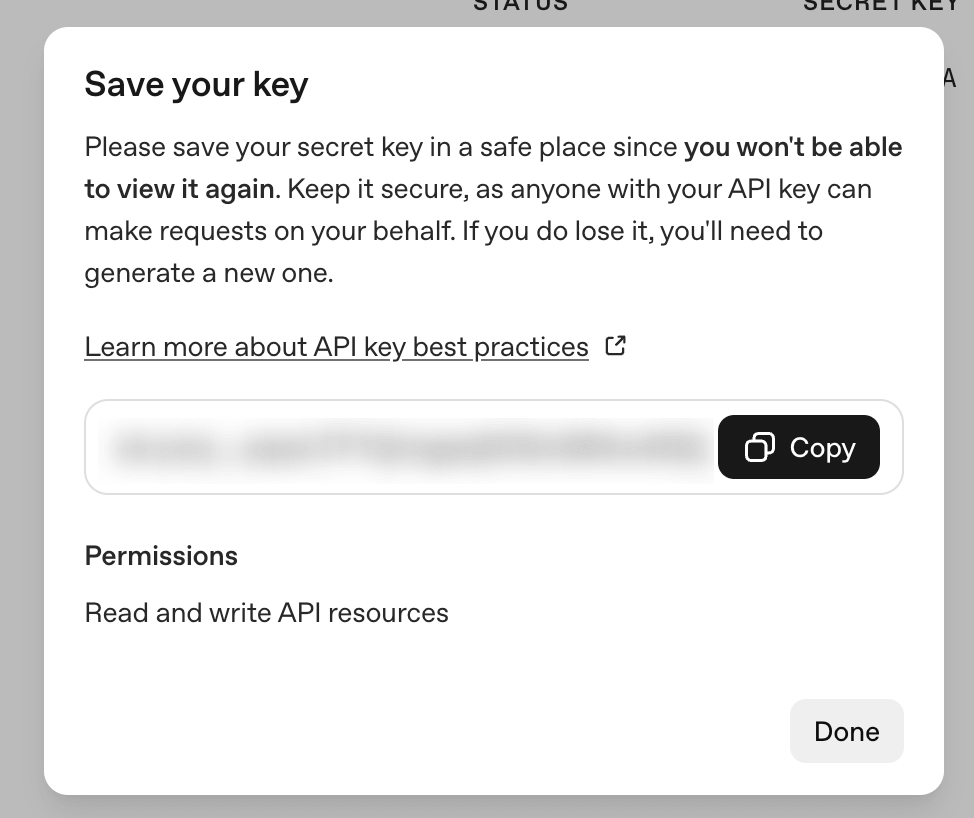
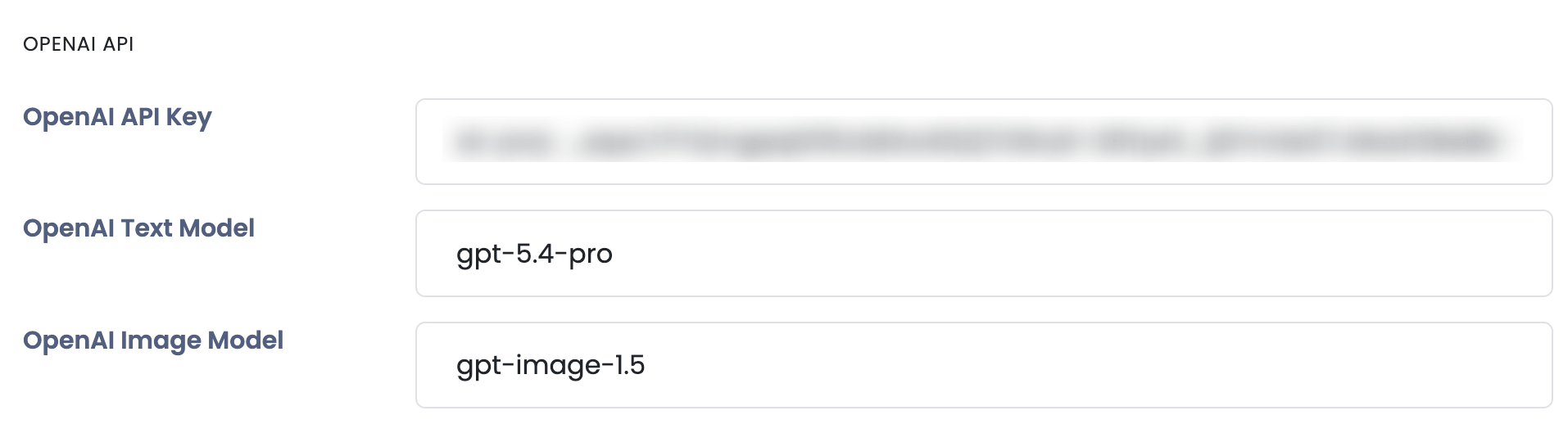
Copy your API Key and paste it to Sngine Admin Panel → Settings → AI Settings