Google reCAPTCHA
Integrate Google Recaptcha with Sngine in a few easy steps.
-
First you must have a project on Google developers and you can check how to do it from here: Google.
-
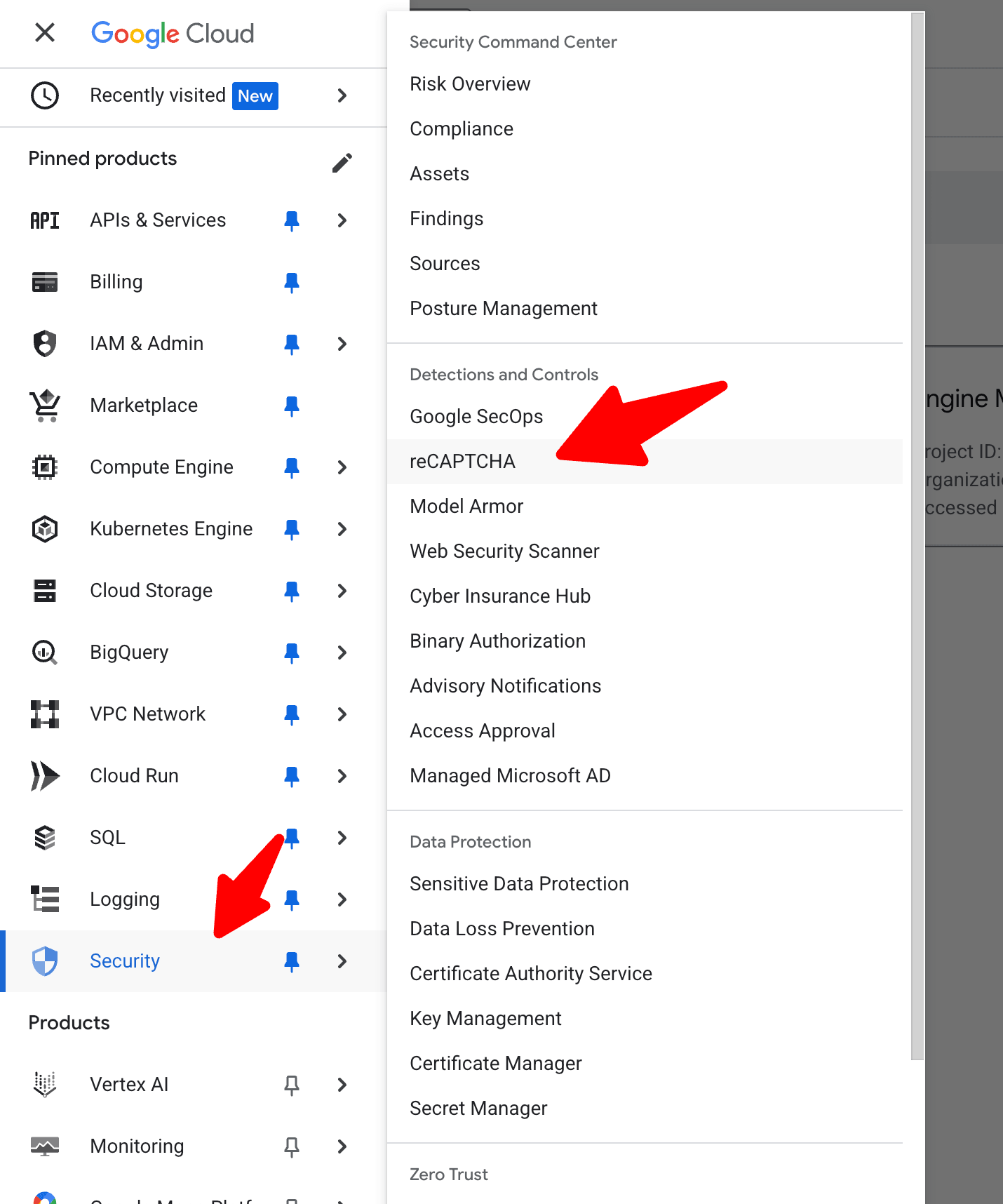
Go to https://console.cloud.google.com/security/recaptcha/ and sign in with your Google account and select your project
-
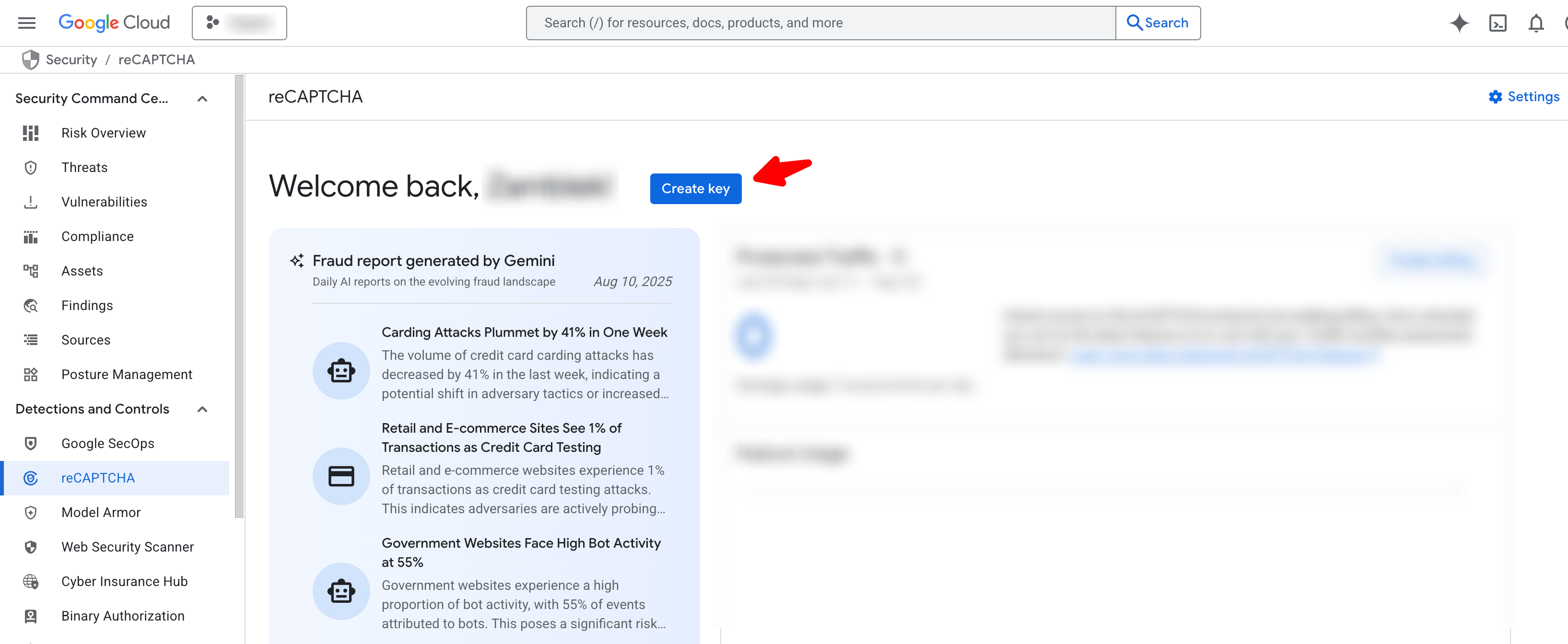
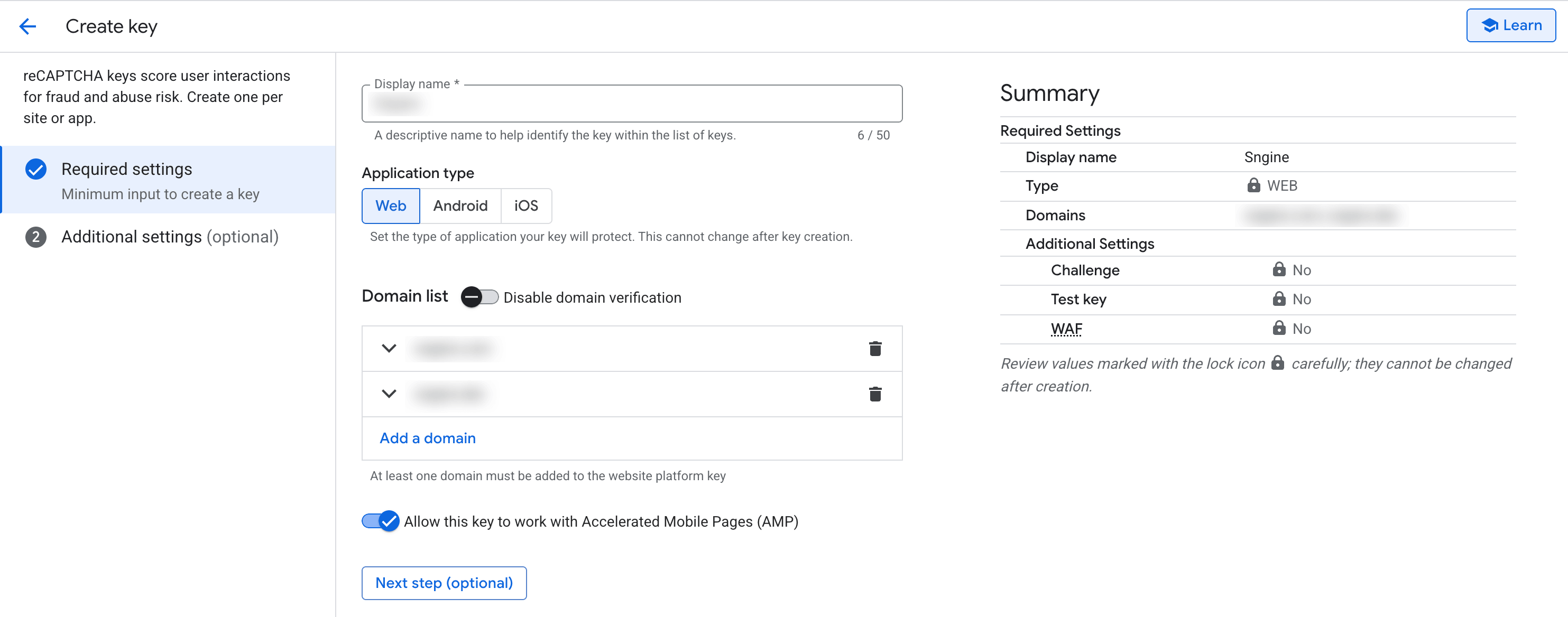
Click Create key
-
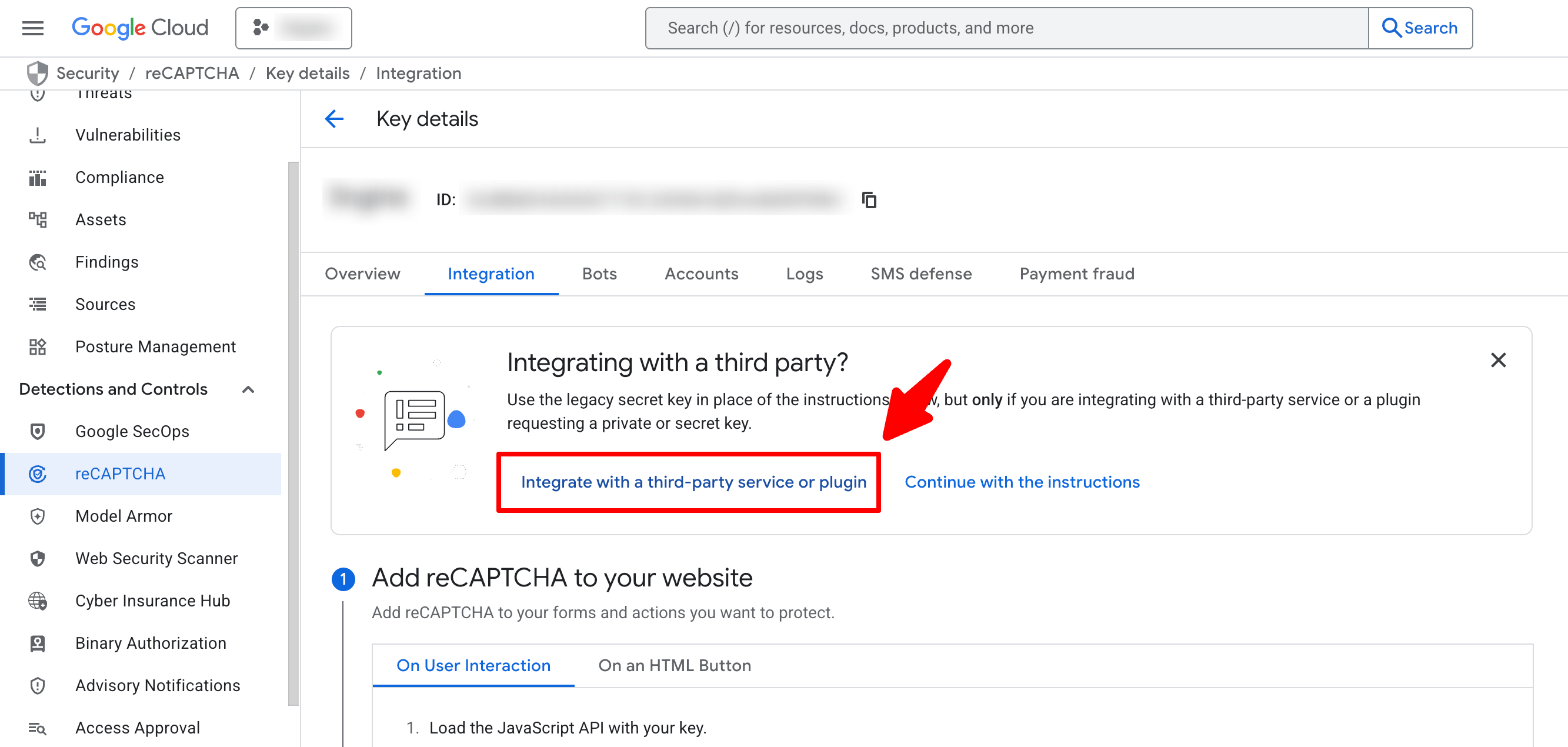
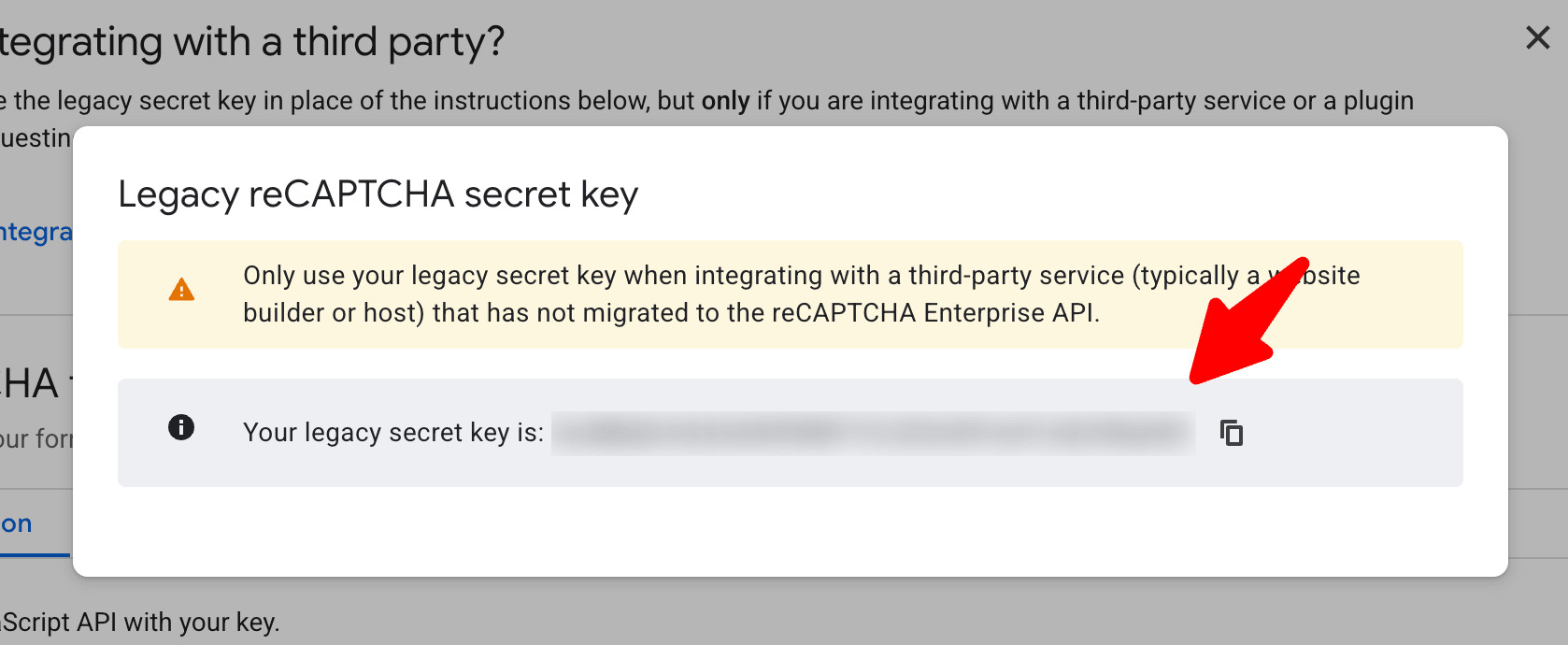
You can get your Key Id and to get the Secret Key you need to click on Integration tab then click on Integrate with a third-party service or plugin
-
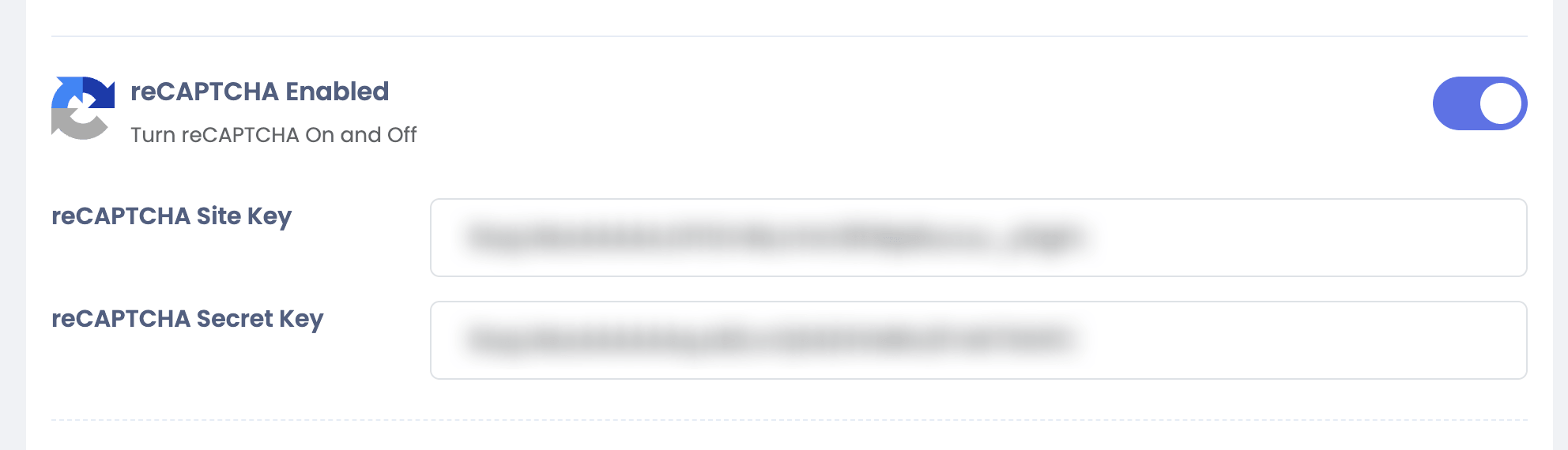
Go to your Sngine Admin Panel → Settings → Security Settings and paste this key