X
Integrate X with Sngine in a few easy steps to let your users log in with their X accounts.
Create the project
- Go to https://developer.x.com/en/portal/dashboard and sign in with your X account
-
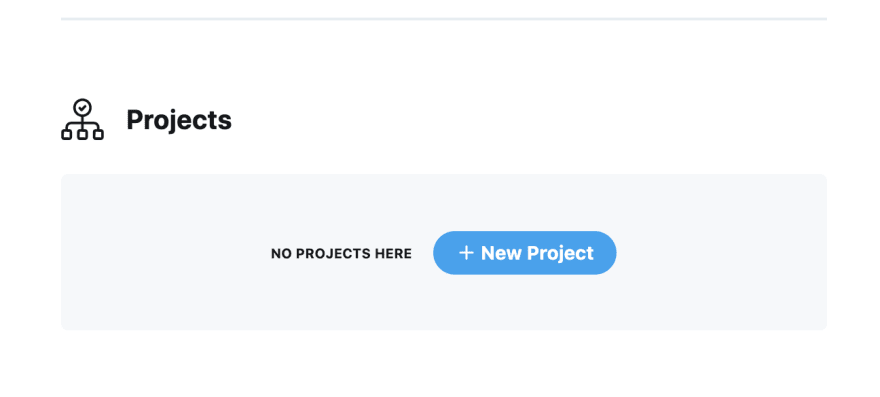
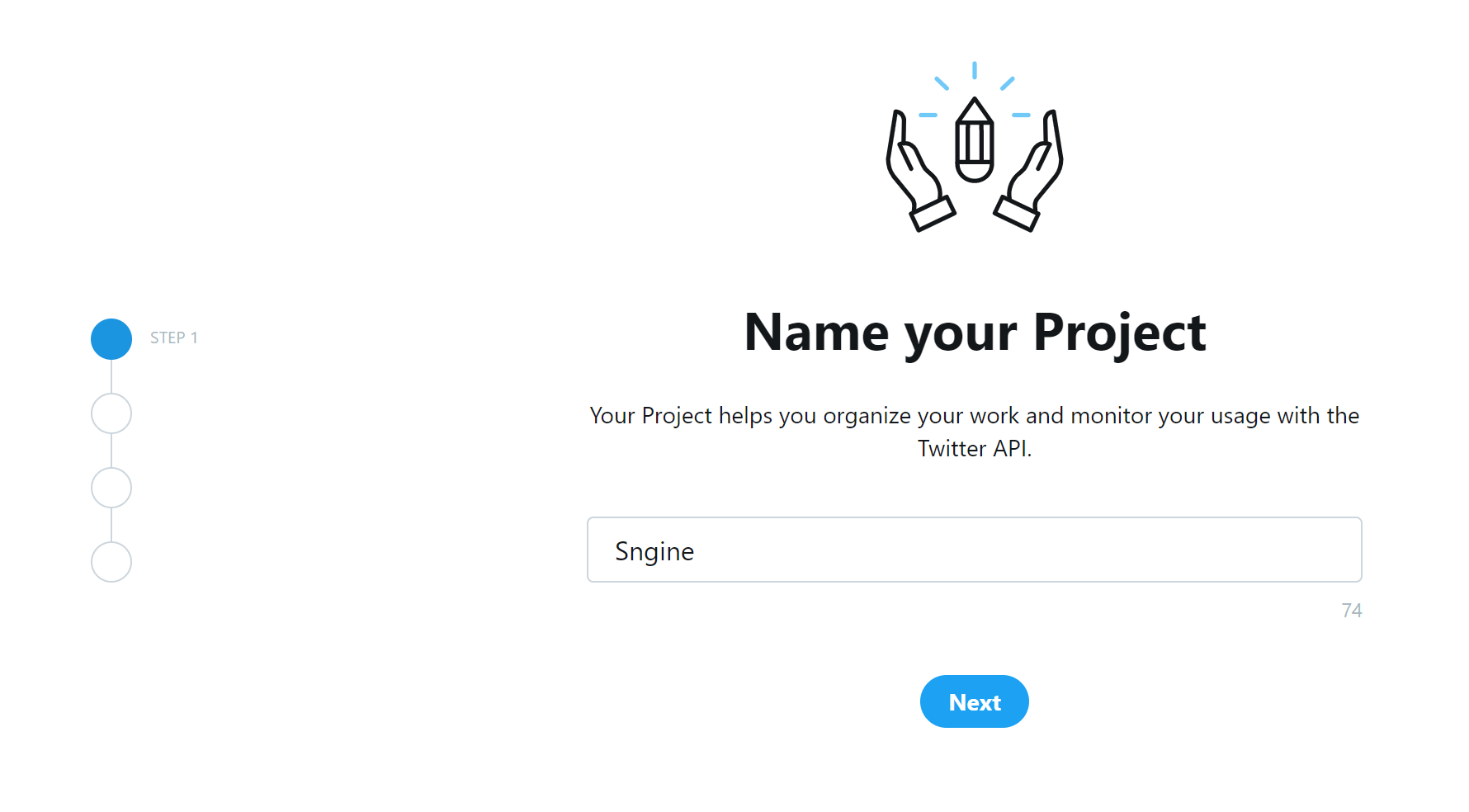
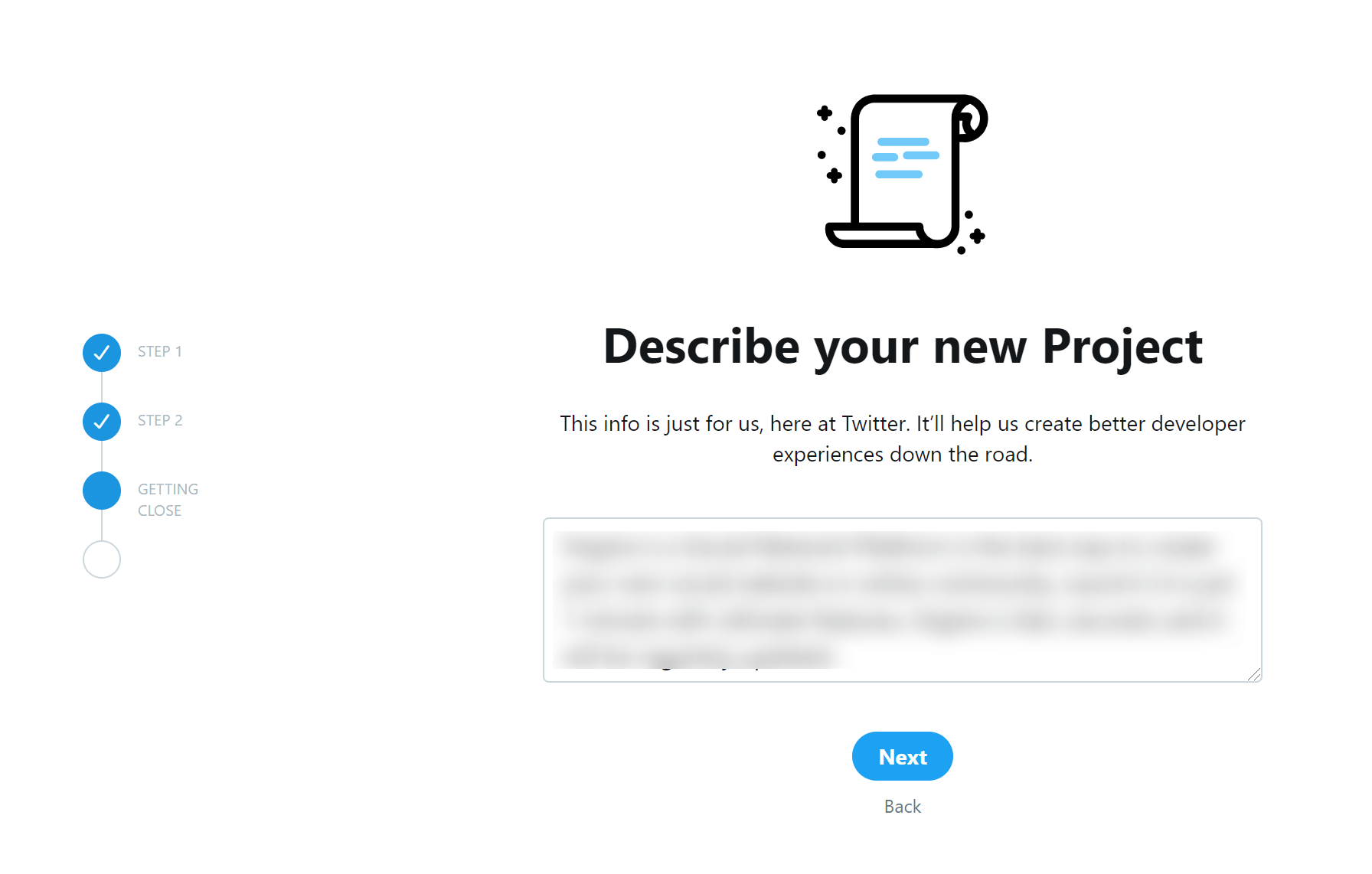
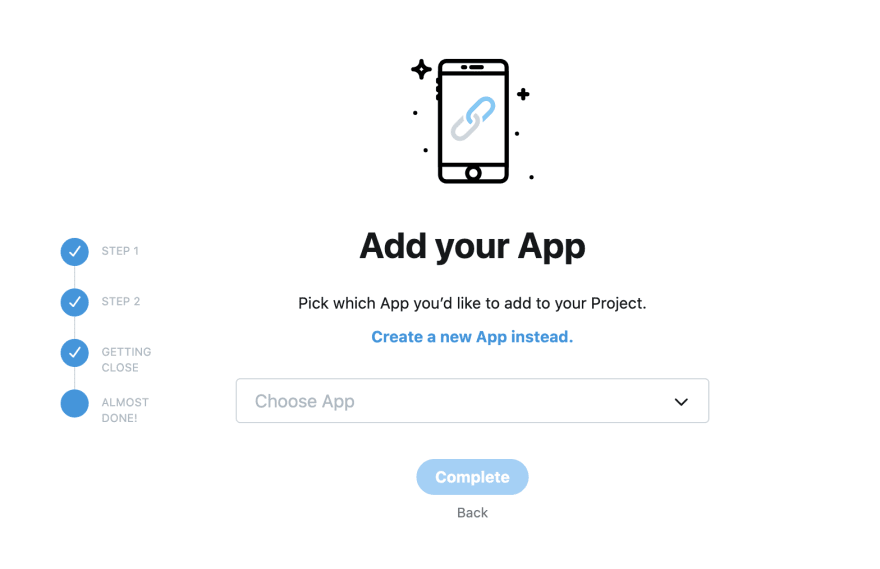
Click New Project and fill the form
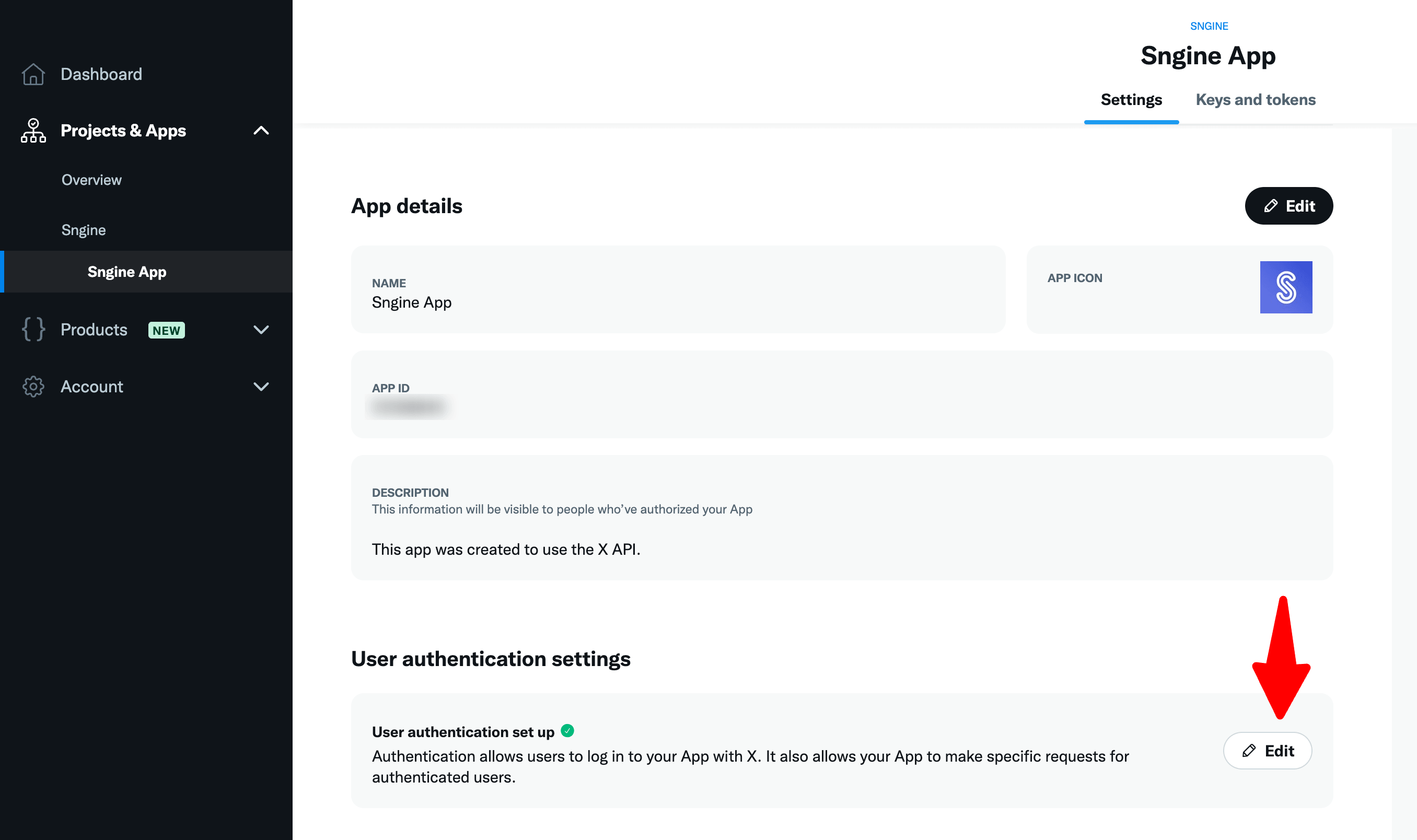
-
Provide this URI as the Callback URL for your application as following:
If you installed Sngine in your domain directly like domain.com the URI should be like this:
https://www.domain.com/connect/twitterIf you installed Sngine in your domain directly but without
wwwlike domain.com the URI should be like this:
https://domain.com/connect/twitterIf you installed Sngine in sub-domain like sub.domain.com the URI should be like this:
https://sub.domain.com/connect/twitterIf you installed Sngine in a directory like domain.com/directory the URI should be like this:
https://www.domain.com/directory/connect/twitter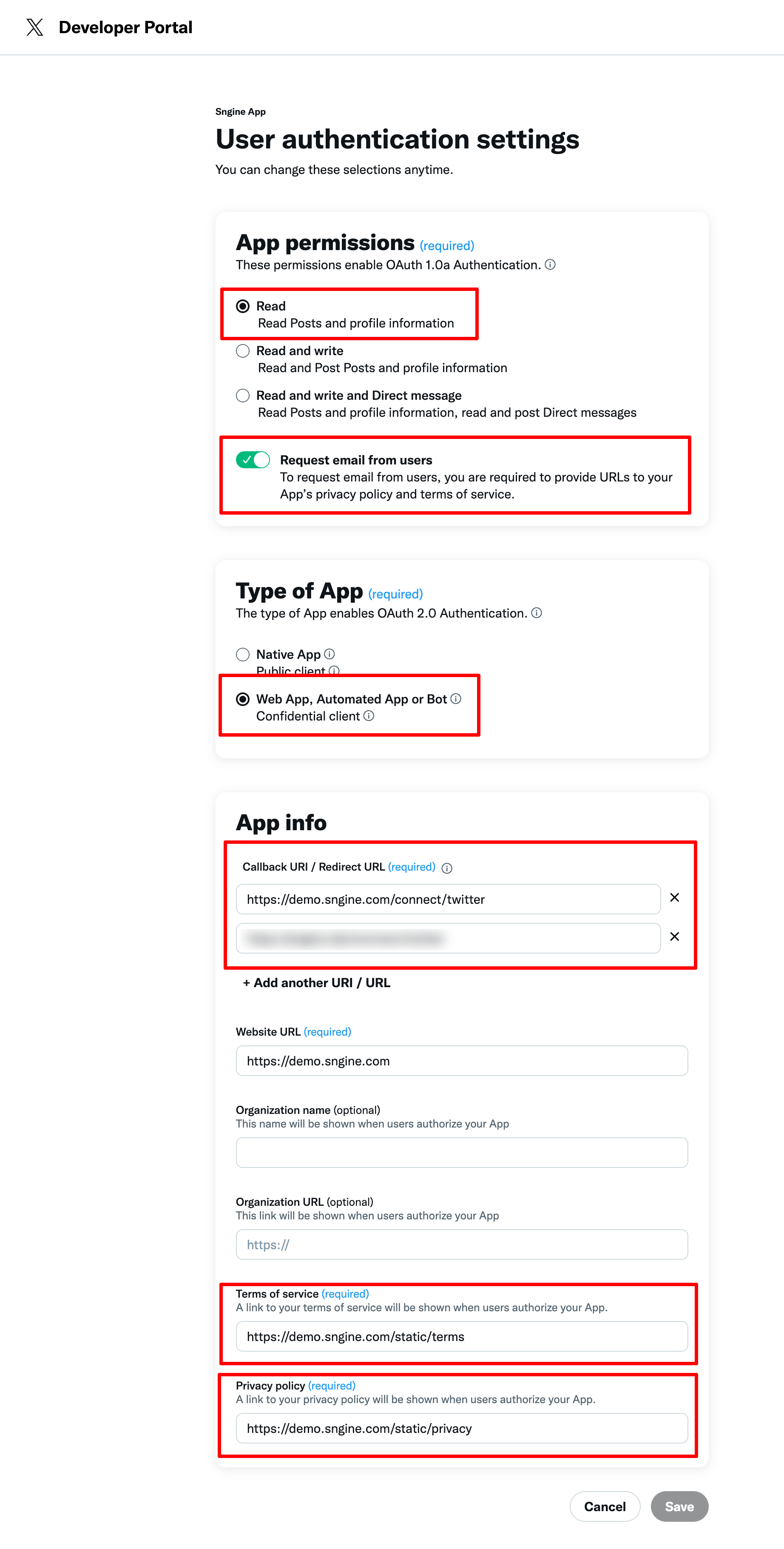
Get the keys
-
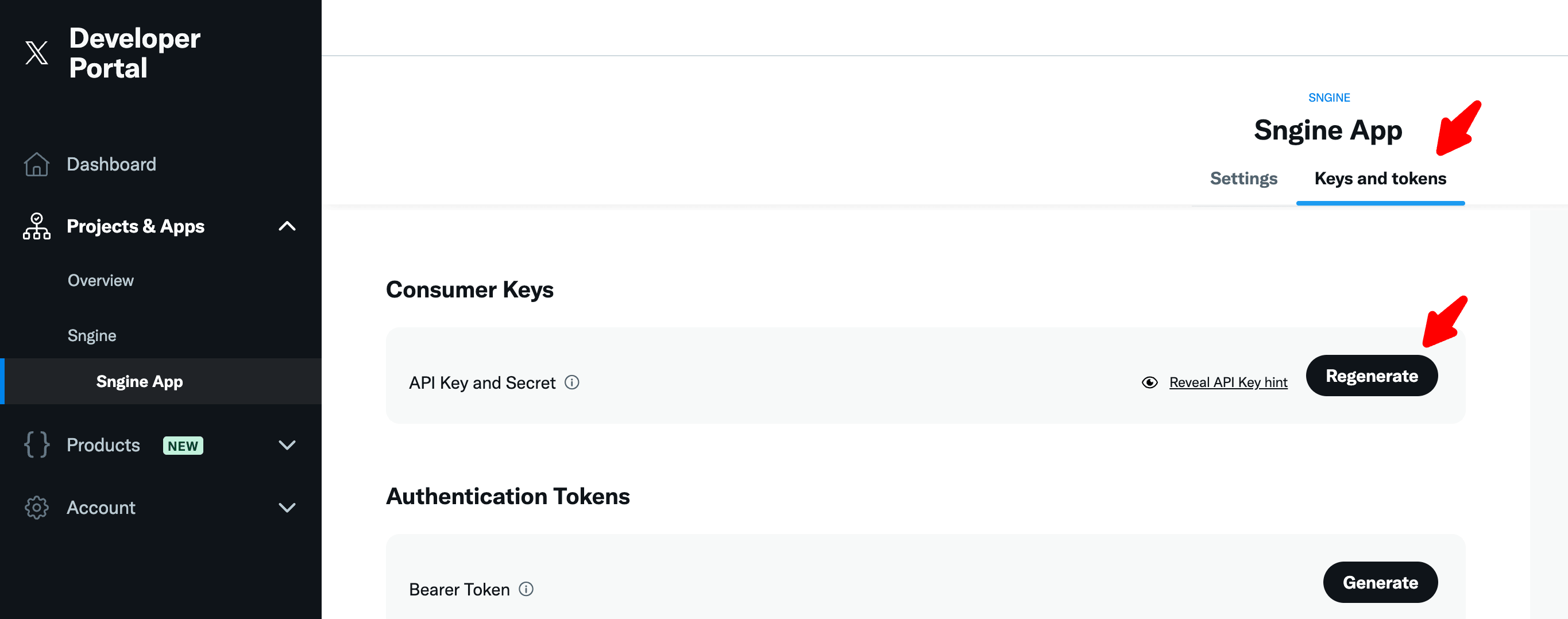
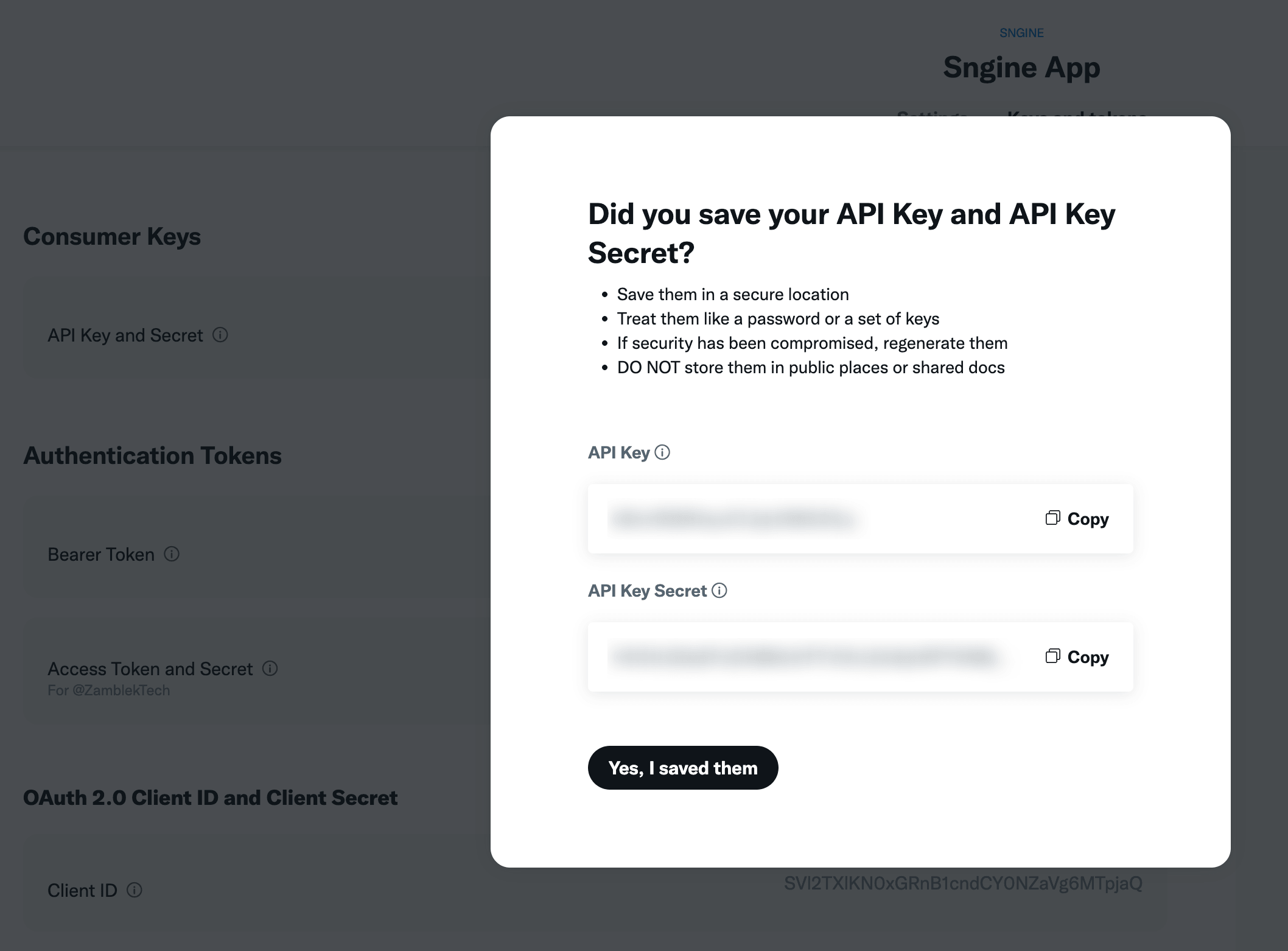
Go to your app and click on Keys and tokens and then click on Consumer Keys and select Regenerate and copy both API Key and API Secret Key
Add the keys to Sngine
-
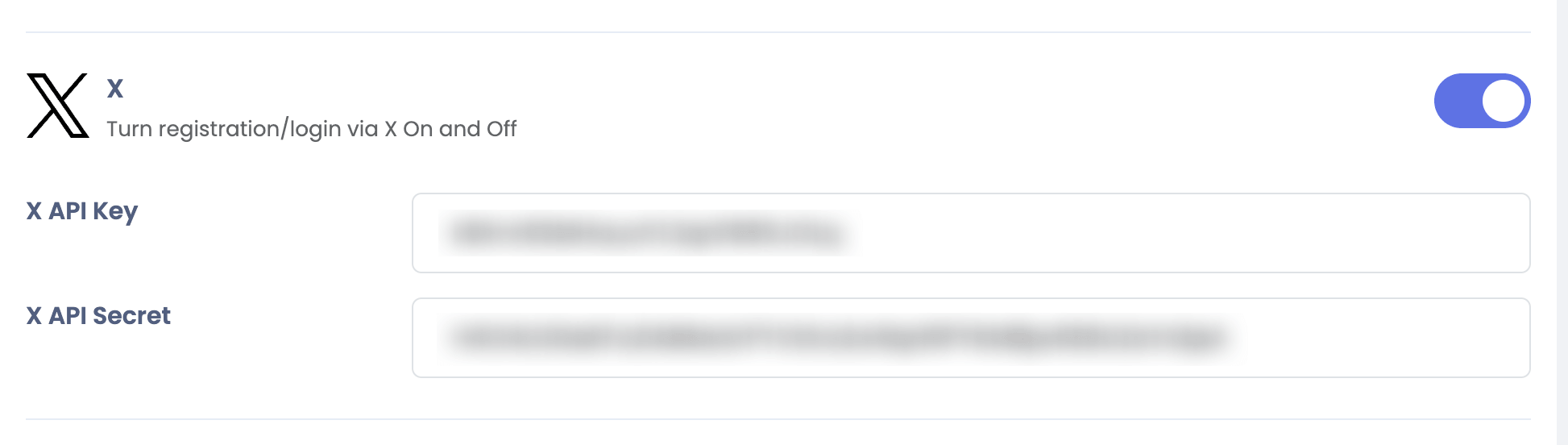
Go to Sngine Admin Panel → Settings → Registration Settings → Social Login and paste both API Keys as shown