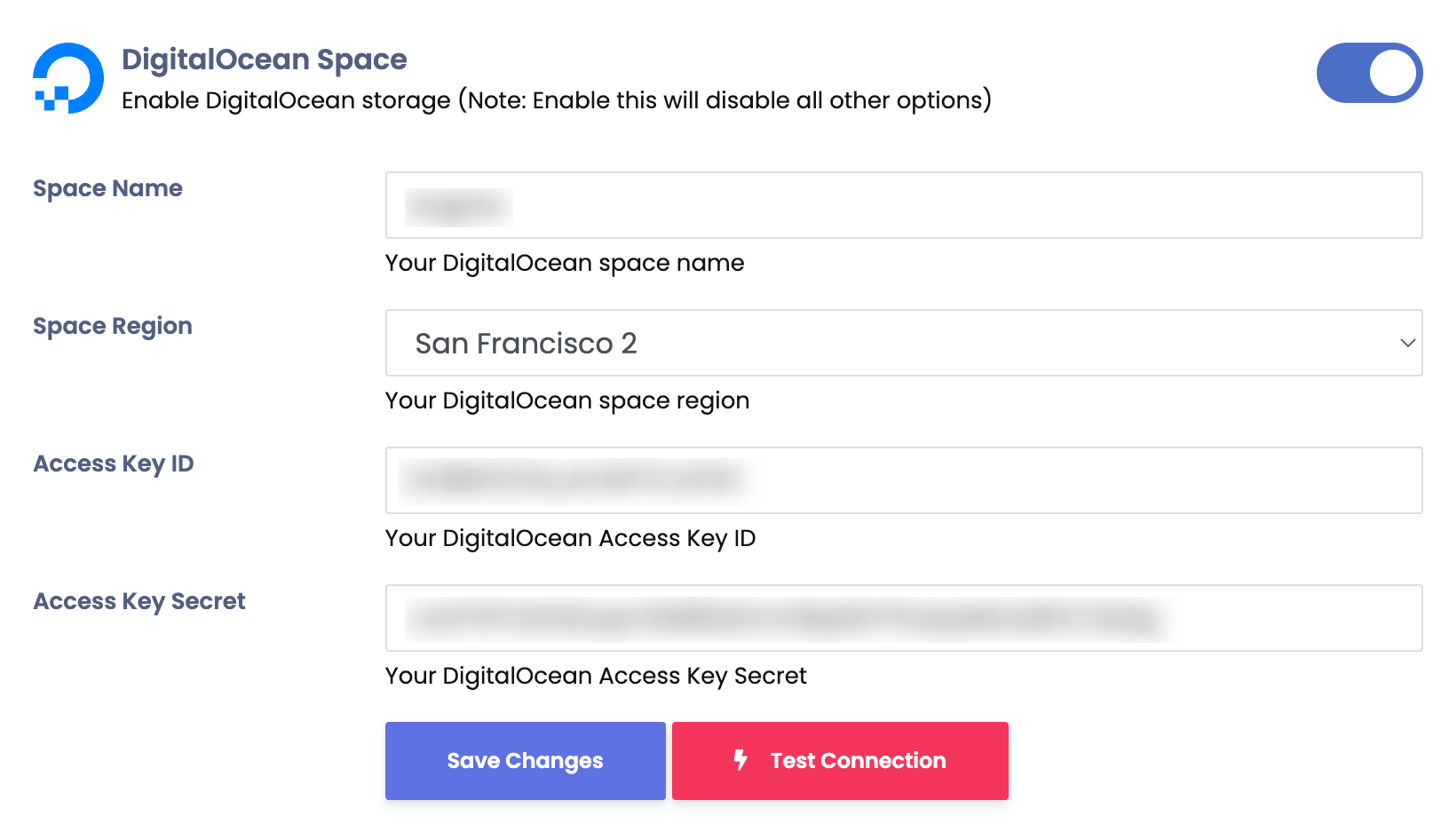
DigitalOcean Spaces
Integrate DigitalOcean Spaces with Sngine in a few easy steps.
-
Go to https://cloud.digitalocean.com and sign in with your DigitalOcean account
-
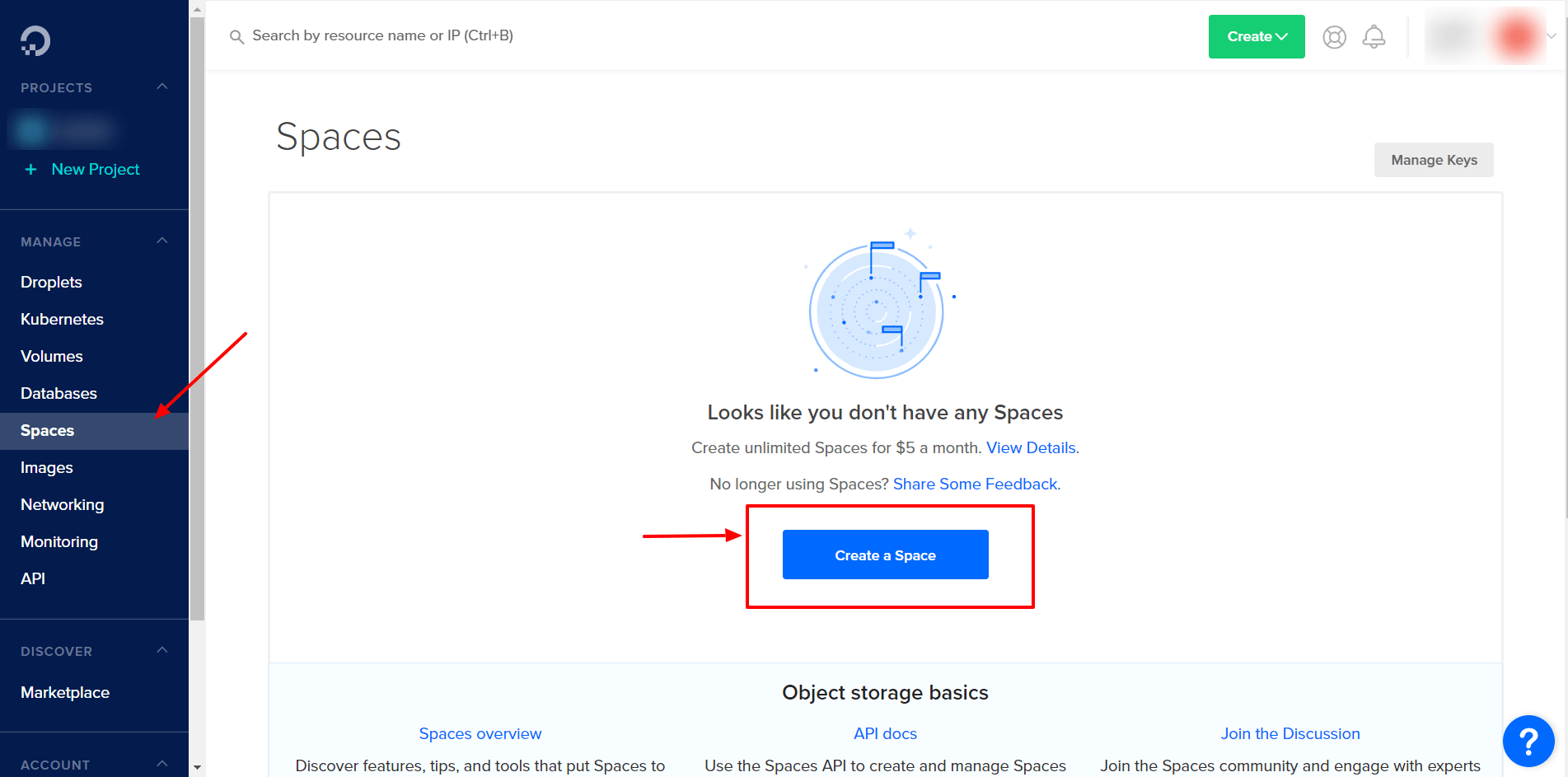
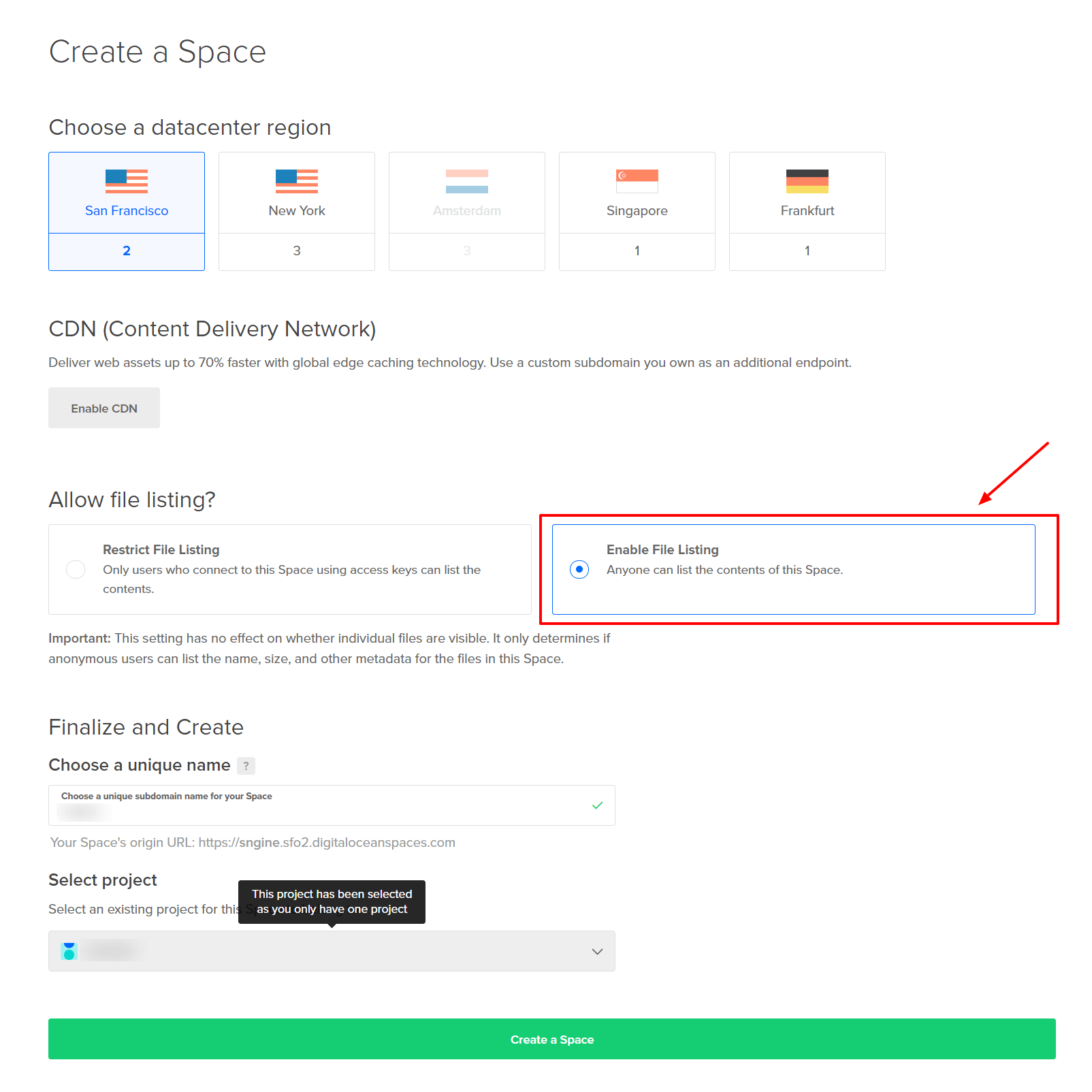
Click Spaces and click Create a Space
-
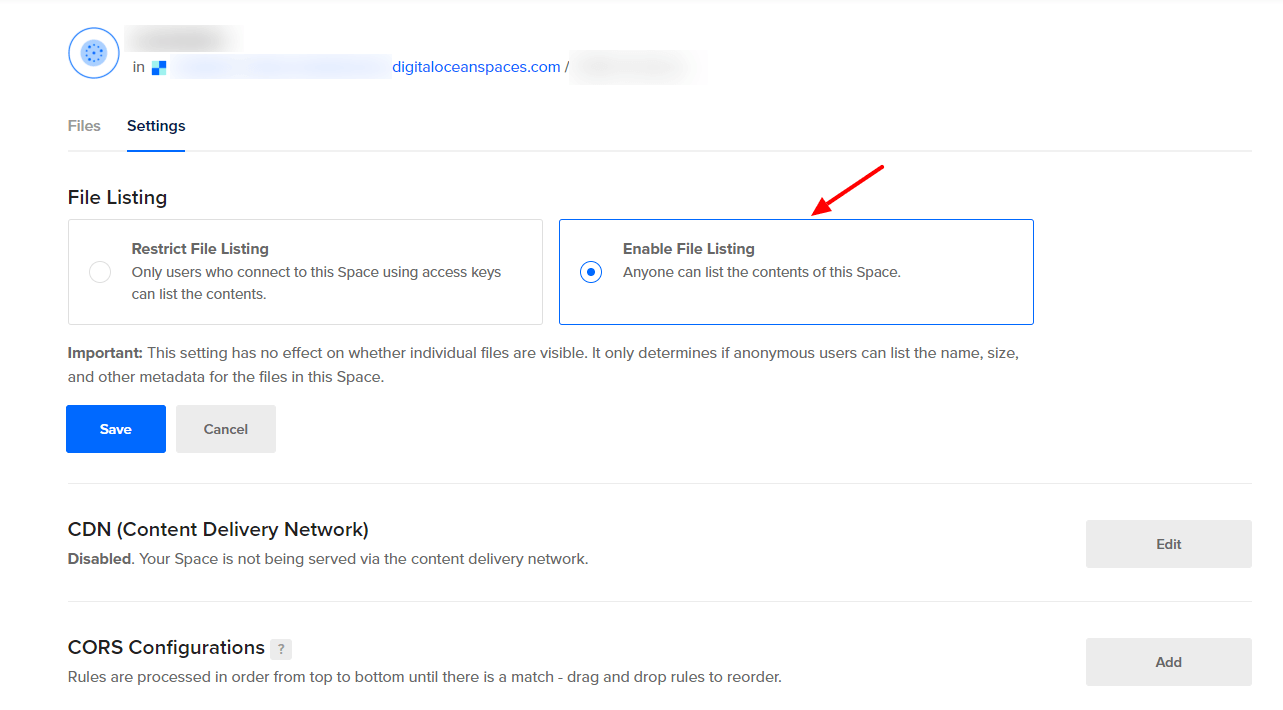
From the space settings page, make sure Everyone can list the space files
-
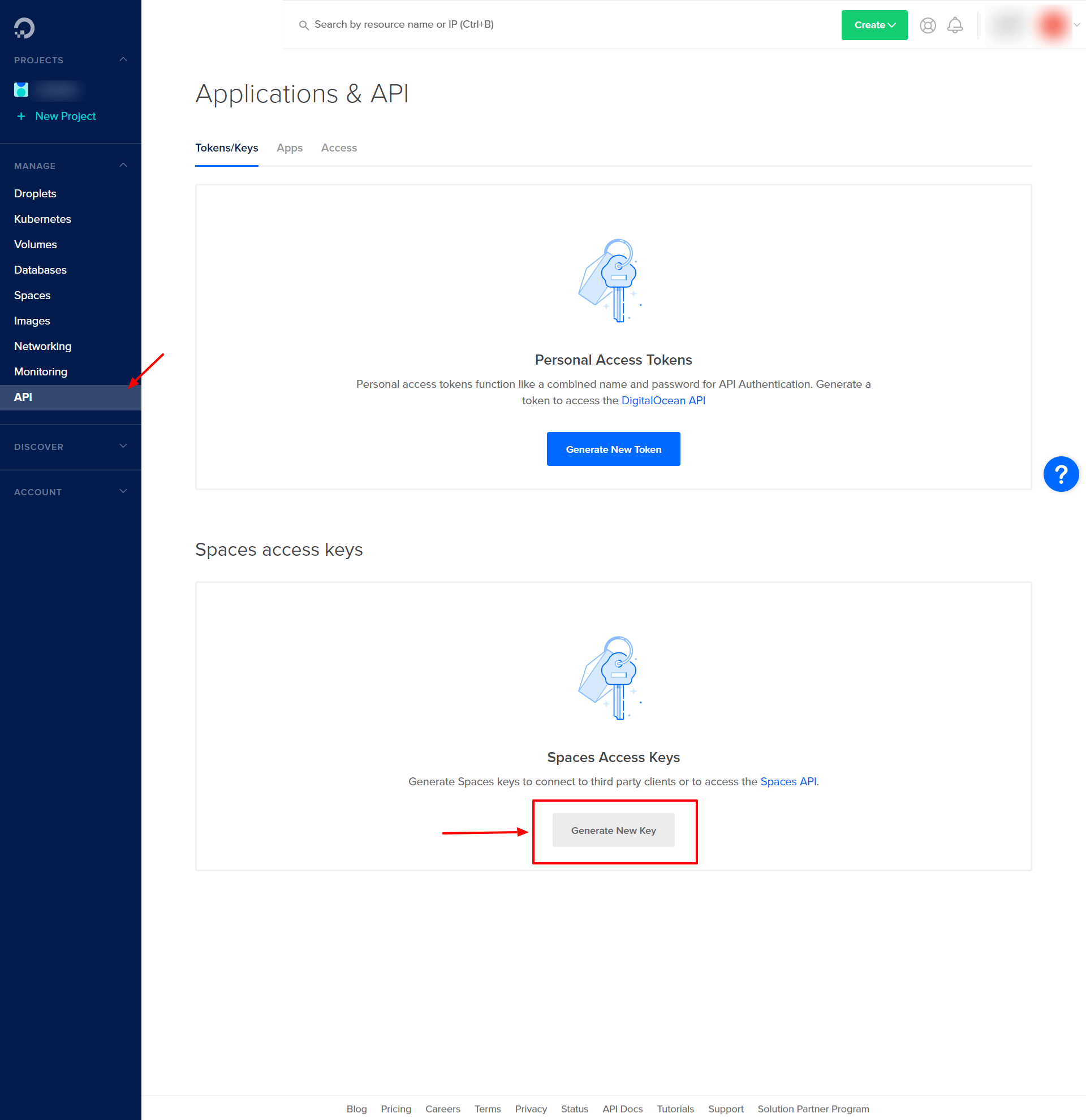
Click API and click Generate New Key and copy both Key & Secret

-
Go to your Sngine Admin Panel → Settings → Upload Settings and paste both Keys and your space name and location and after click Save Changes click Test Connection