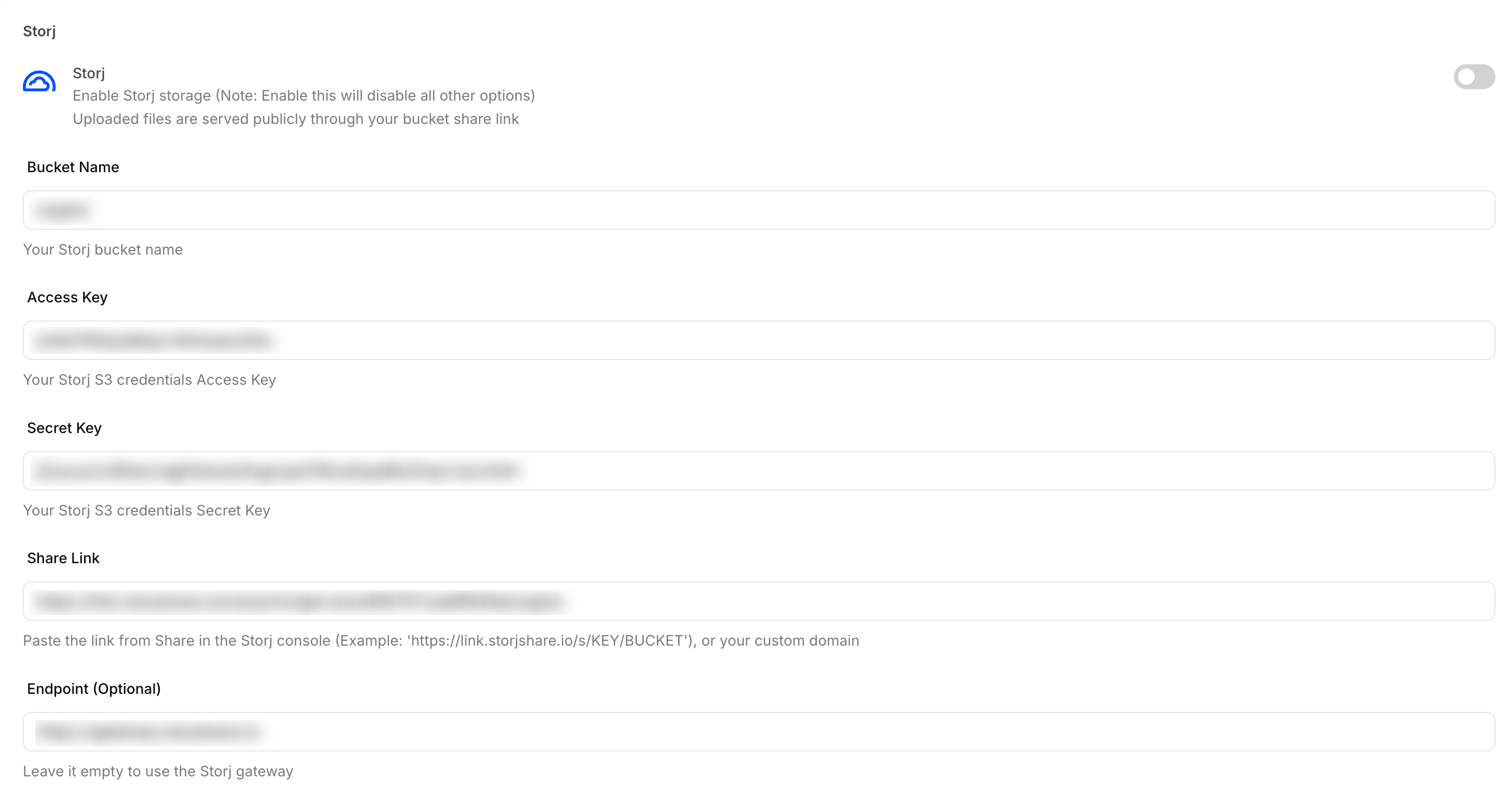
Storj
Integrate Storj with Sngine in a few easy steps.
Create a bucket
-
Go to https://us1.storj.io/ and sign in with your Storj account
-
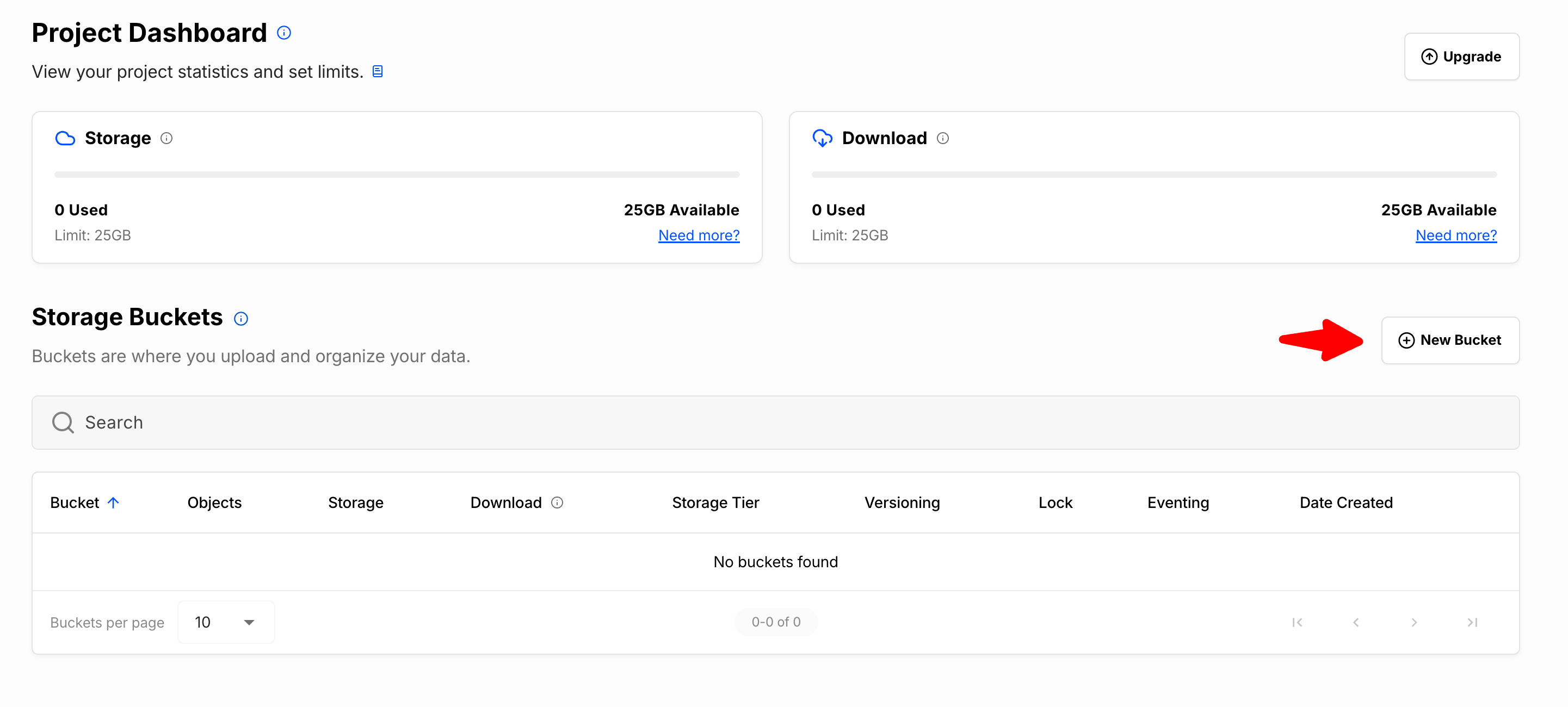
On the project dashboard, click New Bucket and create the bucket
Create S3 credentials
-
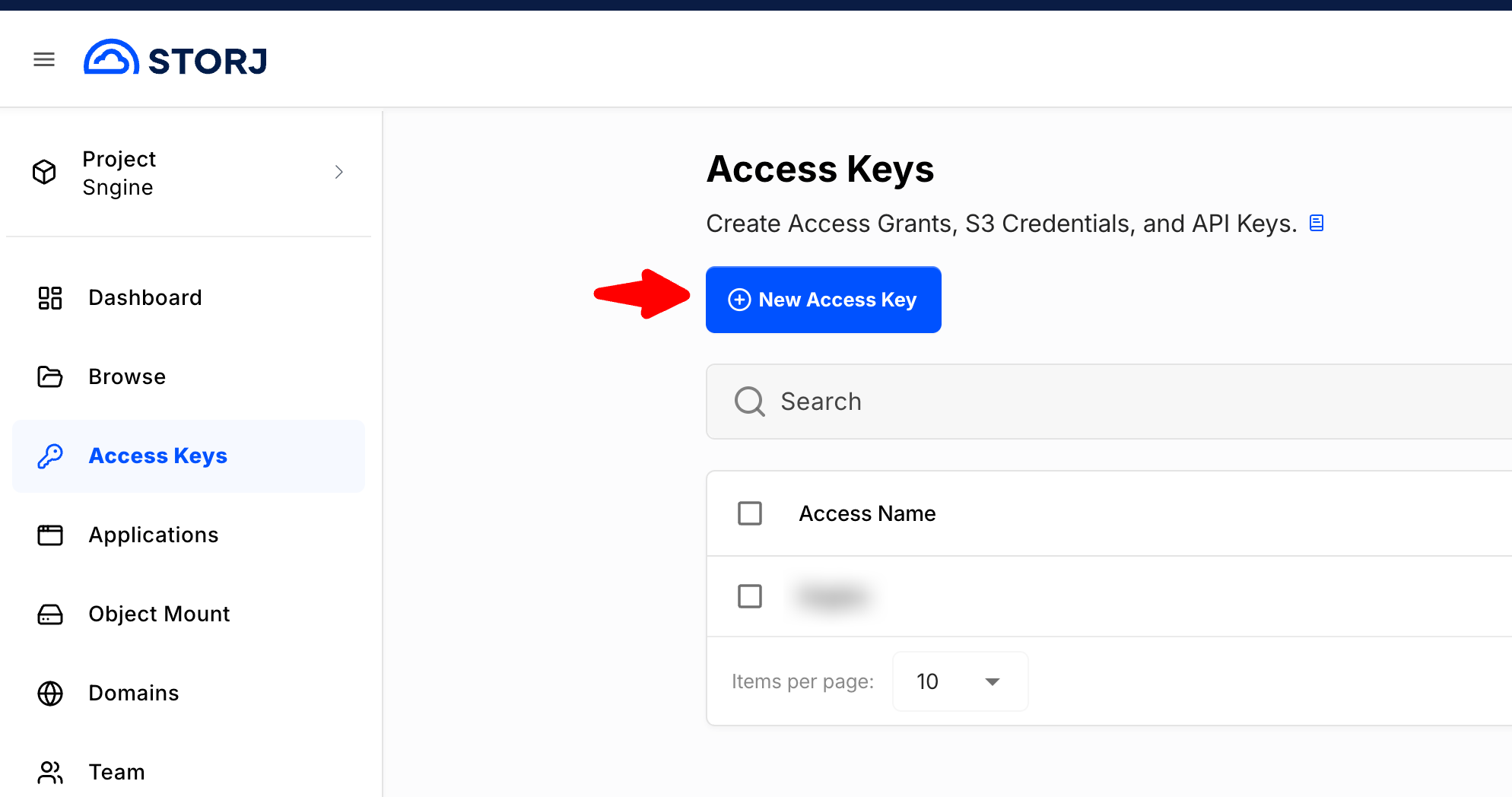
Click Access Keys, then click New Access Key
-
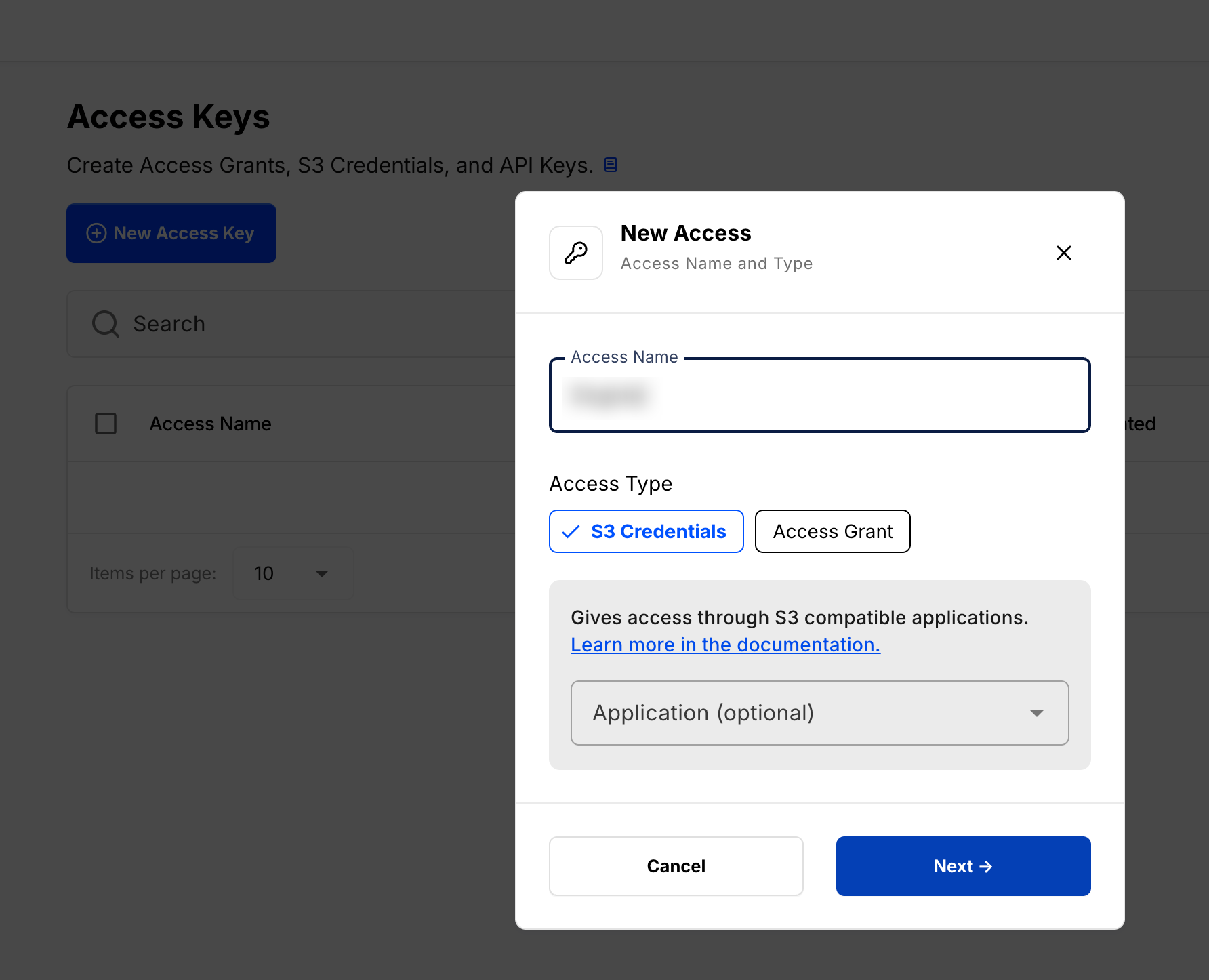
Enter an Access Name, select S3 Credentials, then click Next and finish creating the access
-
Copy the Access Key, Secret Key, and Endpoint
Storj shows these keys only once. Download or copy them before you close the dialog.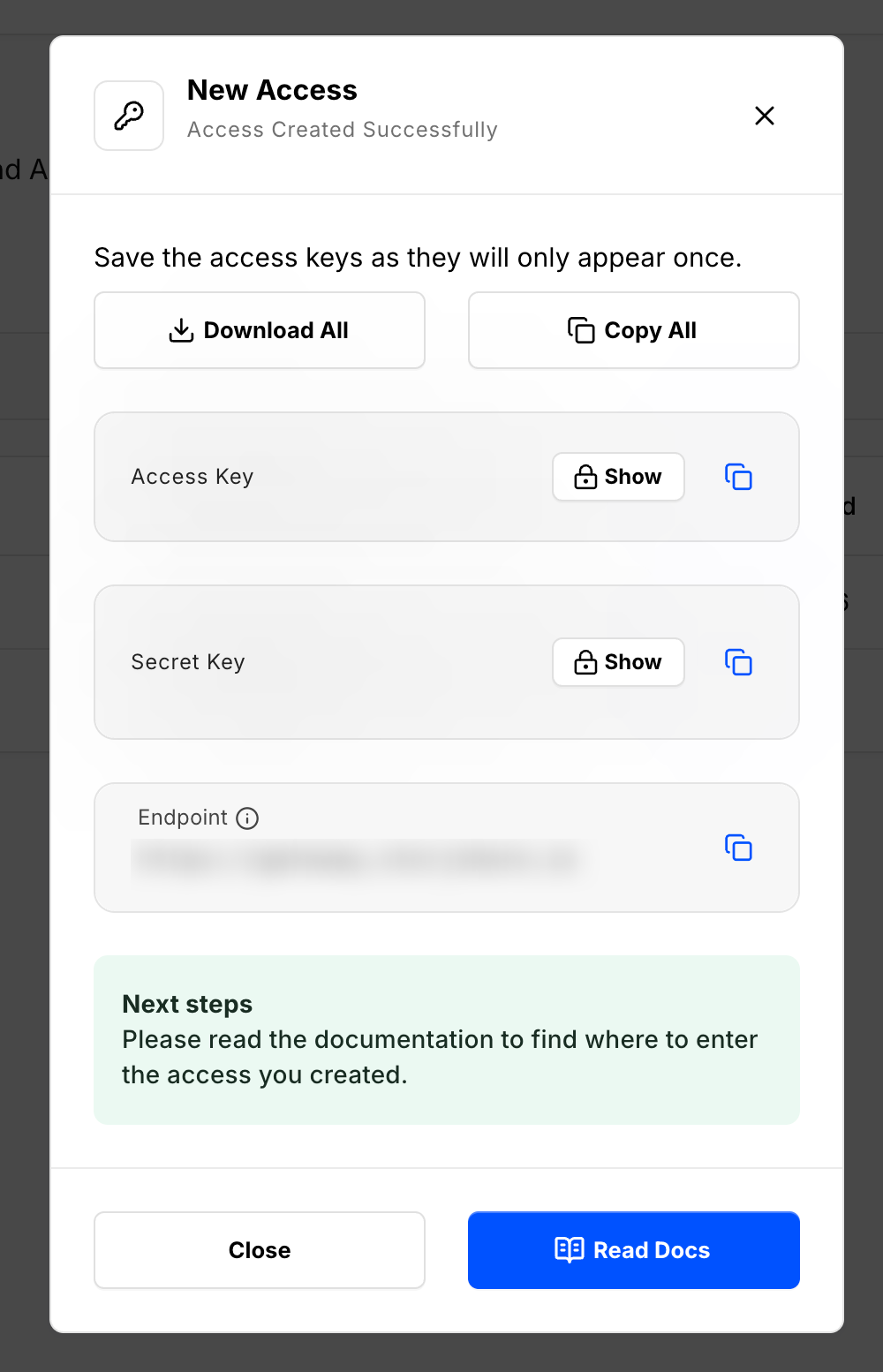
Share the bucket
-
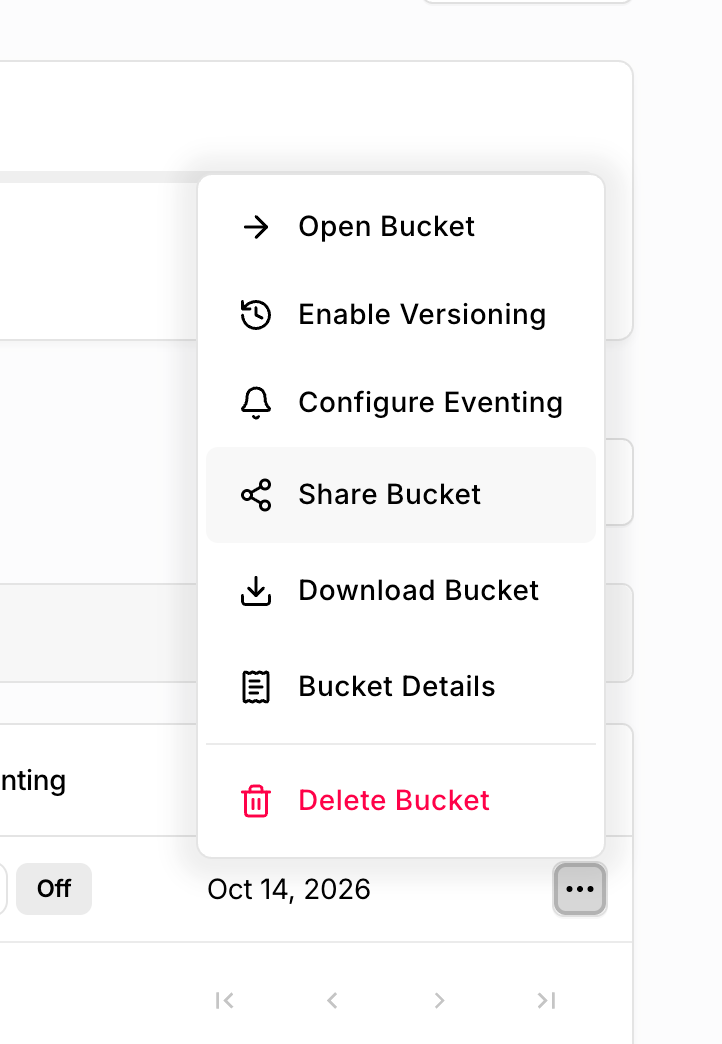
Open the bucket menu and click Share Bucket
-
Copy the share link. Sngine serves uploaded files through this link. It looks like
https://link.storjshare.io/s/…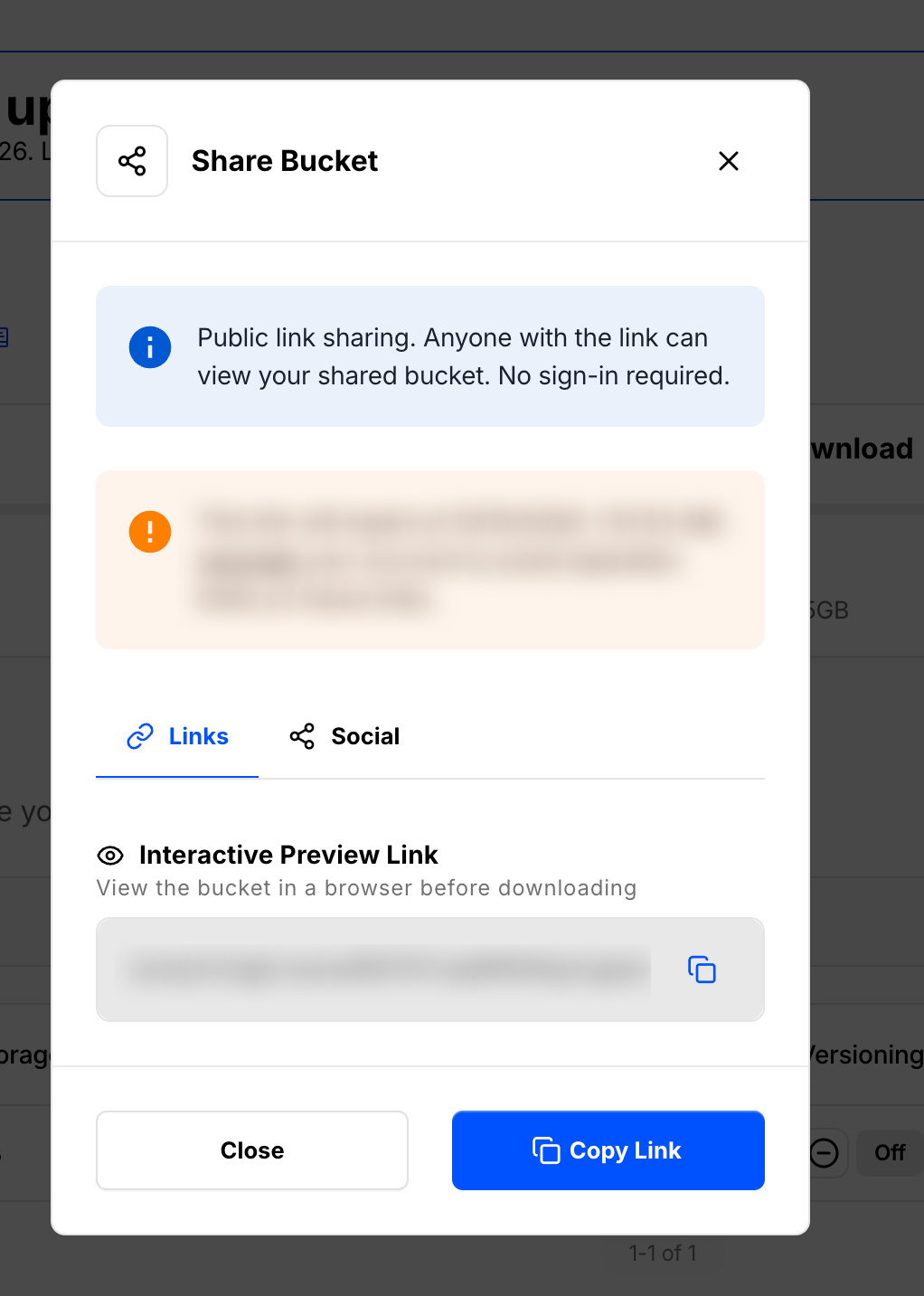
Add the credentials to Sngine
-
Go to Sngine Admin Panel → Settings → Upload Settings, turn on Storj, and paste the bucket name, access key, secret key, and share link. Leave Endpoint empty to use the Storj gateway