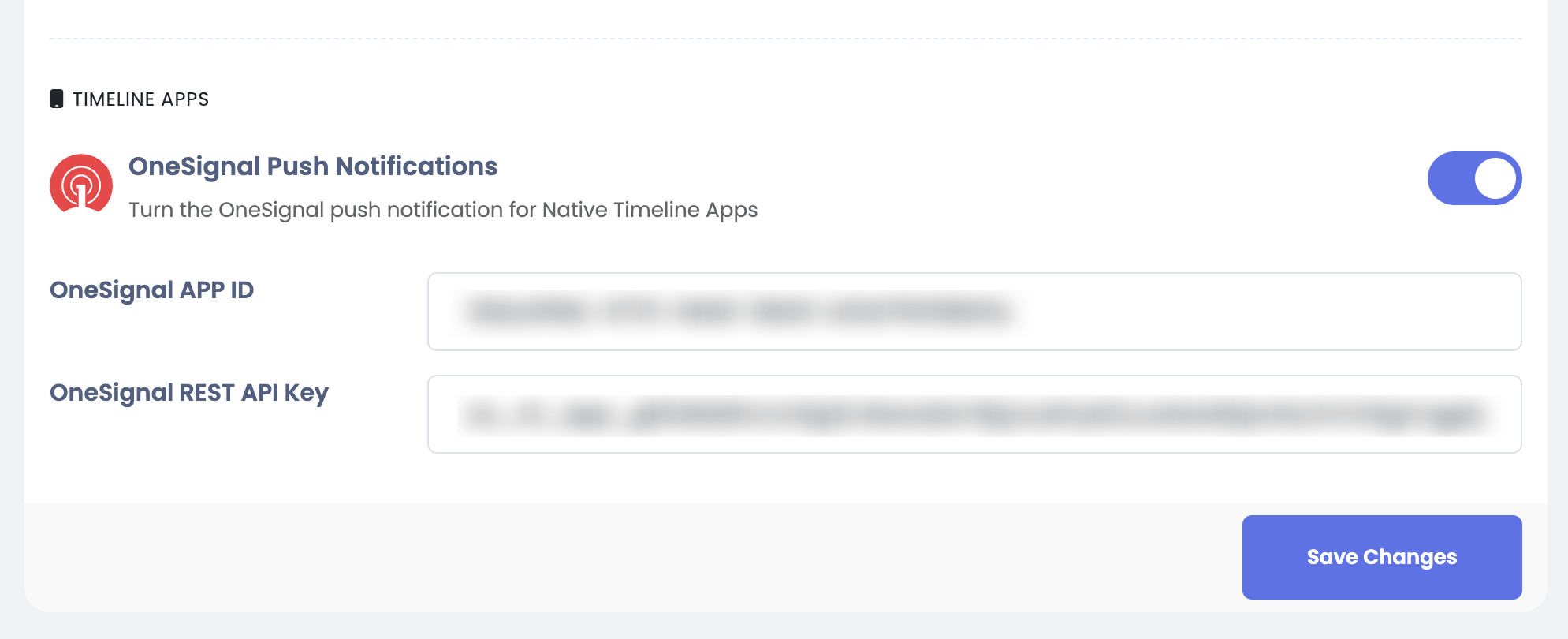
Timeline Apps
To enable push notifications for Timeline Apps follow these steps:
-
Create a new app in OneSignal and get the API Key and APP ID as you did in the previous steps except that you will exclude the Web option.
Also you will use the same Service Account JSON for Android
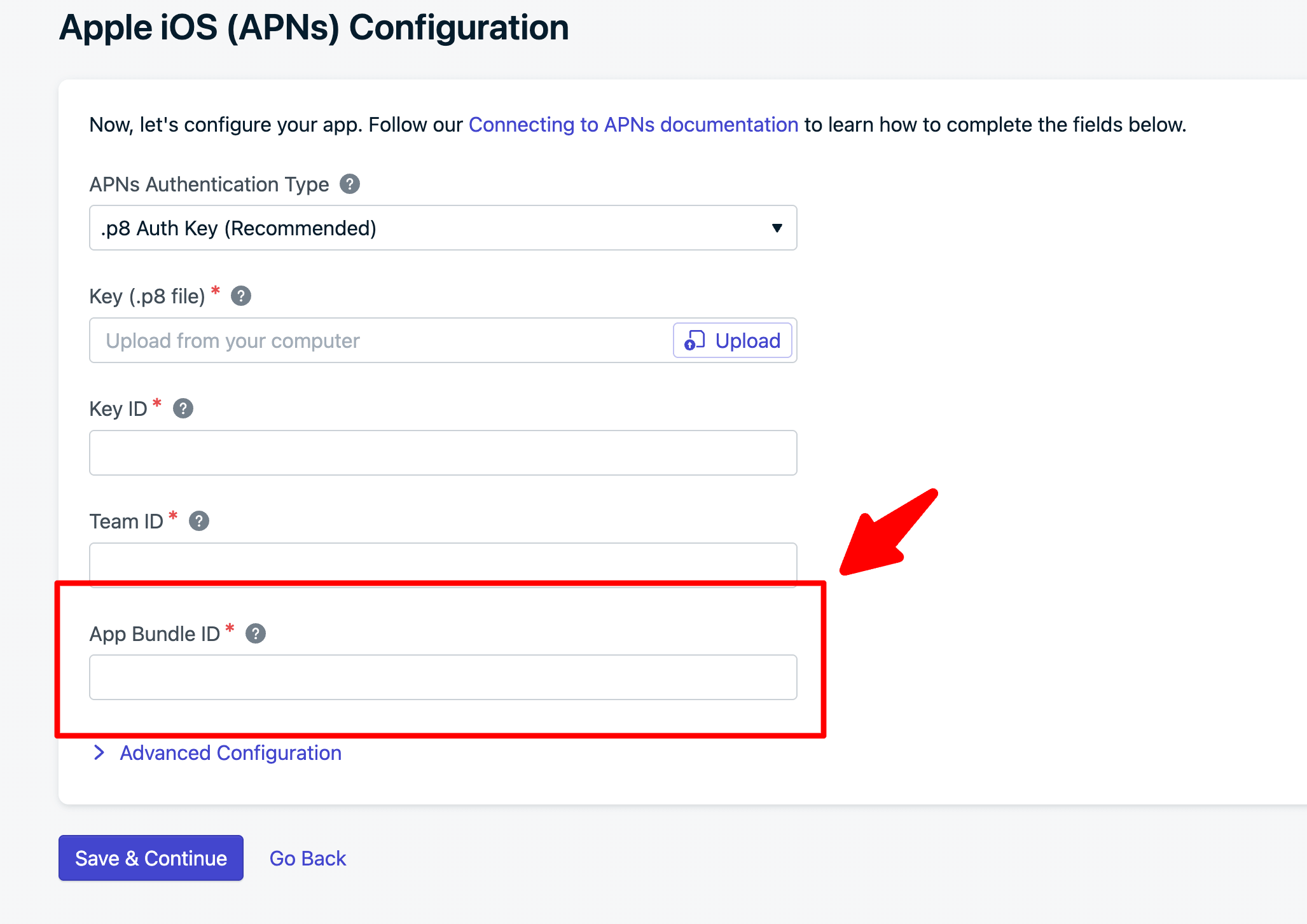
Also you reuse the p8 Auth Key for the iOS But the only difference is that you will use it with different APP BUNDLE ID
-
And you will save the APP ID & API KEY in Sngine Admin Panel → Settings → Notifications Settings in Timeline Apps section