MSG91
Integrate Msg91 with Sngine in a few easy steps to send SMS messages for account activation and two-factor verification.
-
First you need to create your account on https://control.msg91.com/
-
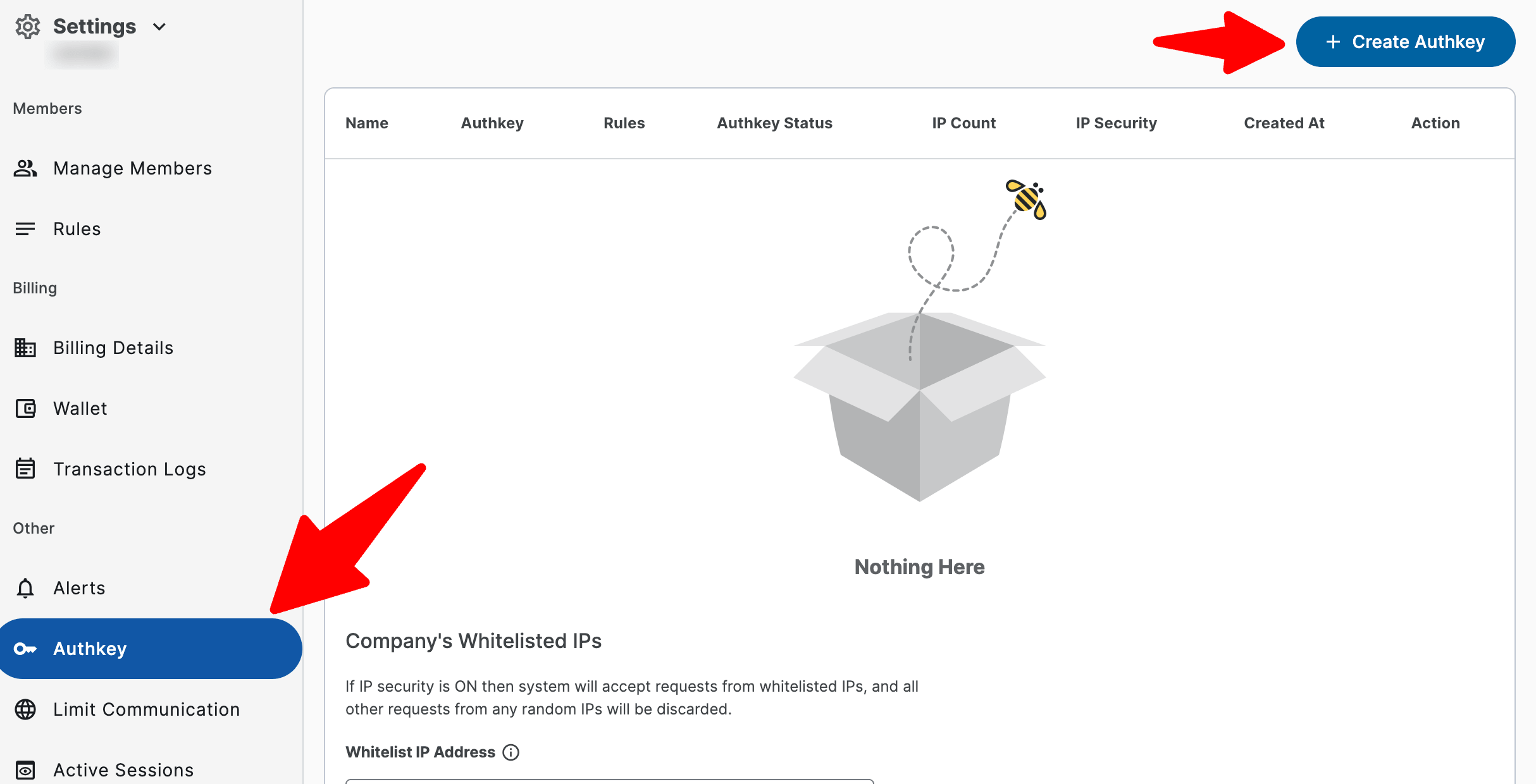
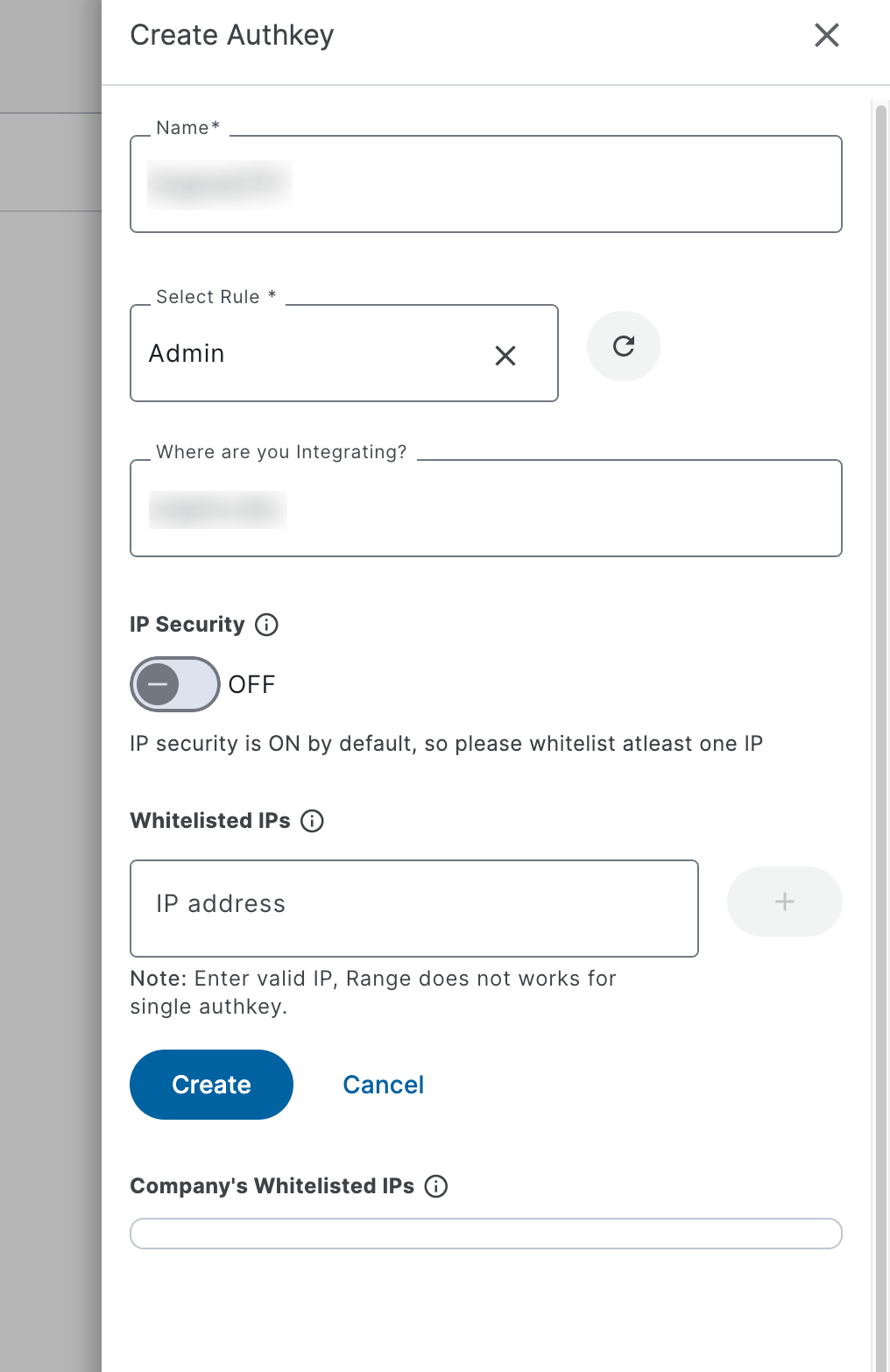
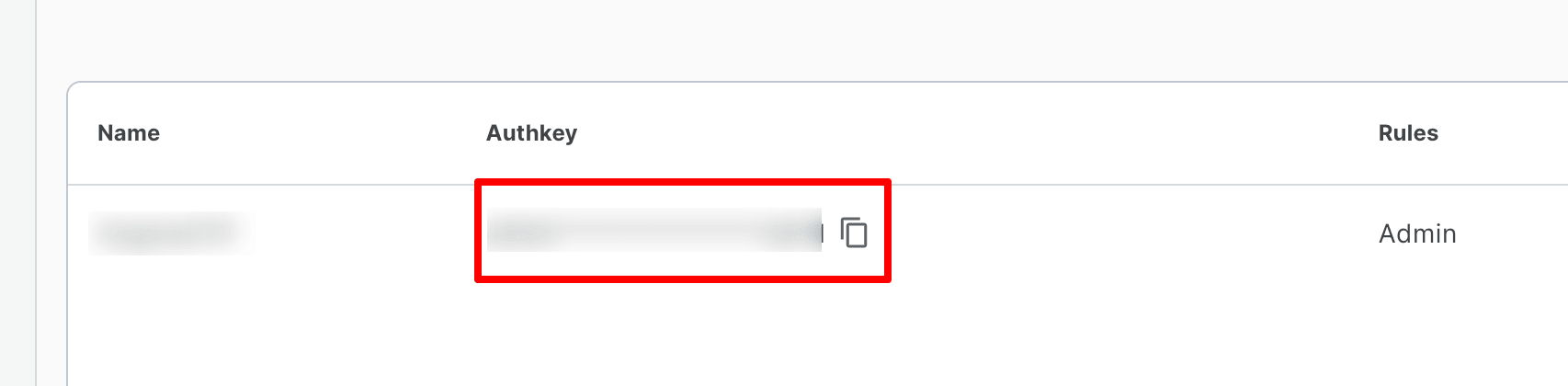
You need to create a new AuthKey
-
You can disable the additional security or simply whitelist your website's server IP
-
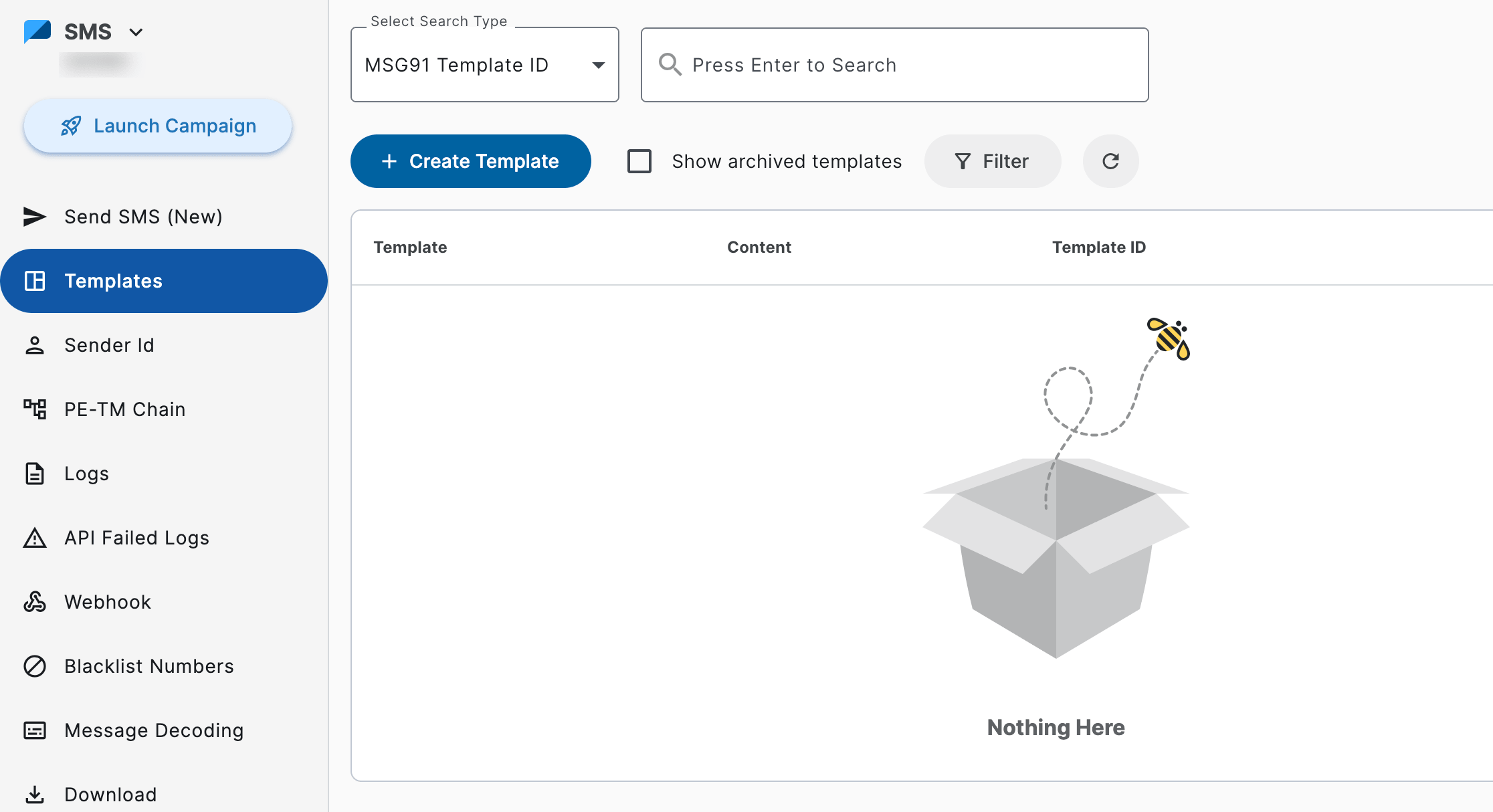
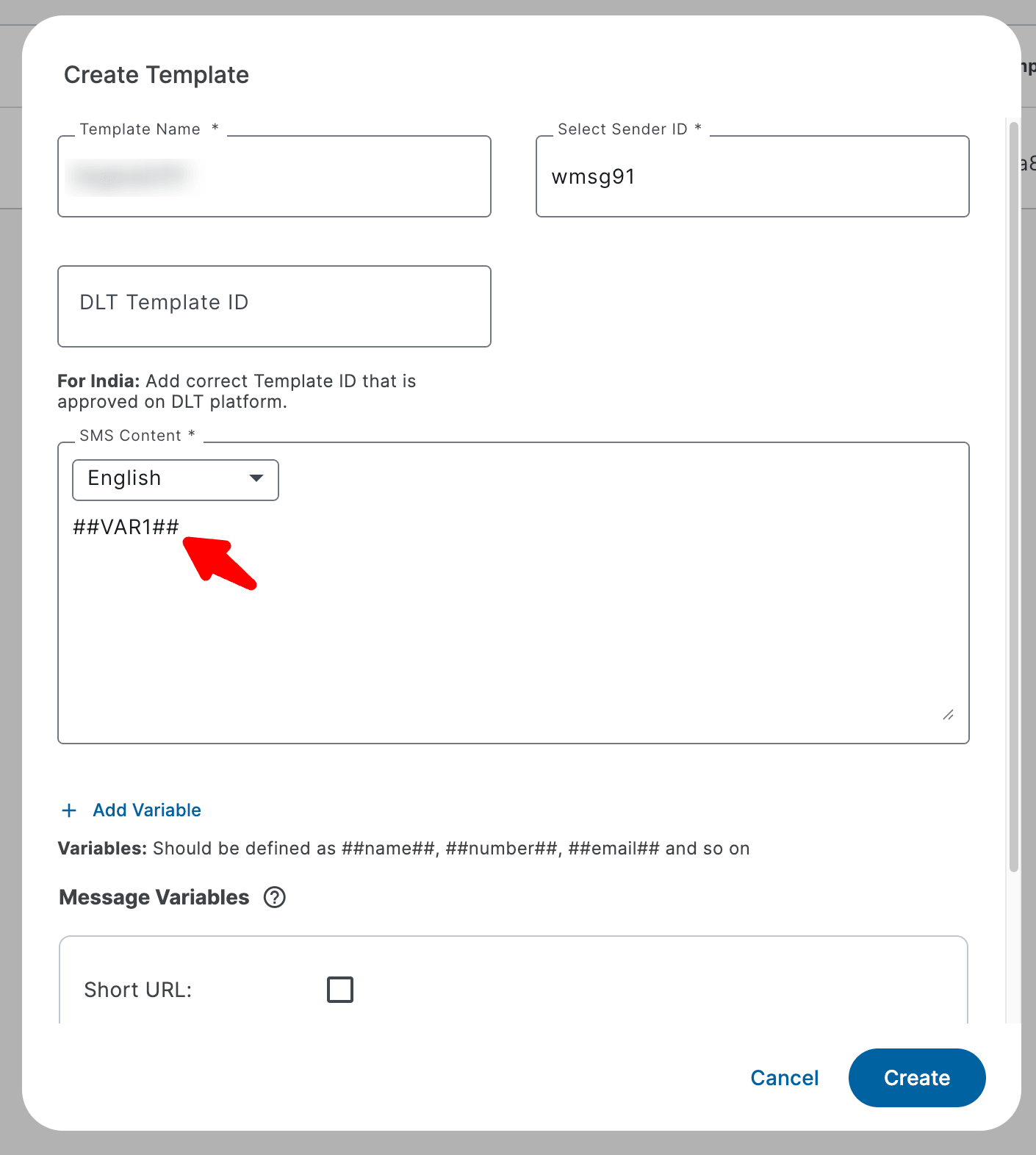
Create a new Template for your SMS
-
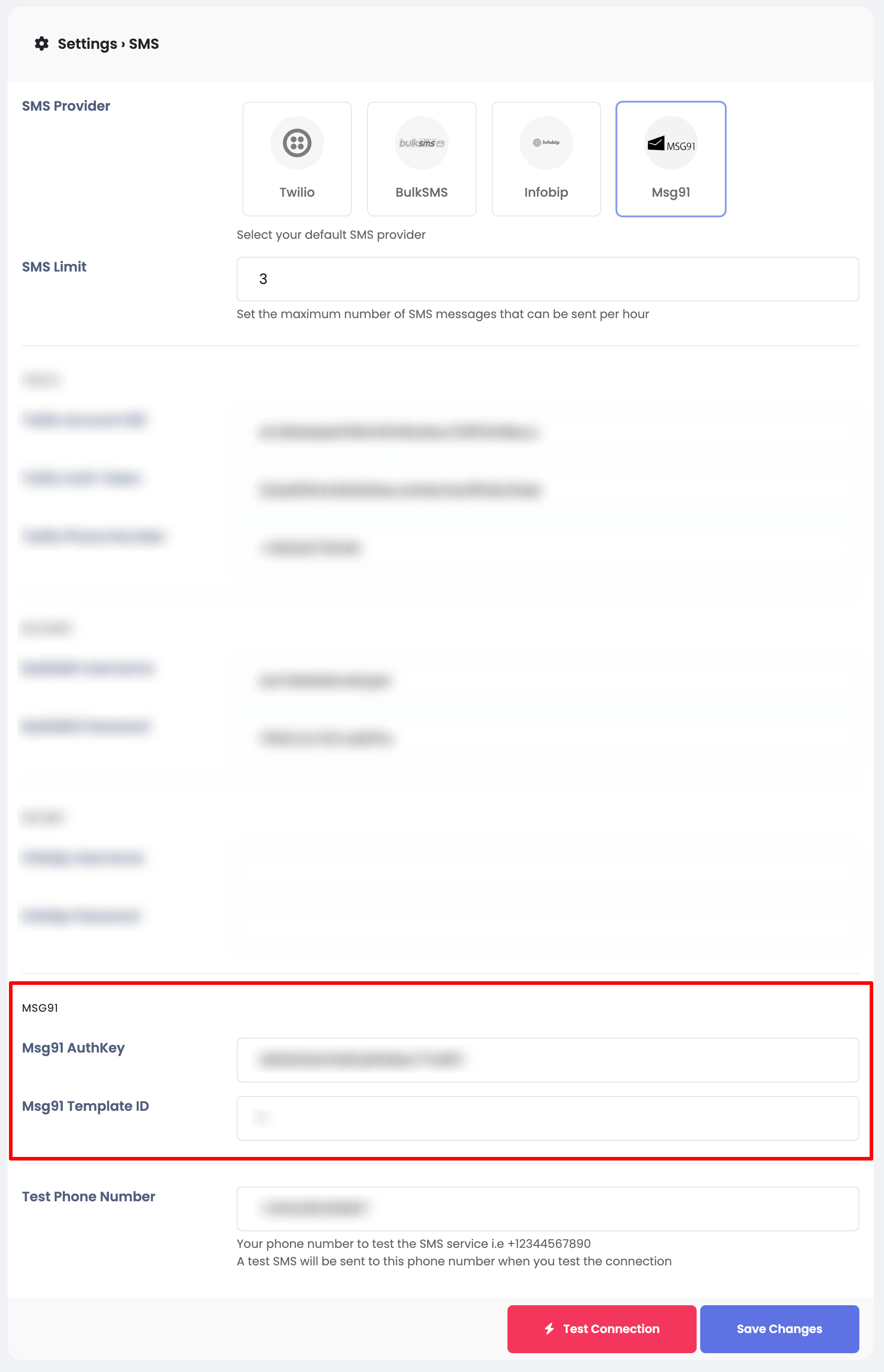
Go to your Sngine Admin Panel → Settings → SMS Settings and open your settings page and paste your Msg91 AuthKey