


App Icon
In this section, we will guide you through the customization of the app icon.
Generate the icon set
-
First you will need to have your app icon as
JPGorPNGfile with the size of1024x1024pixels. -
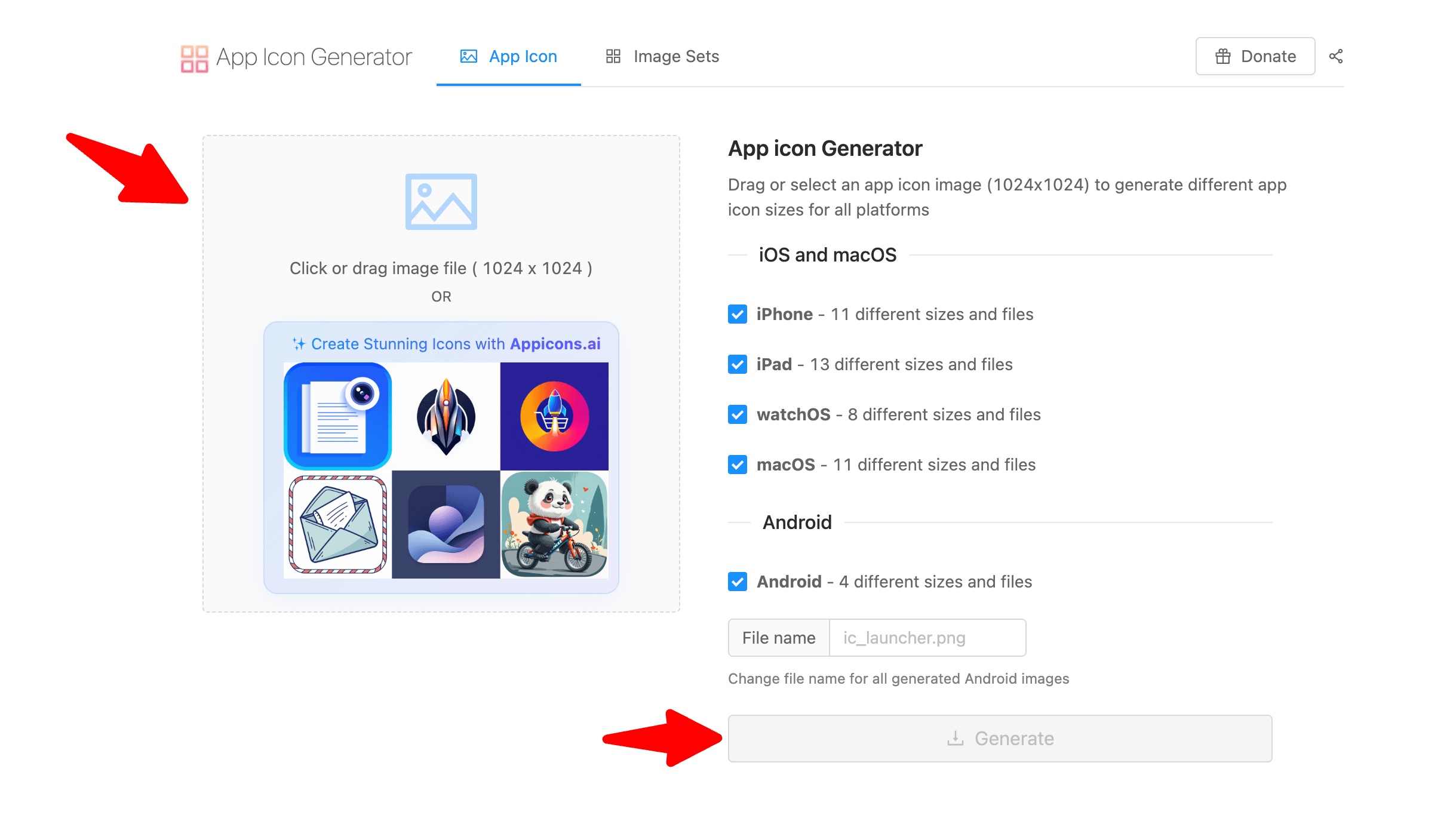
You will use this online tool to generate the app icon for Android and iOS https://www.appicon.co/. You will drag and drop your app icon to the tool and then you will click on the Generate button.
-
You will get a
ZIPfile with the app icon for Android and iOS.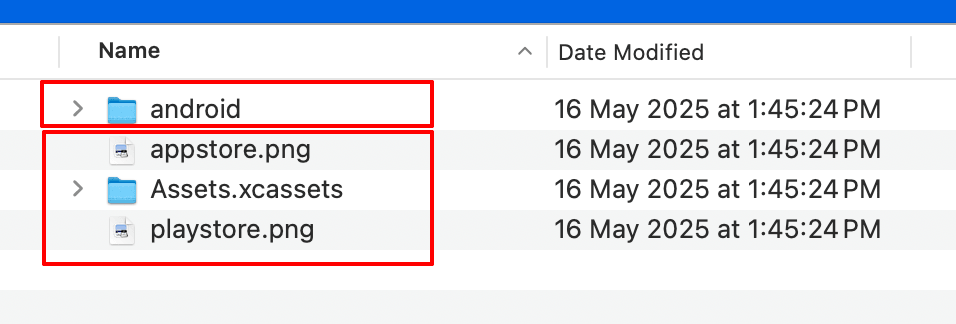
Add the icons to the apps
-
For Android, you will need to copy/paste what's inside the
Androidfolder toandroid/app/src/main/resfolder. -
For iOS, you will need to copy/paste the following files
appstore.png,playstore.pngandAssets.xcassetsfolder toios/Runnerfolder. -
And that's it, you have successfully changed the app icon.