


Running The Apps
In this section, you will learn how to run the apps on your device.
-
You need to run the app to make sure it's working fine and connected to your Sngine server using the API keys you configured in the previous sections.
-
From Visual Studio Code, you can run the app on your device by clicking on the Run button after opening the
lib/main.dartfile then select your device from the list.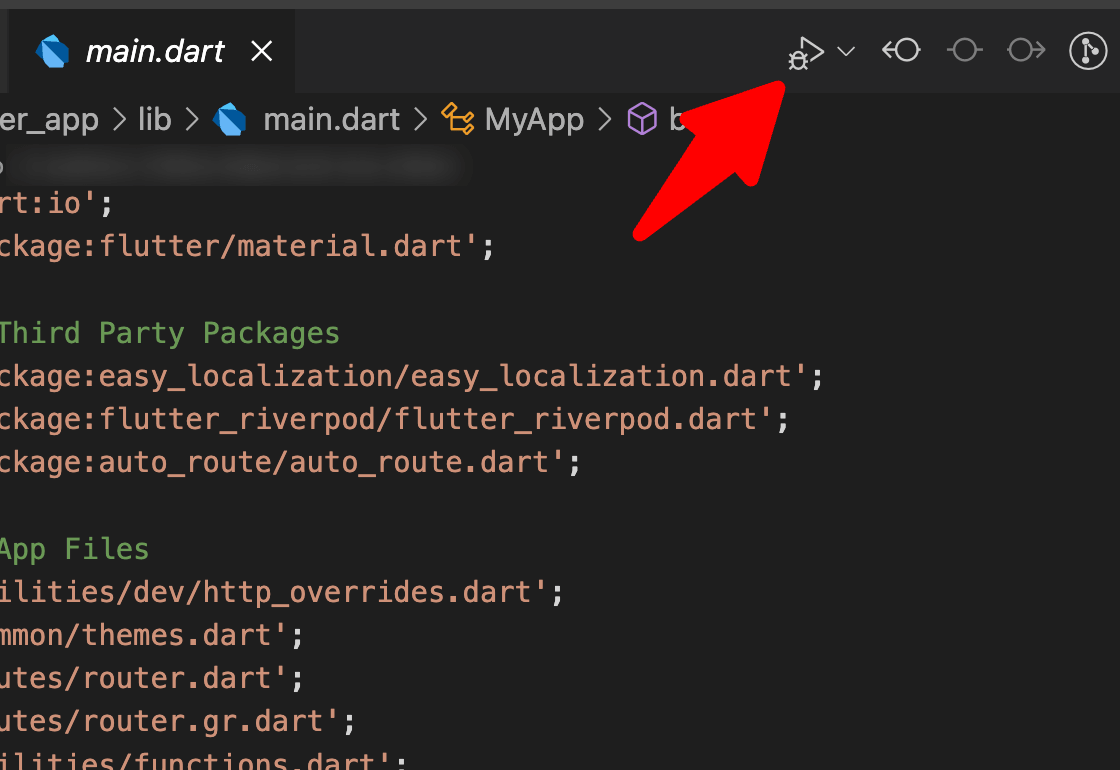
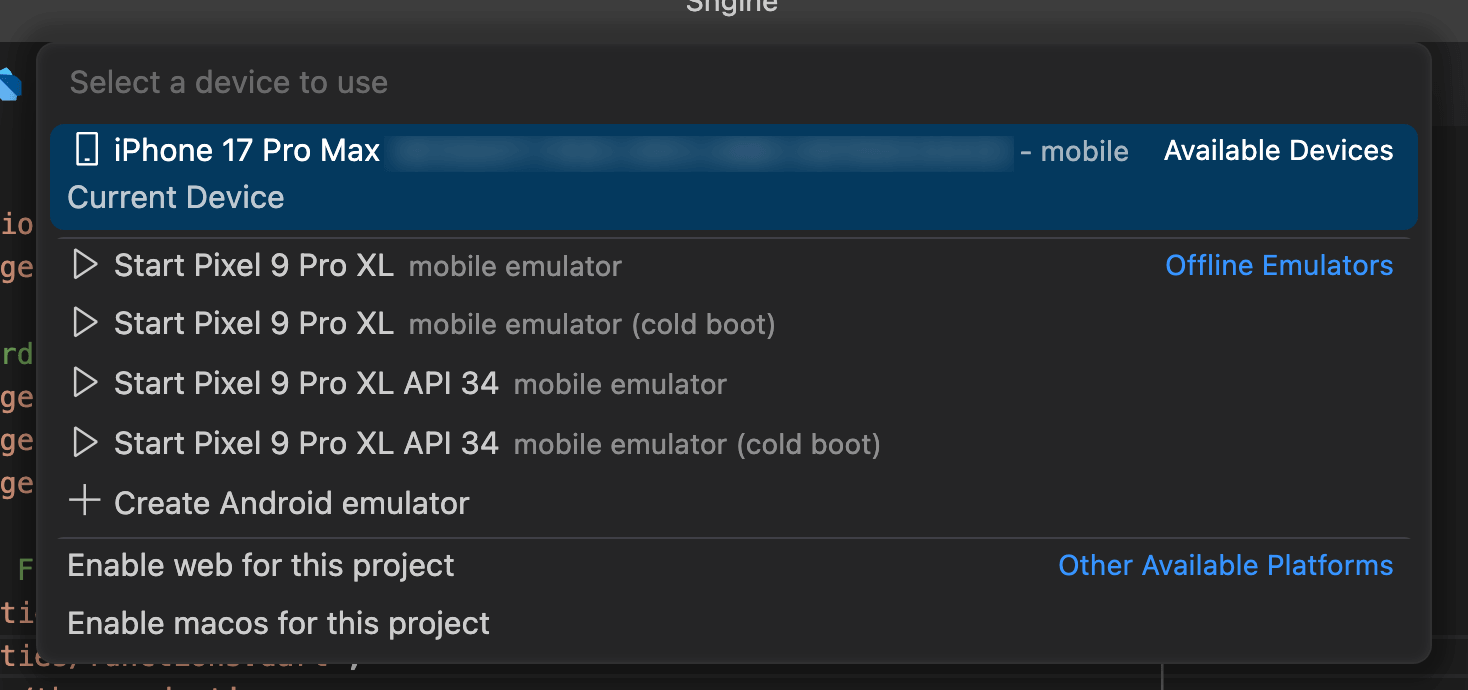
-
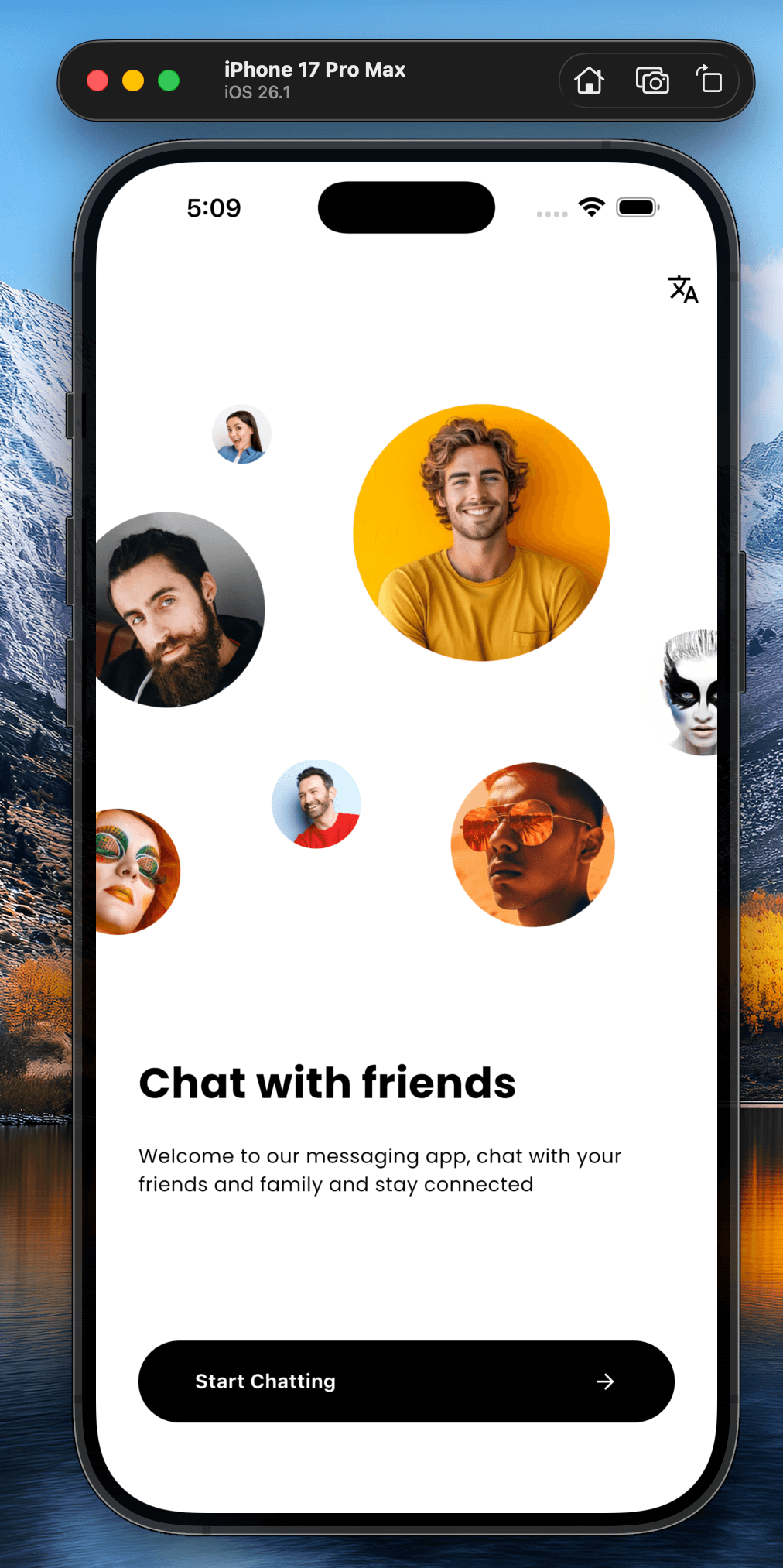
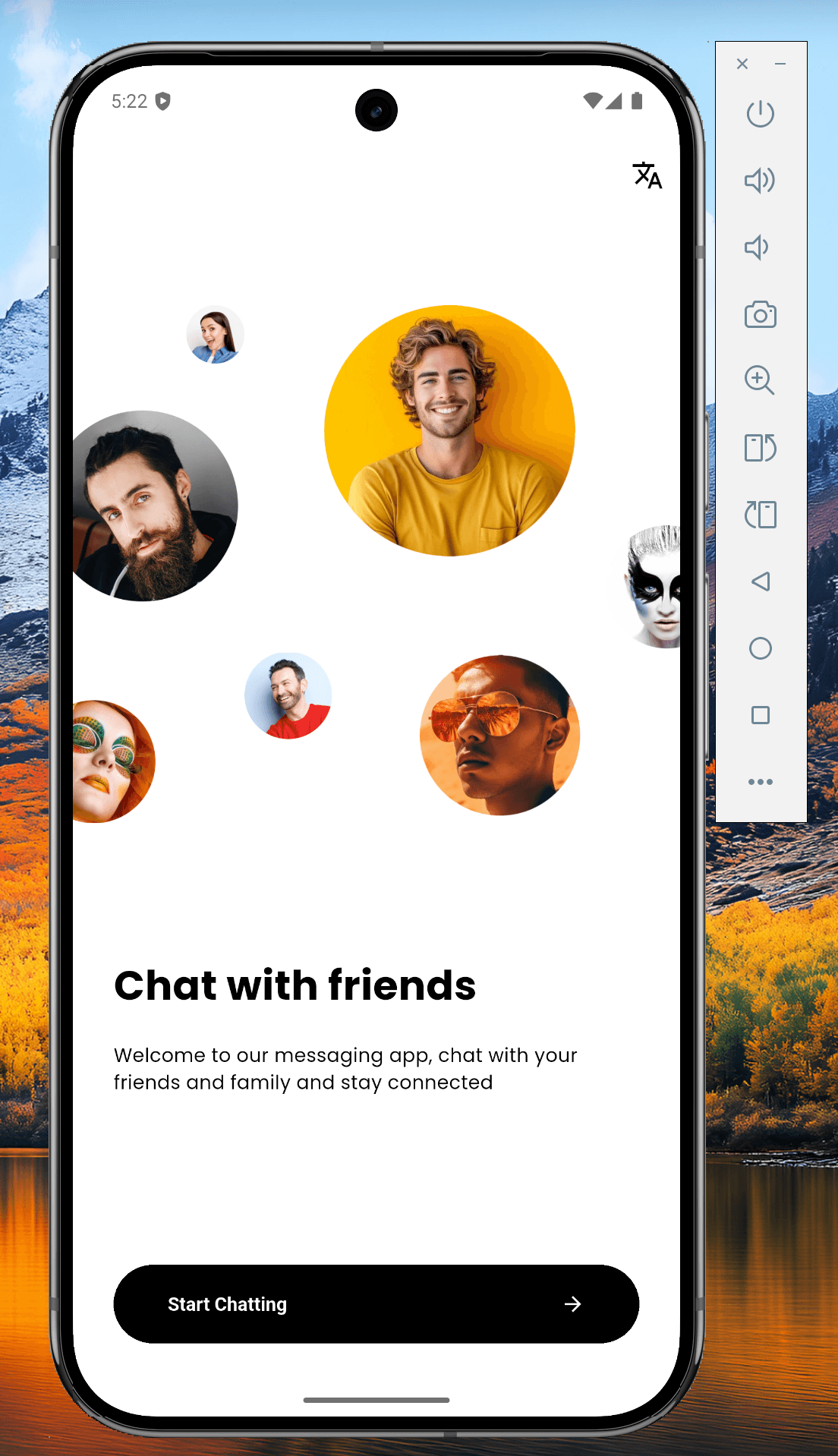
This step will take a while to build the app and then you will see the app running on your device.

-
You can see the app running on your device and you are ready to customize the app as you want.