


Android App
In this section, we will guide you through the building of the Android app.
-
First you will need to change your app bundle ID to a unique one in the following files:
android/app/build.gradle.ktsandroid/app/src/main/kotlin/com/example/sngine_messenger/MainActivity.kt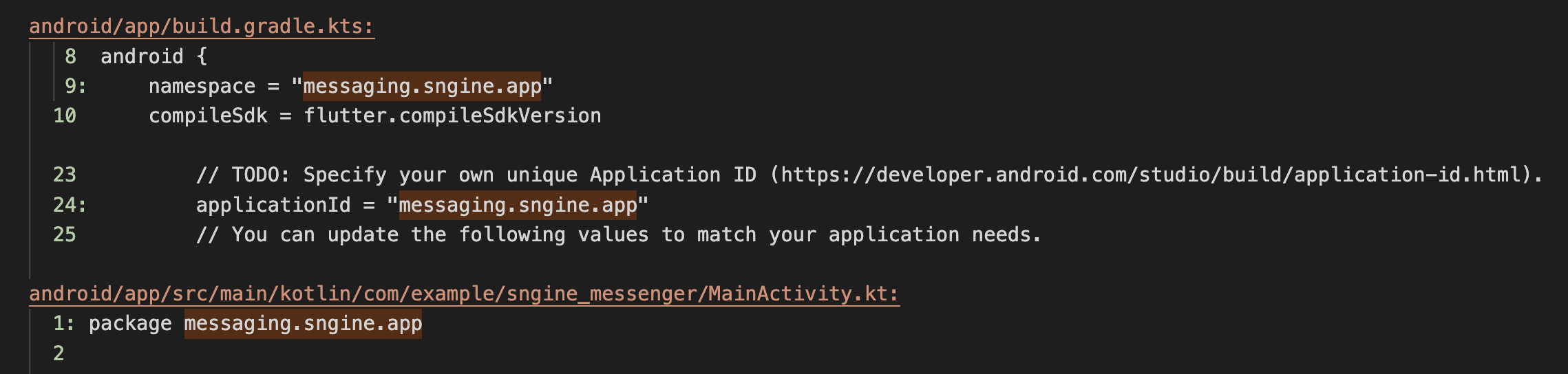
-
Select the Android folder from your source code folder and open it in Android Studio.
-
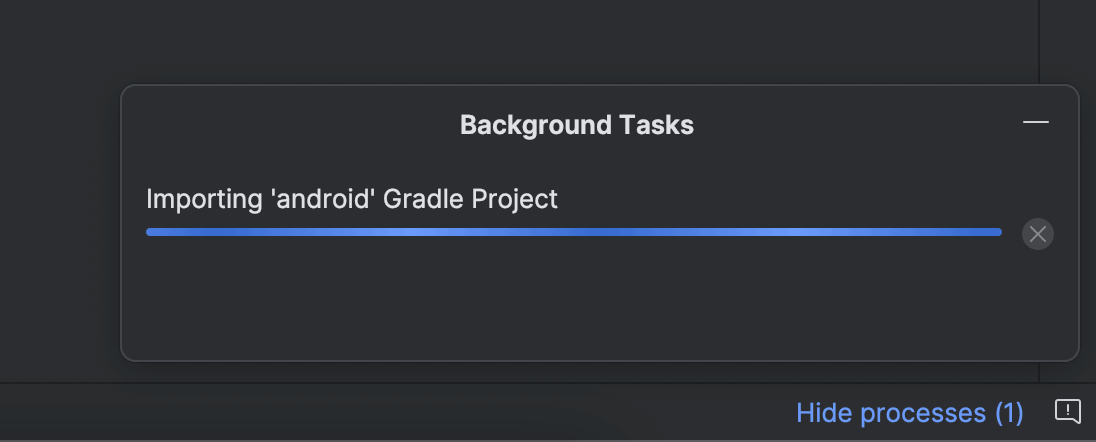
Once Android Studio is open let the Gradle build the app.
-
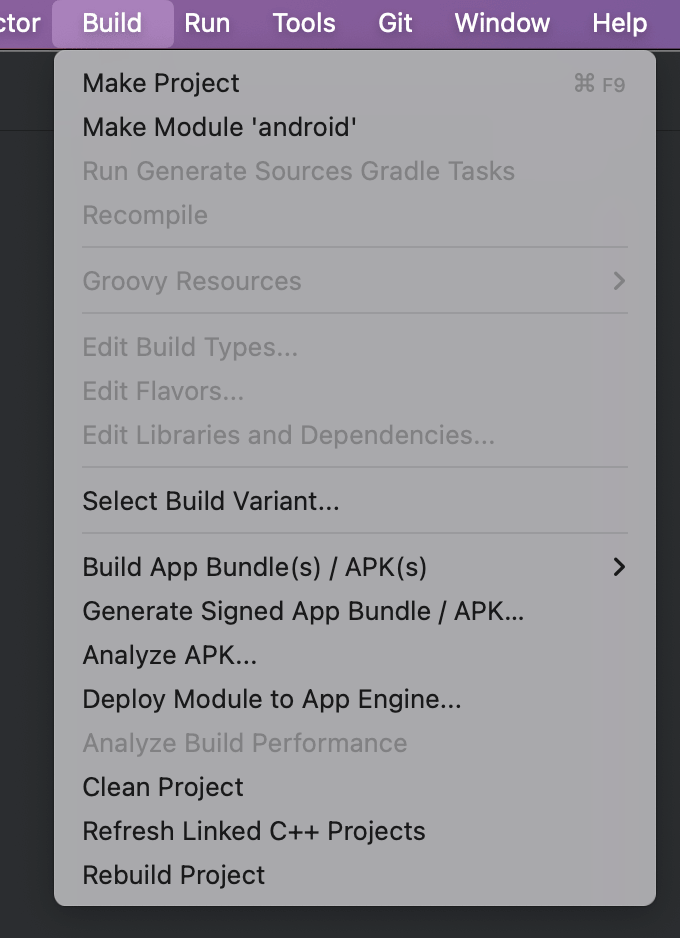
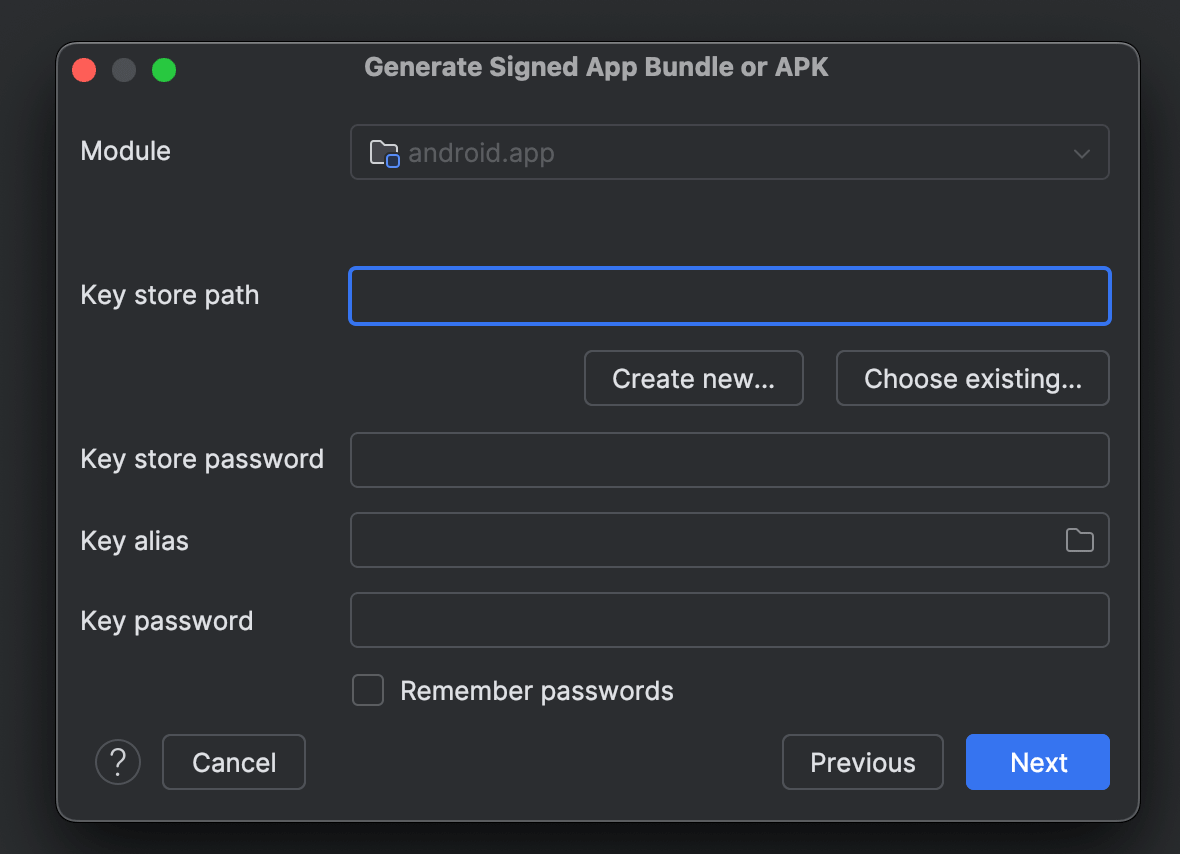
Once the Gradle build is finished, you can select from the menu Build > Generate Signed Bundle / APK....
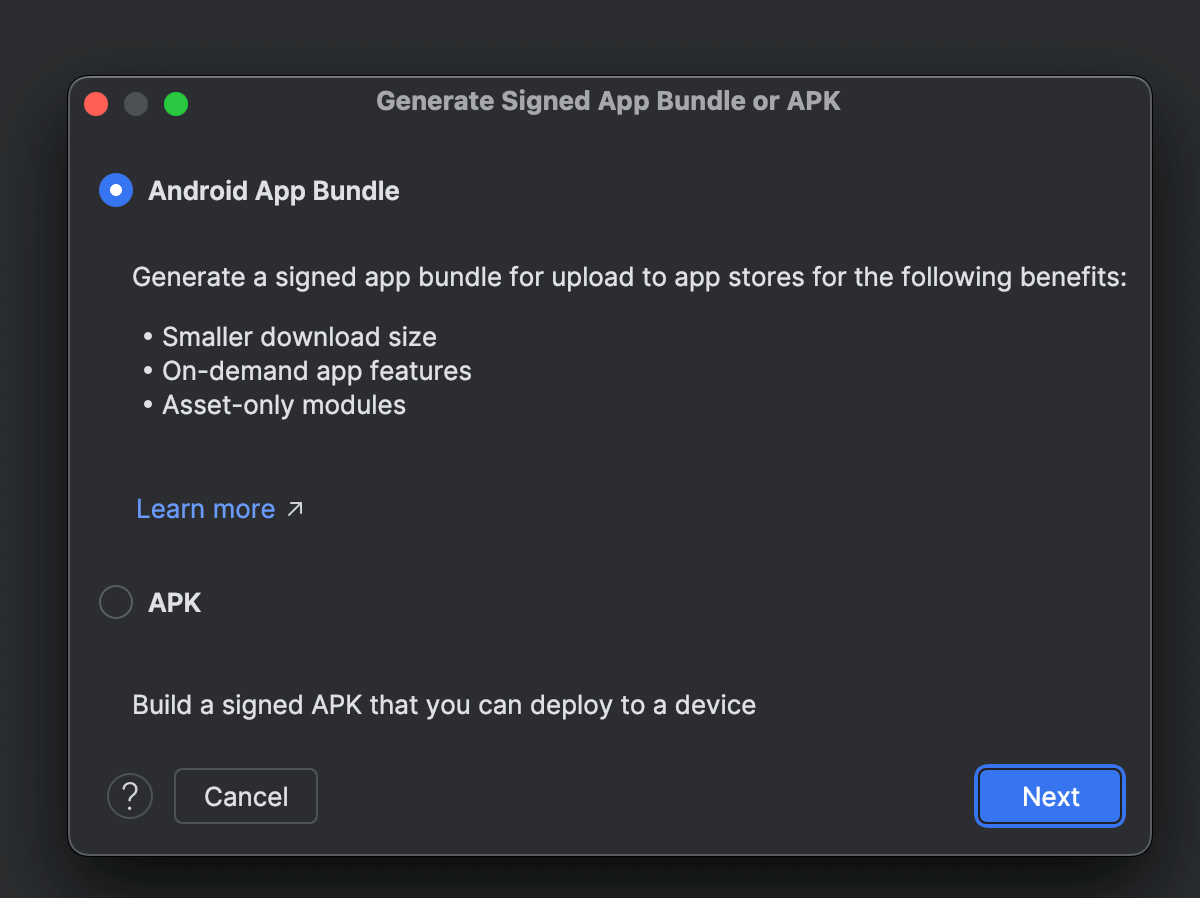
You will need to generate the keystore file and then you will select the AAB option.
-
You will see the
AABfile in the folder you selected to save the file.