


APIs Settings
First thing you need to make sure you are running the latest version of Sngine (v4.0 or higher) and now you need to configure your API settings.
-
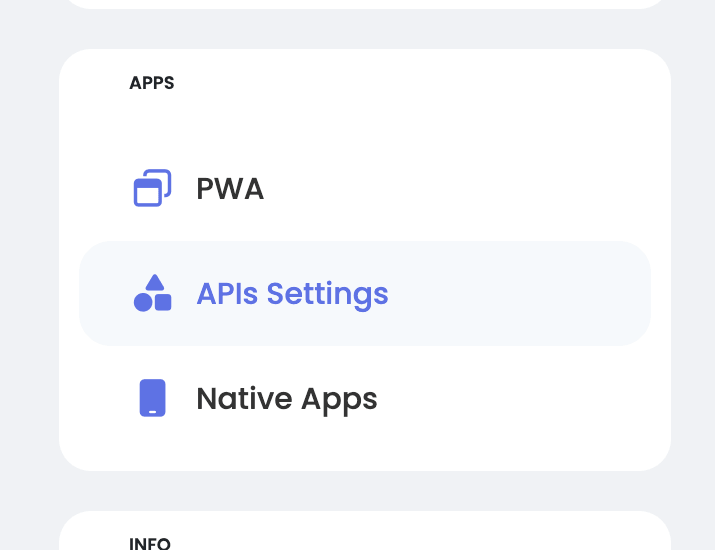
Go to your Sngine Admin Panel, then APIs Settings
-
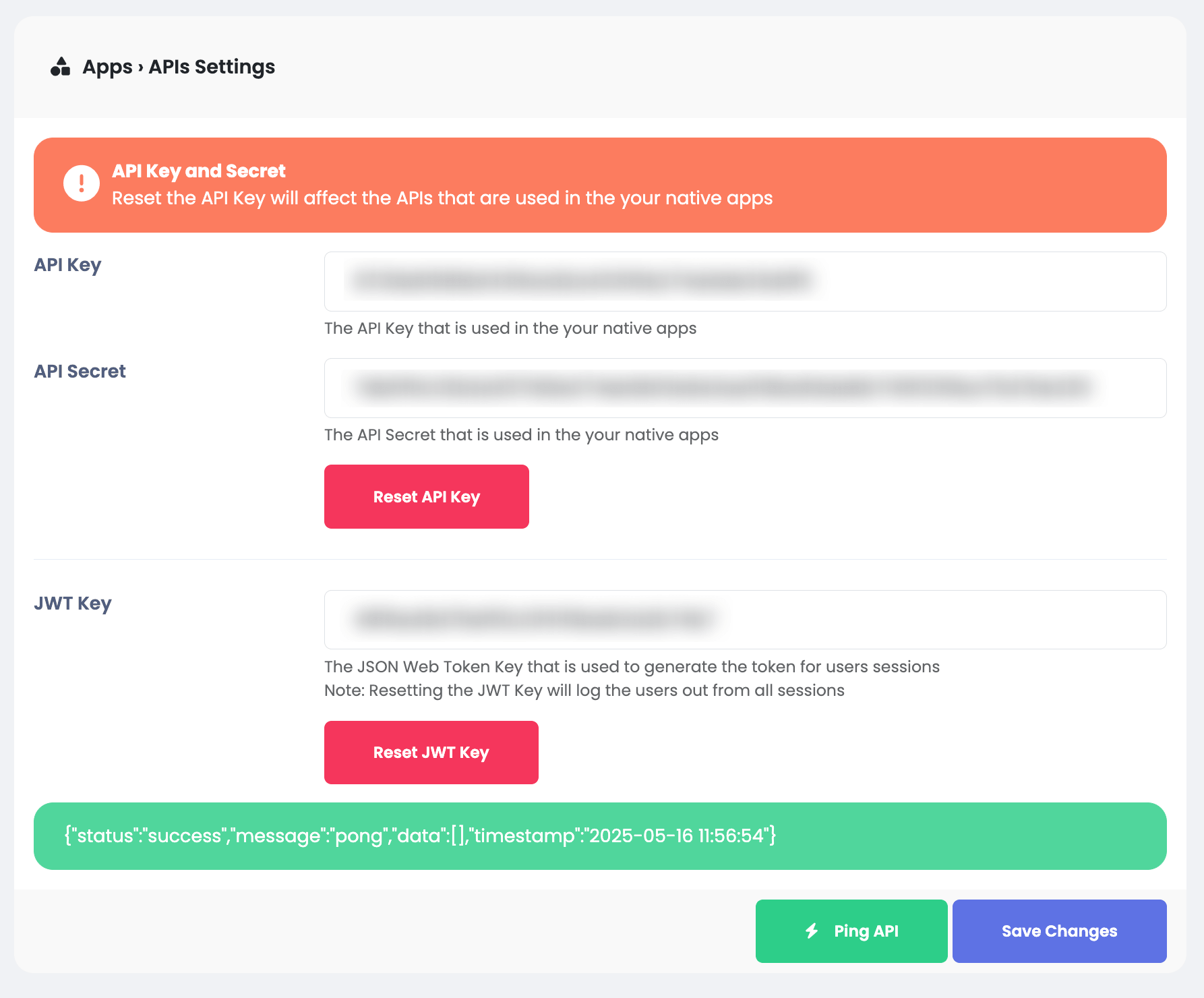
If the keys have not been generated yet, you can generate them from Reset API Key and the same for JWT Key for Reset JWT Key
Then you need to check if it's working fine by clicking on Ping API button until you see the success message like this:
-
You need to copy the API Key and API Secret and paste it in the apps
config.dartfile as will be shown shortly.