


App Configuration
In this section, we will guide you through the configuration of the app.
-
After opening the source code folder then go to
lib/common/config.dartfile and you will see the configuration file as will be shown in the screenshot below:You will paste the API Key, API Secret and OneSignal App ID in the
config.dartfile as will be shown in the screenshot below:For
apiURLit will be the URL of your Sngine server likehttps://demo.sngine.comwithout the/at the end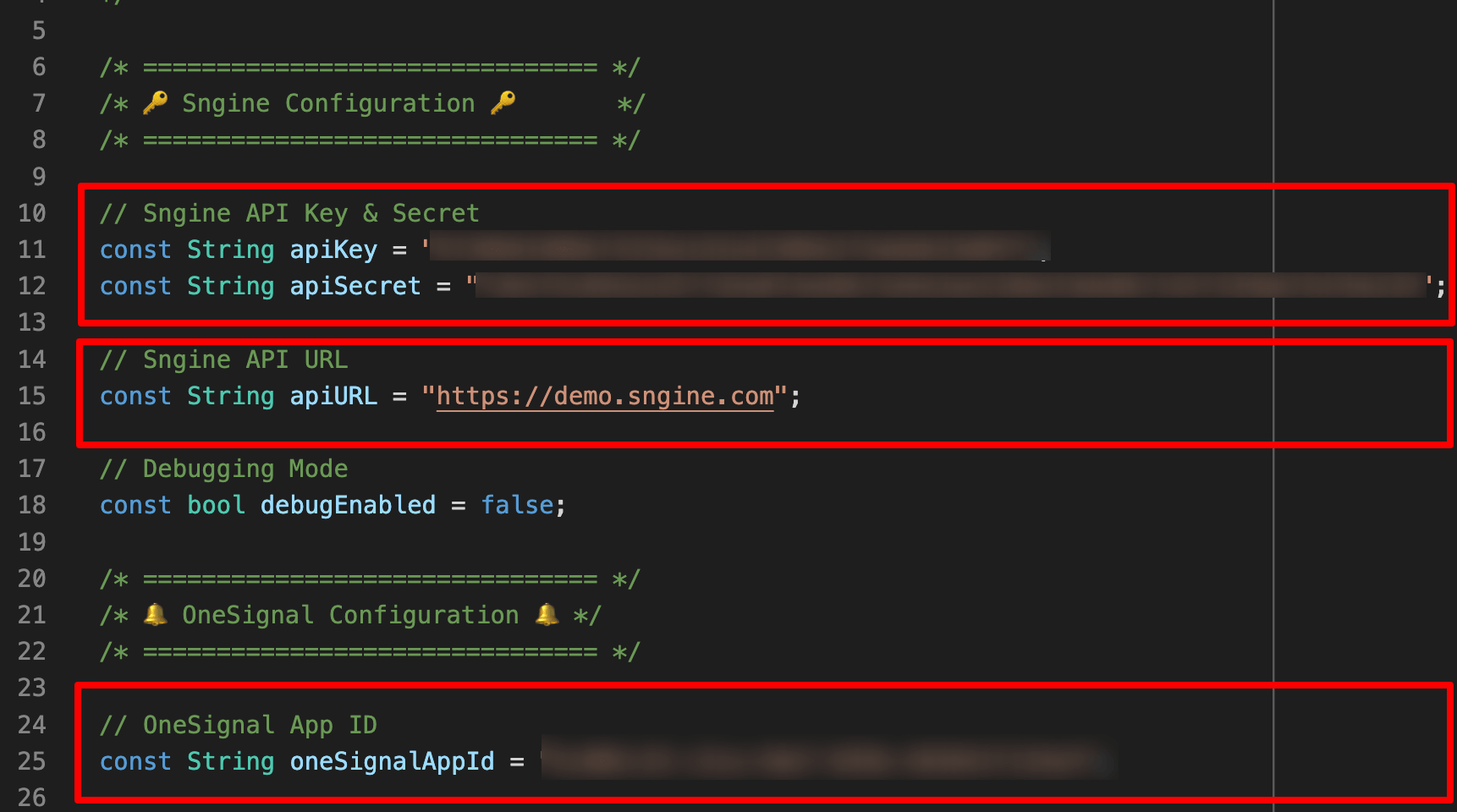
-
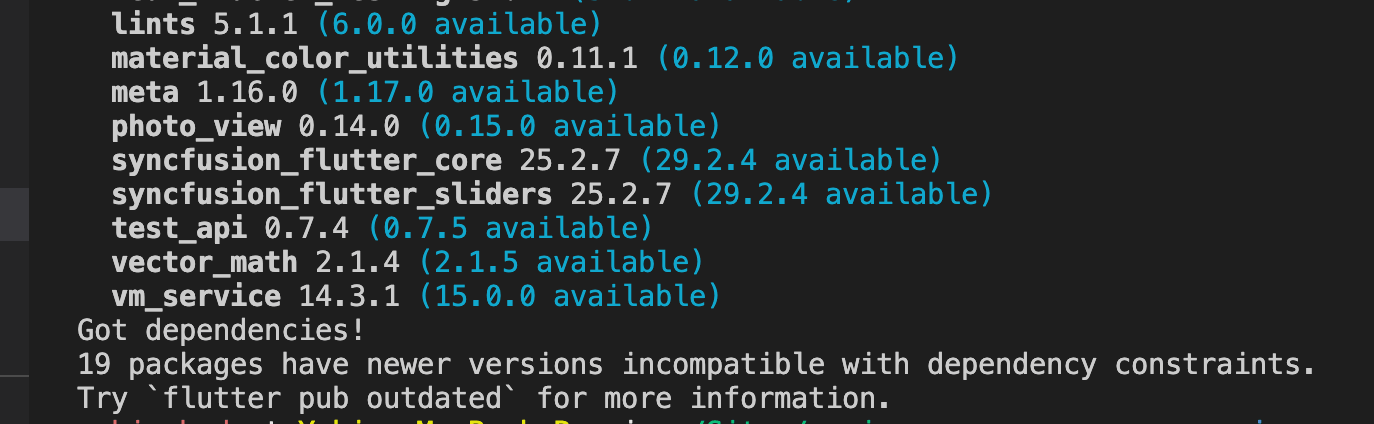
You need to run the following command to install the app dependencies.
flutter pub getYou can also open the
pubspec.yamland click on Get Packages button to install the dependencies.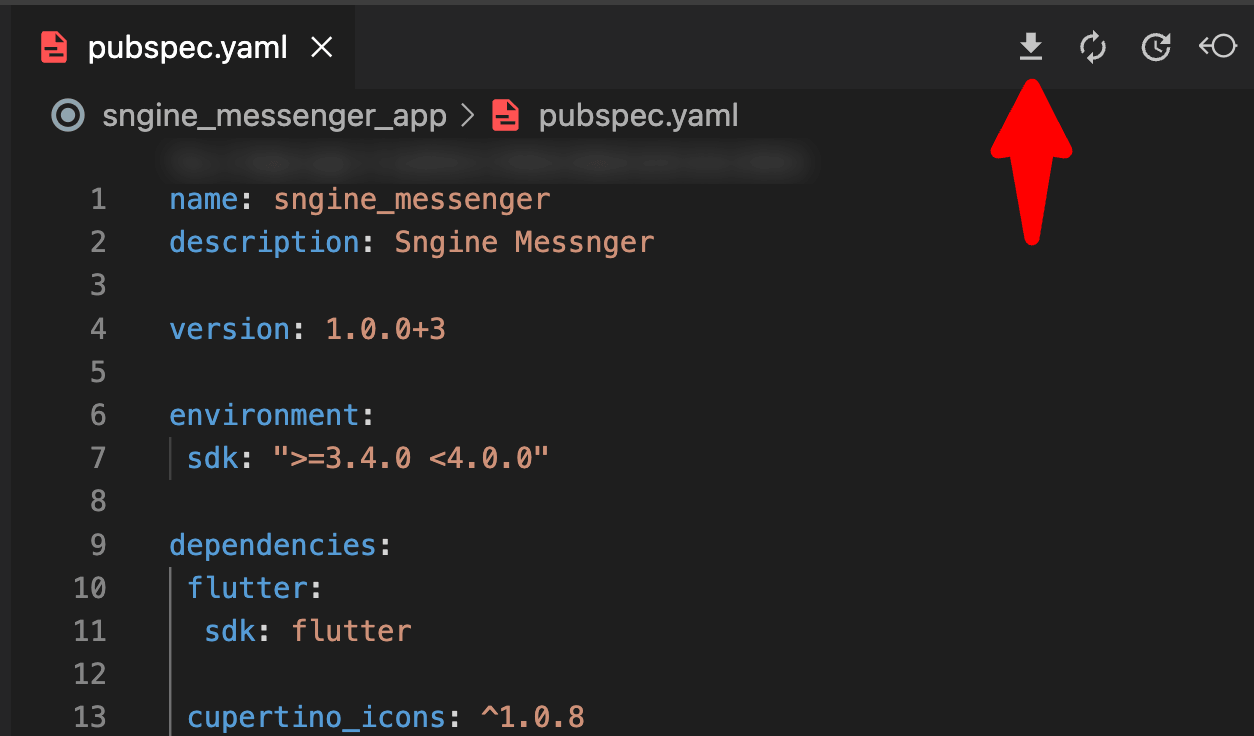
-
And that's it, you have successfully configured the app. You can customize the app as you want.